The 12 Best Free Resume Builder Tools of 2025
In today's hyper-competitive job market, your resume is more than just a document; it's your first impression, your digital handshake, and your ticket past the automated gatekeepers known as Applicant Tracking Systems (ATS). A poorly formatted or keyword-deficient resume can get you rejected before a human ever sees it. That's where a high-quality resume builder becomes an indispensable tool for any serious job seeker.
But with countless options available, how do you find the best free resume builder that balances professional design, ATS compatibility, and ease of use without hidden fees or frustrating paywalls? This guide cuts through the noise. We have meticulously tested and analyzed the top 12 free platforms to help you create a polished, effective resume that opens doors. Before you start building, it's essential to know the foundational elements of a strong application; understanding what to include in a resume is the first critical step.
In this resource, we'll dive into what makes each tool unique, from its standout features to its practical limitations. We provide direct links, screenshots, and clear use-case recommendations so you can confidently choose the perfect platform for your specific career goals.
1. Eztrackr Resume Builder
Eztrackr distinguishes itself not just as a tool but as a complete job application ecosystem, making it our top choice for the best free resume builder. It integrates a powerful, AI-driven resume creator directly into a comprehensive job-tracking platform. This synergy allows you to build, tailor, and track resumes for each application without ever leaving the system, eliminating the common chaos of managing multiple document versions.
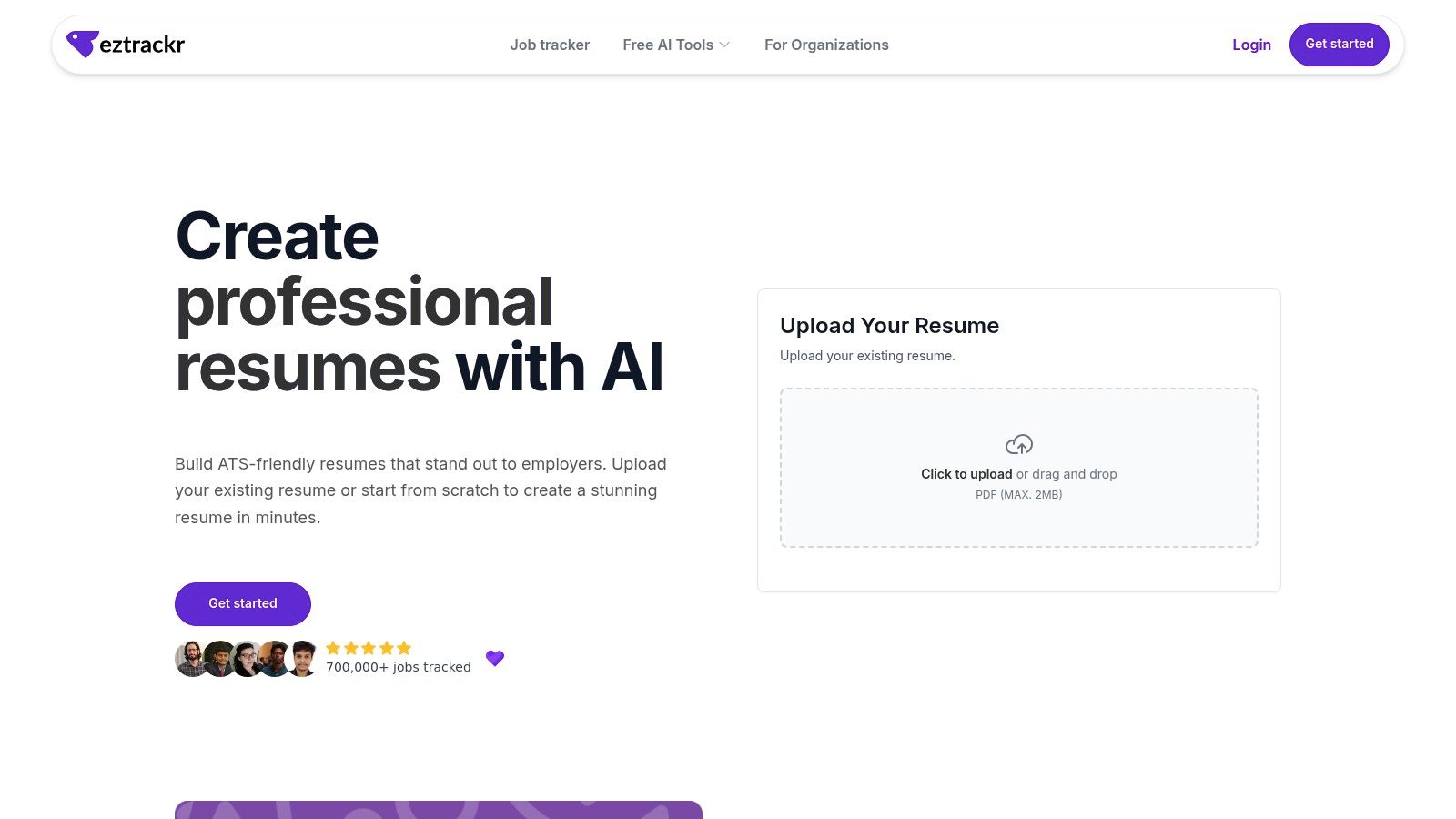
The platform’s strength lies in its data-backed optimization tools. As you build your resume, you receive an instant ATS score, providing immediate feedback on how your document will perform in automated screening systems. Its AI suggestions go beyond simple grammar checks, proposing stronger action verbs, helping you quantify achievements, and even analyzing your skills against specific job descriptions to highlight alignment. This transforms resume writing from a guessing game into a strategic, data-informed process.
Standout Features & Analysis
- AI-Powered Content Optimization: The AI assistant actively refines your resume's language. It suggests impactful, role-specific phrasing and helps convert vague duties into measurable achievements, a critical factor for catching a recruiter's eye.
- Integrated ATS Scoring & Skill Matching: This feature provides a real-time performance check. You can see your resume’s compatibility score and identify missing keywords or skills from a job description, allowing for precise, targeted edits.
- Seamless Workflow Integration: The builder is part of a larger system. You can use the Chrome extension to save jobs, track them on a Kanban board, and link your tailored resume to each application with a single click, creating an incredibly efficient workflow.
Pros and Cons
| Pros | Cons |
|---|---|
| Free with robust AI features that improve wording and tailor content for each role. | Requires creating a free Eztrackr account and needs an internet connection. |
| Built-in ATS optimization and instant scoring for rapid, data-driven improvements. | AI suggestions are powerful but still benefit from a final human review for voice. |
| Seamless integration with a job tracker, saving time and keeping applications organized. | Not designed as a standalone, offline editor. |
This holistic approach is ideal for job seekers managing multiple applications who need a streamlined, effective system. You can explore all the features on the Eztrackr Resume Builder page.
2. Resume.com
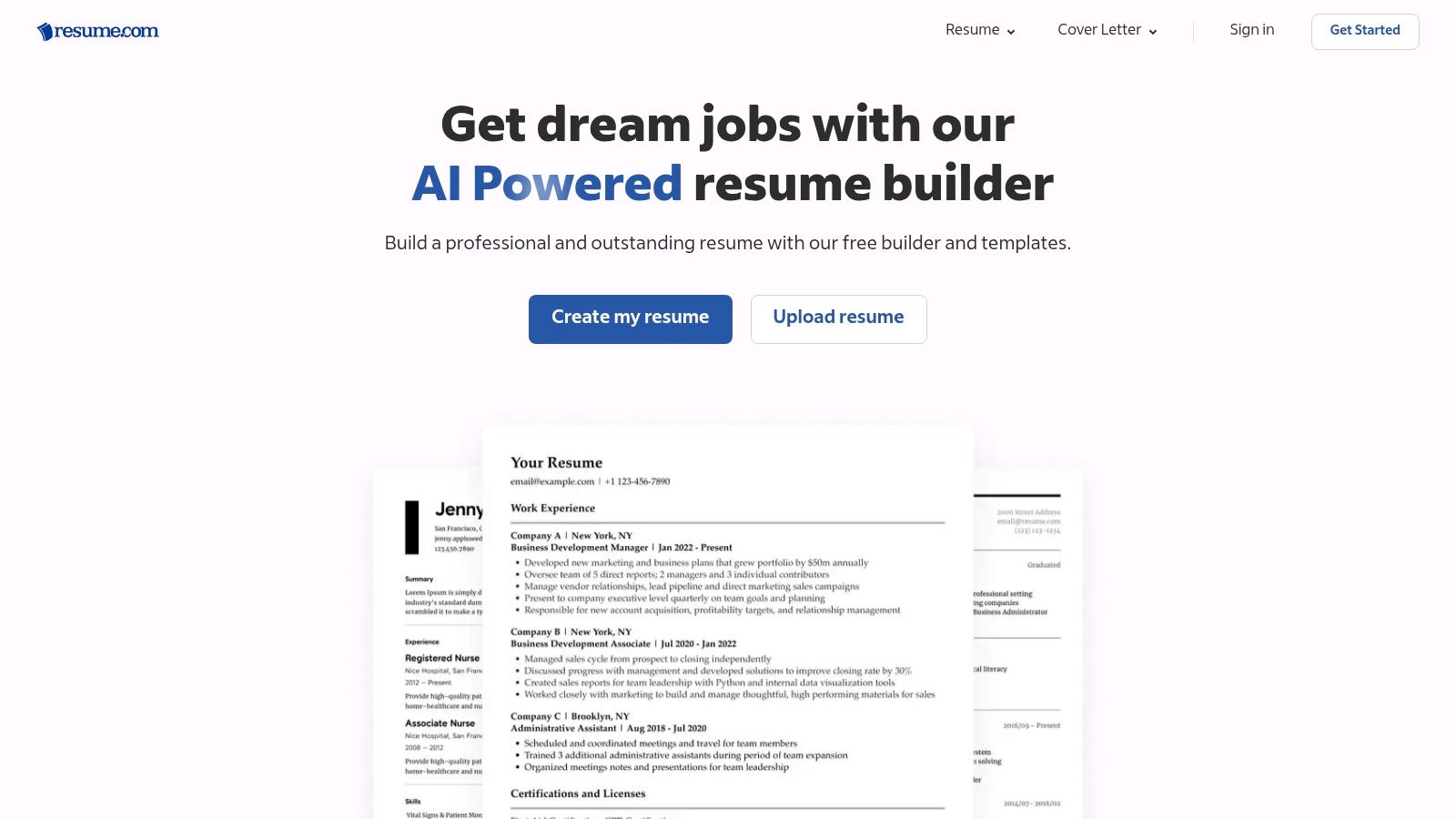
Resume.com, owned by the job search giant Indeed, stands out as a genuinely free resume builder. Unlike competitors that hide a paywall right before you download, this platform offers a completely free experience from start to finish. You can create, edit, store, and download an unlimited number of resumes in both PDF and TXT formats without ever being asked for payment. This makes it an excellent choice for job seekers who need a reliable, no-strings-attached tool.
The user interface is straightforward and clean, prioritizing functionality over flashy design. The web-based dashboard allows you to access and update your documents from anywhere, at any time.
Key Features and Assessment
While its templates are more traditional than what you'd find on premium platforms, they are professionally designed and ATS-friendly. The builder guides you through each section, offering helpful tips along the way. Although it lacks advanced AI writing assistants for sections like the summary, its simplicity is its core strength. You can easily craft a solid resume and export it with your chosen template intact. If you need help polishing your summary, you can use an external tool to assist with crafting the perfect introduction to your resume.
Pros:
- Completely Free: No paywalls, subscriptions, or hidden costs for core features.
- Unlimited Downloads: Save your resume as a PDF or TXT file as many times as you need.
- User-Friendly: Simple, intuitive interface makes building a resume quick and easy.
Cons:
- Basic Templates: The design selection is less modern and creative compared to paid tools.
- Limited AI Features: Lacks advanced AI-powered writing suggestions and optimizations.
Website: https://www.resume.com
3. Zety
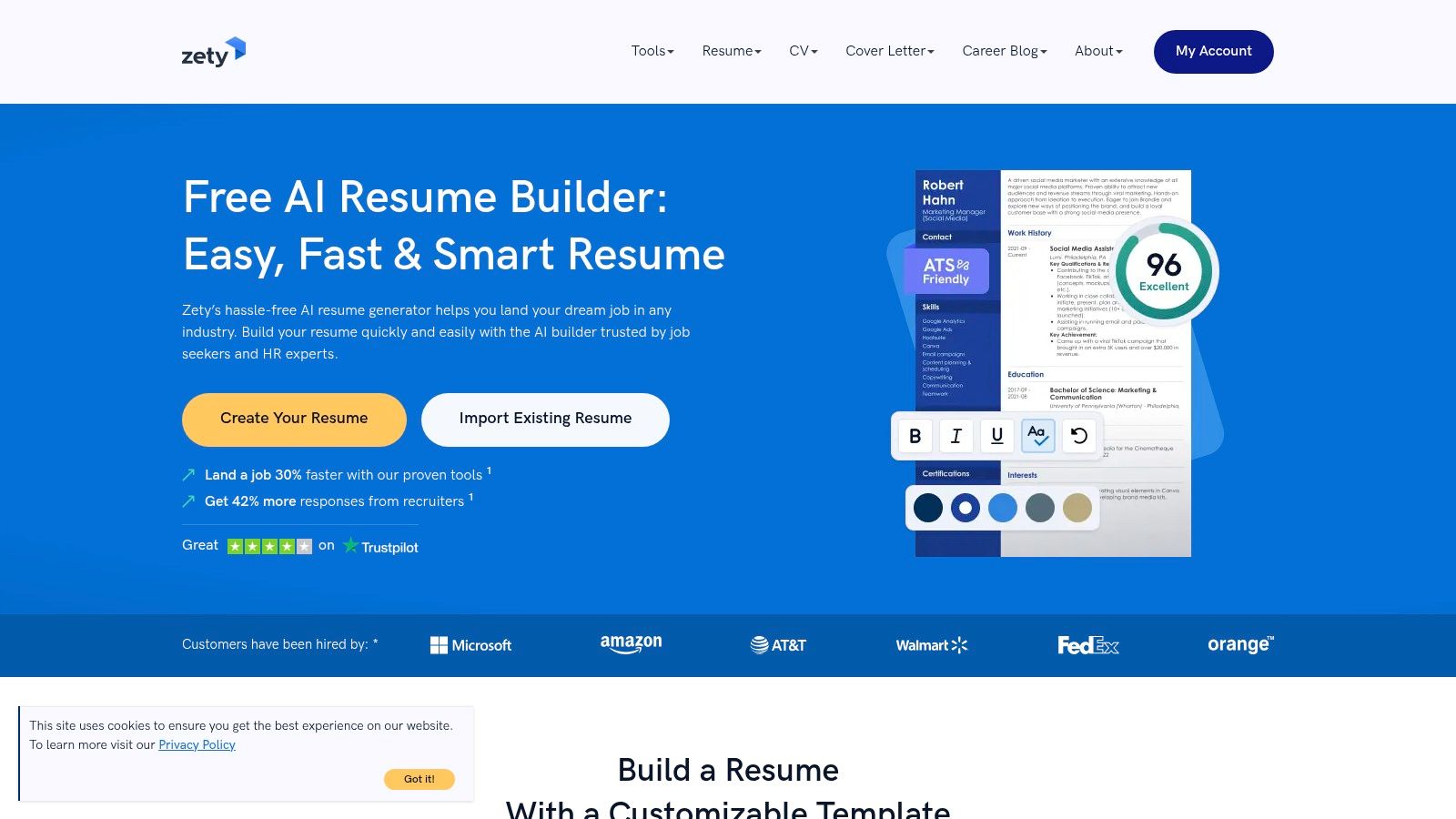
Zety is a highly polished and intuitive platform that offers one of the best user experiences among online resume builders. It guides users through a step-by-step process with helpful prompts and content suggestions, making it easy to create a professional-looking document. While building your resume and accessing its suite of templates is free, downloading the final product as a PDF or DOC file requires a paid plan or a low-cost trial.
However, Zety does allow you to download a plain text (TXT) version of your resume for free, which can be useful for copy-pasting into online application forms. The platform also includes a cover letter builder and a resume checker to help you optimize your content.
Key Features and Assessment
Zety excels with its user-friendly interface and modern, professional templates. The built-in content suggestions and quality checks are valuable for ensuring your resume is well-written and effective. Its templates are designed to be ATS-friendly, a critical feature for modern job applications. You can learn more about how to optimize your resume for ATS scanners to improve your chances. The primary drawback is the paywall for premium downloads, which can be a surprise for users who invest time building their resume.
Pros:
- Excellent User Experience: The guided, step-by-step process is smooth and intuitive.
- Professional Templates: Offers a strong selection of modern and visually appealing designs.
- Helpful Content Prompts: Provides useful suggestions and quality checks as you write.
Cons:
- Paywall for PDF/DOC: Downloading a formatted resume requires a subscription or trial payment.
- Pushy Upgrades: The platform frequently encourages users to upgrade to a paid plan.
Website: https://zety.com/resume-builder
4. Resume.io
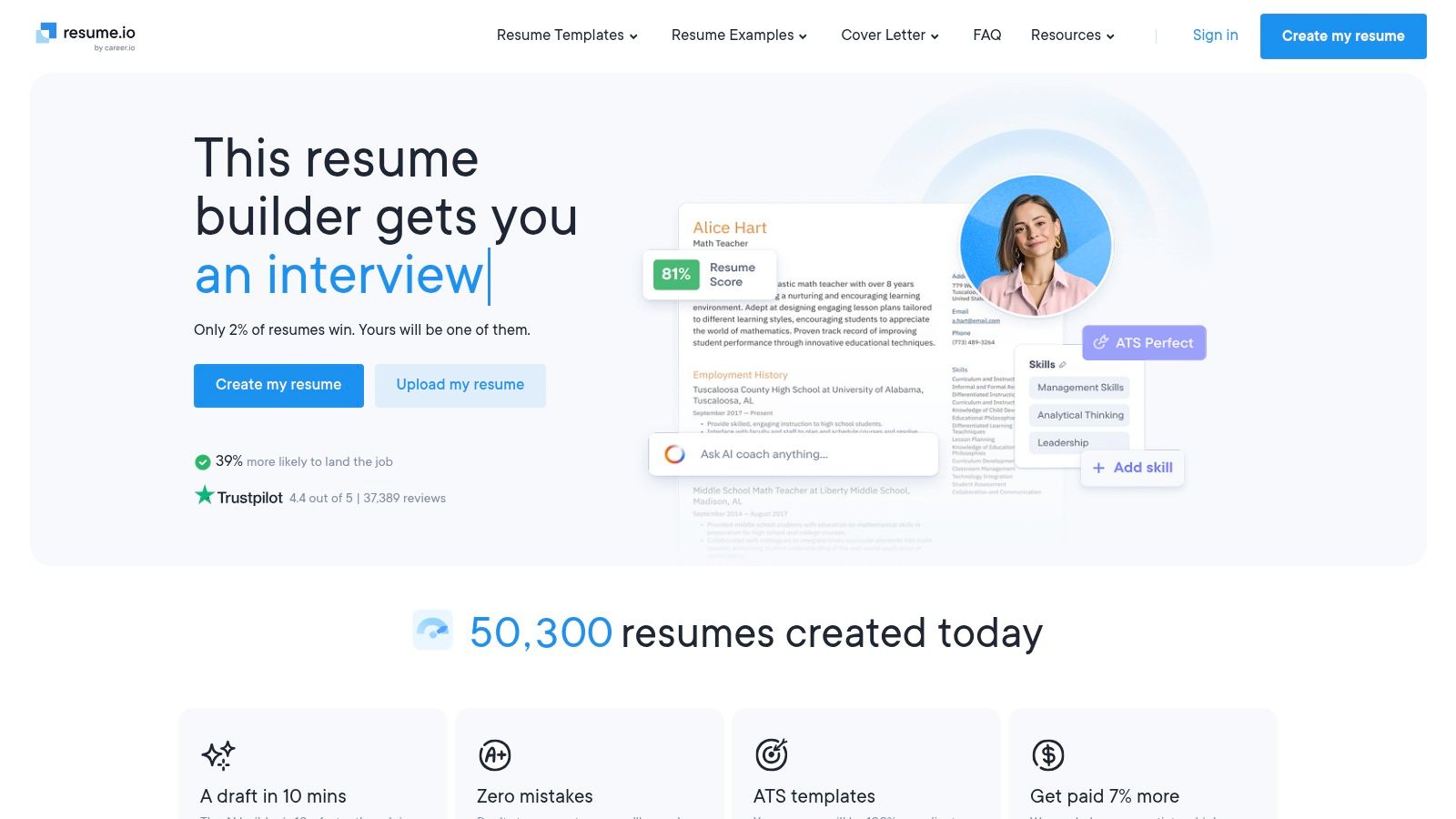
Resume.io offers a sleek, modern interface and a collection of professionally designed, ATS-tested templates that appeal to job seekers looking for a polished final product. The builder is fast and intuitive, guiding users through each section with pre-written phrases and tips to streamline the writing process. It stands out by including features like resume sharing and basic analytics, which are useful for tracking application views.
However, its “free” offering is more of a freemium model. While you can build your resume for free, the free plan only allows you to download it as a basic TXT file, which loses all visual formatting. Access to PDF downloads, unlimited resumes, and the cover letter builder requires a paid subscription.
Key Features and Assessment
The platform's strength lies in its high-quality, contemporary templates and user-friendly experience. The step-by-step process makes it easy to populate your resume with relevant information quickly. The cover letter builder is a nice addition for paid users, ensuring a consistent brand across all application documents. While the free plan is very limited, it can be used to draft content before manually formatting it elsewhere. Be cautious of the paid trial, as it often auto-renews into a monthly subscription if not canceled in time.
Pros:
- Modern ATS-Friendly Templates: Offers a great selection of visually appealing and scannable designs.
- Intuitive Interface: The building process is fast, clean, and straightforward.
- Sharing and Analytics: Paid users can share a link to their resume and see basic view analytics.
Cons:
- Restrictive Free Plan: The free download is a TXT file only, making it impractical for most applications.
- Paywall for Key Features: PDF downloads, cover letters, and unlimited creation are behind a subscription.
- Auto-Renewing Trial: The paid trial can lead to unexpected charges if not actively canceled.
Website: https://resume.io
5. Novorésumé
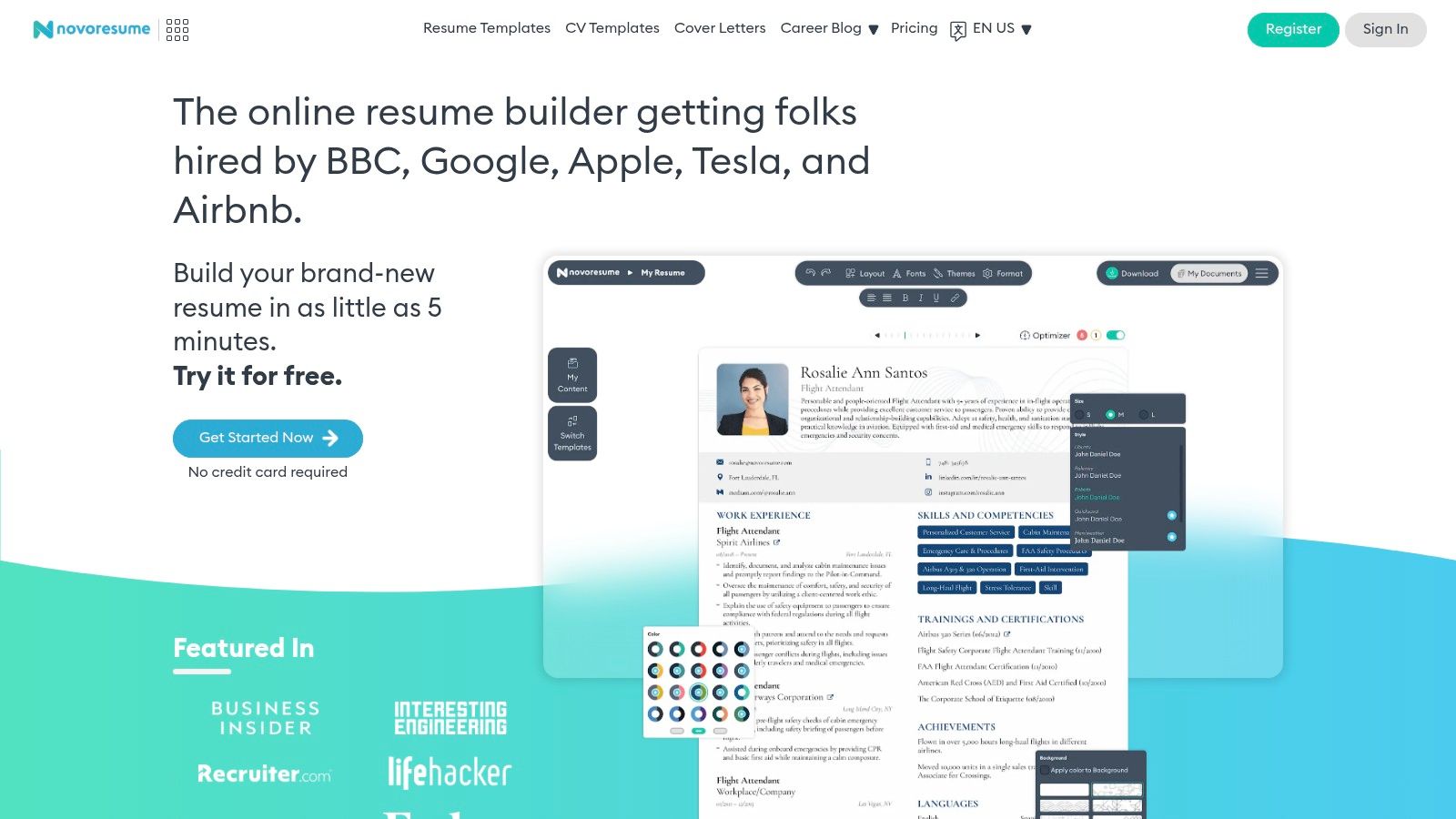
Novorésumé is a highly respected resume builder that focuses on creating clean, professional, and ATS-friendly documents. The platform’s strength lies in its meticulously designed templates that balance modern aesthetics with the structural requirements of applicant tracking systems. The free Basic plan is excellent for creating a concise, single-page resume, making it a great option for recent graduates or professionals with straightforward career histories.
While a free account limits you to one page, it provides access to high-quality layouts that many other tools charge for. The user interface is intuitive, guiding you through each section with helpful tips and real-time previews of your document.
Key Features and Assessment
Novorésumé's free tier delivers a polished final product, but its most powerful features are reserved for premium users. Upgrading unlocks multi-page resumes, matching cover letter templates, and advanced customization options like custom color themes and backgrounds. This makes it a great "freemium" model where you can test the core functionality before deciding to invest. For users needing a simple but effective one-page resume, Novorésumé is one of the best free resume builder options available due to its design quality and focus on ATS compatibility.
Pros:
- Clean, ATS-Friendly Output: Templates are designed to be easily parsed by applicant tracking systems.
- Clear, Upfront Pricing: Offers one-time premium billing options, avoiding recurring subscriptions.
- High-Quality Free Templates: The free designs are professional and well-structured.
Cons:
- Limited Free Tier: The free plan restricts users to a single-page resume and fewer customizations.
- Premium Features: Many desirable features, like matching cover letters, require an upgrade.
Website: https://novoresume.com
6. Canva
Canva is a powerhouse graphic design platform that doubles as an excellent free resume builder for those prioritizing visual appeal. While not a dedicated resume tool, its massive library of free, professionally designed templates offers creative options far beyond what typical builders provide. Users can easily customize colors, fonts, and layouts with its intuitive drag-and-drop editor, making it ideal for creative fields where a visually striking resume can make a difference.
The free plan is robust, allowing you to create, customize, and download your resume as a high-quality PDF without any watermarks. This accessibility makes Canva a top choice for job seekers who want a custom-designed document without paying for premium software.

Key Features and Assessment
Canva's strength lies in its design flexibility. You can start with a template or build from scratch, incorporating unique design elements to match your personal brand. However, because it's a general design tool, you must be careful to ensure your final design is ATS-friendly. Stick to standard fonts, clear headings, and a single-column layout to avoid parsing errors. While some premium assets require a Pro subscription, the free library is extensive enough for most needs.
Pros:
- Exceptional Design Variety: Huge library of creative and modern resume templates.
- Highly Customizable: Easy-to-use drag-and-drop editor for full control over the final look.
- No Watermarks on Free Plan: Download your finished resume as a clean PDF for free.
Cons:
- Not ATS-Optimized by Default: Users must ensure their design choices are compatible with applicant tracking systems.
- Premium Assets: The best graphics, fonts, and photos are locked behind a Pro subscription.
Website: https://www.canva.com
7. Adobe Express
Best known for its powerful creative suite, Adobe also offers a free resume builder through its Adobe Express platform. This tool is ideal for job seekers who prioritize design and visual appeal. It provides thousands of professionally designed templates that are far more creative and modern than what typical resume builders offer. The core resume creation and PDF download features are completely free, offering a great balance between polished design and accessibility.
The web-based editor feels intuitive, especially for those familiar with other design software. It allows for a high degree of customization, letting you tweak fonts, colors, and layouts to perfectly match your personal brand.

Key Features and Assessment
Adobe Express excels with its massive template library and powerful editing tools, including generative AI features to help refine text. While the platform is a fantastic free resume builder, it's crucial to remember that its design-heavy templates may not always be ATS-friendly. Users should stick to clean, single-column layouts and standard fonts to ensure their resume passes through automated screening systems. Cross-device syncing is a major plus, allowing you to edit on the go.
Pros:
- Strong Design Pedigree: Access to thousands of high-quality, visually appealing templates.
- Free Core Features: Create, customize, and download your resume as a PDF without payment.
- Cross-Device Sync: Easily edit and access your documents from any device.
Cons:
- Potential ATS Issues: Creative, multi-column layouts can be difficult for applicant tracking systems to parse.
- Premium Asset Upsells: Some advanced design elements and stock photos require a paid subscription.
Website: https://www.adobe.com/express/create/resume
8. Microsoft Create (Word templates)
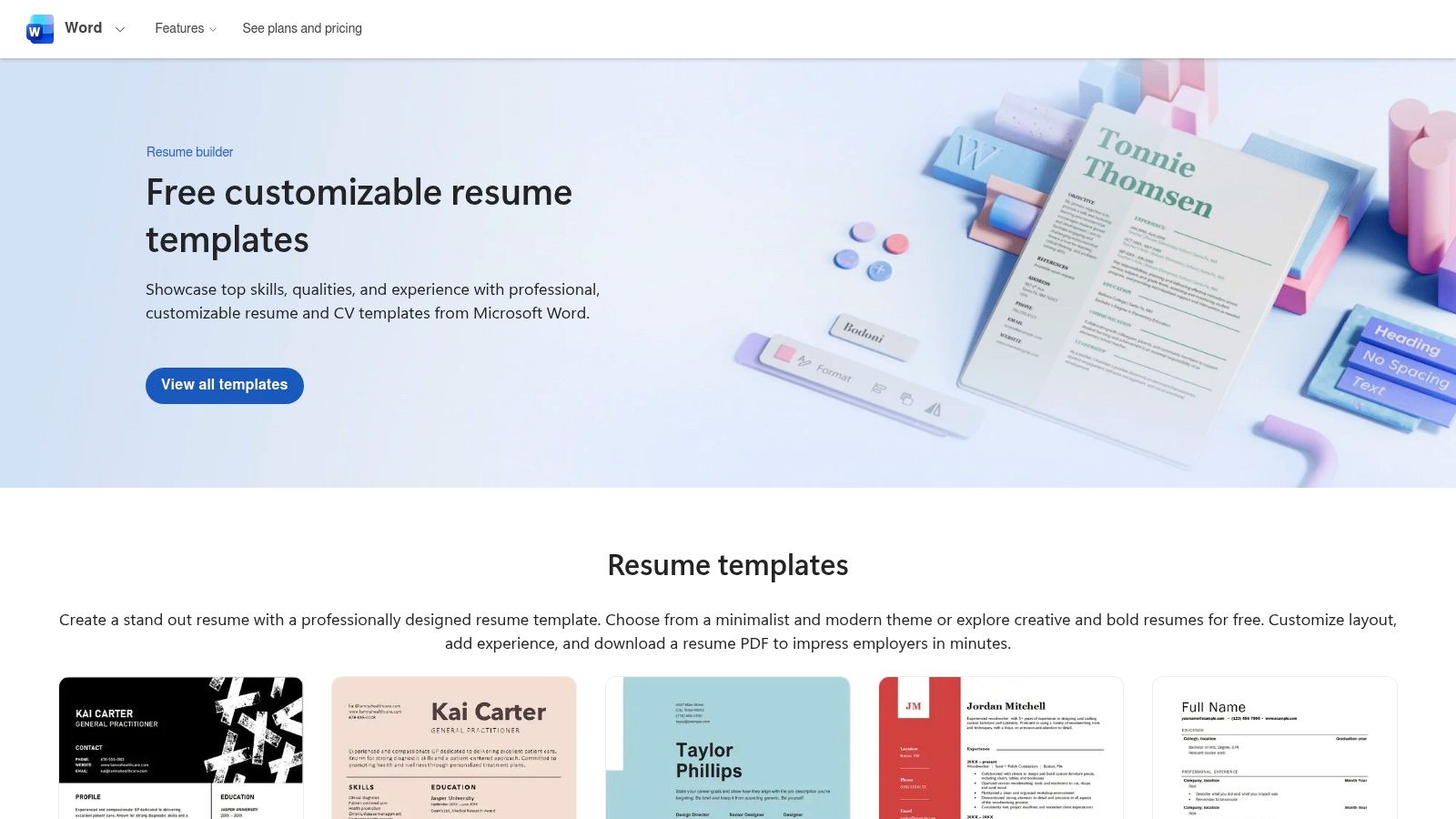
For those who prefer a more hands-on approach and trust the familiarity of Microsoft Word, Microsoft Create offers a vast gallery of free resume templates. This isn't a guided builder but a repository of professionally designed DOCX files you can download and edit directly. This classic method remains a reliable option, as the DOCX format is universally accepted by employers and performs exceptionally well with Applicant Tracking Systems (ATS), ensuring your information is parsed correctly.
This platform is ideal for users who already have Microsoft Word and want full control over the final document without learning a new interface. The process is simple: browse, download, and start writing.
Key Features and Assessment
Microsoft Create provides a diverse selection of templates, from modern and creative to basic and traditional, suitable for various industries and career levels. Many resume templates also come with matching cover letter designs for a cohesive application package. Since there is no online builder, you have complete freedom to customize layouts, fonts, and colors within Word. However, this also means you are responsible for all the writing and formatting, as there are no AI suggestions or content prompts to guide you.
Pros:
- ATS-Friendly Format: The DOCX format is highly compatible with nearly all ATS software.
- Completely Free: No paywalls or subscriptions are needed to download and use the templates.
- Total Customization: Offers full editing control within the familiar Microsoft Word environment.
Cons:
- No Guided Builder: Lacks the step-by-step guidance and content suggestions of a dedicated resume builder.
- Requires Software: You need Microsoft Word (desktop or the free online version) to edit the files.
Website: https://create.microsoft.com/en-us/templates/resumes
9. Google Docs (Template Gallery)
While not a dedicated builder, Google Docs offers a gallery of professional resume templates that serve as an excellent, completely free starting point. Accessible with any Google account, these templates provide a clean, no-fuss foundation for crafting your resume. Its primary advantage is the familiar, powerful editing environment of Google Docs itself, which allows for real-time collaboration, easy sharing, and cloud-based access from any device. This makes it a top choice for those who value simplicity and control over their document.
The process is straightforward: choose a template, replace the placeholder text with your information, and customize the layout as needed. This manual approach makes it one of the best free resume builder options for users who want full creative freedom without the constraints of a structured builder interface.
Key Features and Assessment
The templates provided are generally clean, professional, and structured in an ATS-friendly manner. Since you are working within a standard word processor, you have complete control over every element, from fonts and margins to section placement. The ability to export to both PDF and DOCX formats is a crucial feature, ensuring compatibility with virtually all job application systems. While it lacks the guided prompts and content suggestions of dedicated builders, its simplicity and universal accessibility make it a reliable tool for any job seeker.
Pros:
- Completely Free: No cost to use with a standard Google account.
- Total Customization: Full control over every aspect of the document’s design and content.
- Easy Collaboration: Share your resume with others for real-time feedback and editing.
Cons:
- No Content Guidance: You must provide all your own content without AI suggestions or prompts.
- Limited Template Designs: The initial selection of templates is smaller and less varied than dedicated platforms.
Website: https://docs.google.com
10. USAJOBS
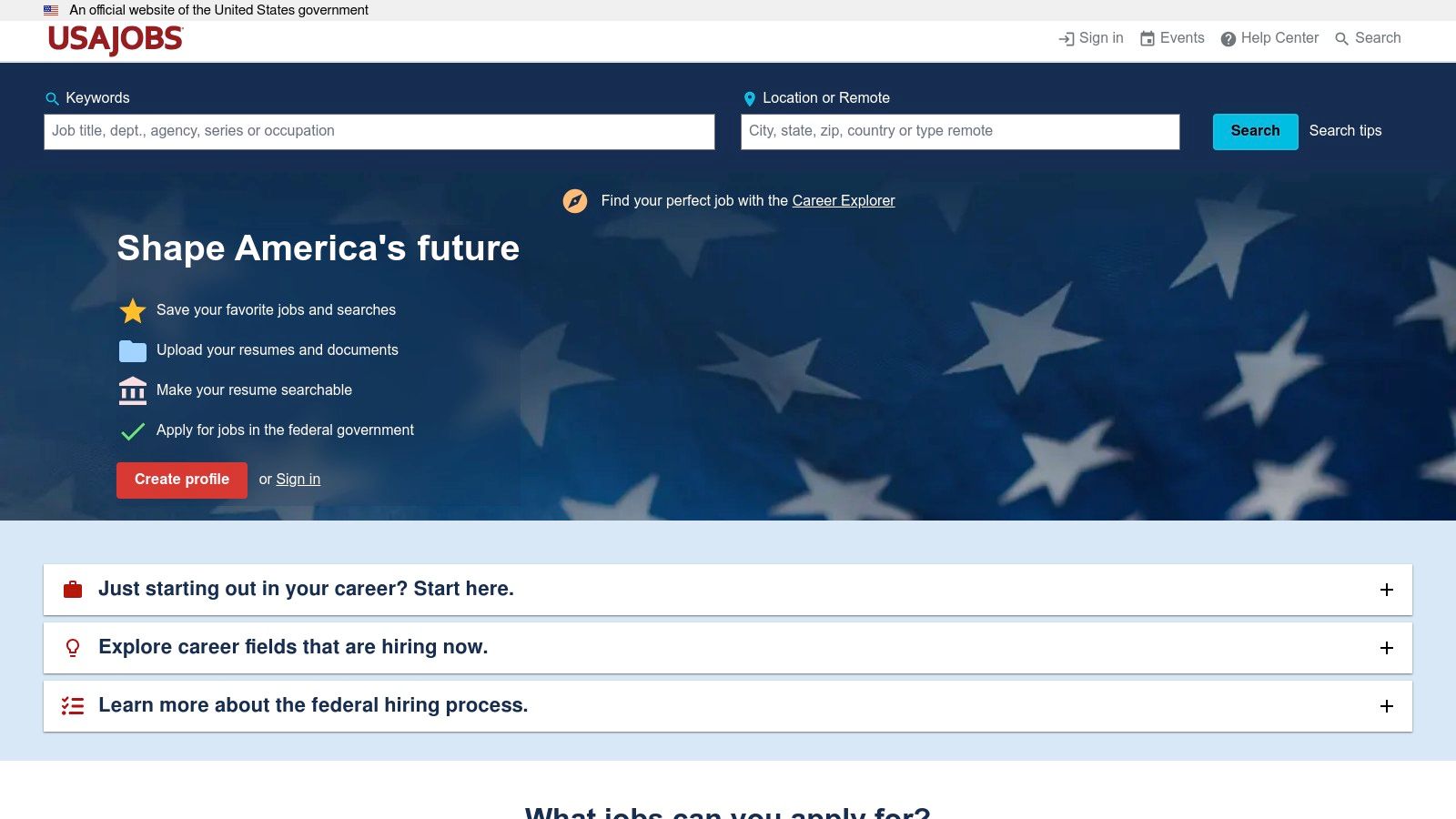
For anyone aspiring to a career in the U.S. federal government, the USAJOBS platform offers an indispensable and highly specialized resume builder. This tool is designed explicitly for federal job applications, which have unique requirements that differ significantly from private sector resumes. Instead of a standalone service, this is a fully integrated feature of your USAJOBS profile, allowing you to build, store, and directly submit your resume for federal job announcements.
The platform guides you through creating a resume that meets the specific expectations of federal hiring managers. It emphasizes detailed descriptions of your experience, skills, and accomplishments, ensuring you provide the comprehensive information required for government roles. This is a critical feature that makes it a top-tier best free resume builder for this specific niche.
Key Features and Assessment
The USAJOBS resume builder allows you to store up to five different resumes, which you can tailor to various federal job series or agencies. You can also make your resume searchable, allowing federal recruiters to find your profile for relevant openings. While the builder is an invaluable tool for navigating the federal application process, its format is rigid and prioritizes compliant content over creative design. The focus is purely on function and adherence to strict government HR standards.
Pros:
- Purpose-Built: Perfectly tailored for federal job applications and HR expectations.
- Fully Integrated: Create and submit your resume directly within the USAJOBS application portal.
- Completely Free: No cost to build, store, or submit your federal resume.
Cons:
- Rigid Format: Offers no creative or modern design templates; function over aesthetics.
- Niche-Specific: Not suitable for private sector job applications.
Website: https://www.usajobs.gov
11. Teal
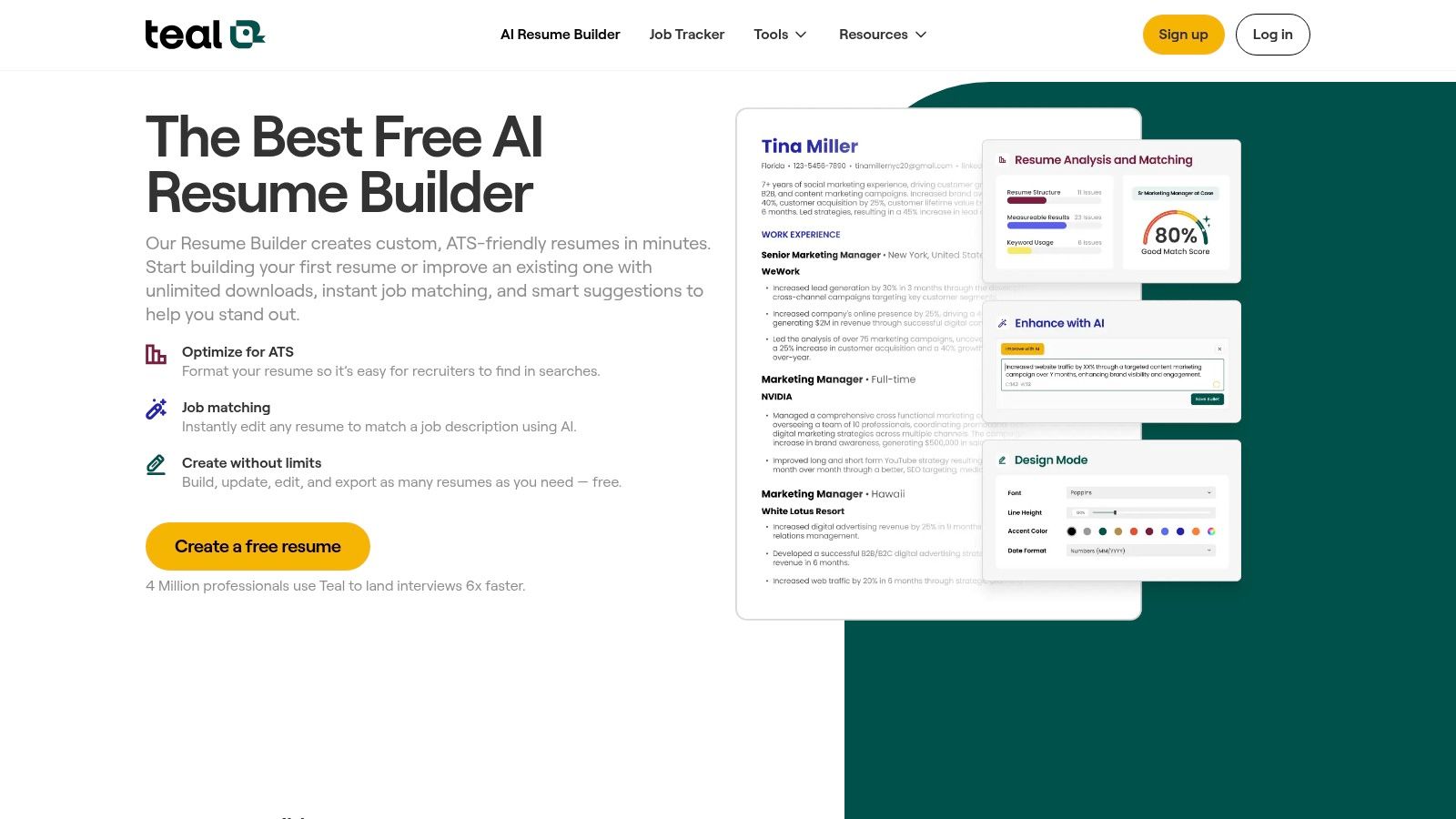
Teal positions itself as more than just a resume builder; it’s an all-in-one job search management platform. Its resume tool stands out because it offers unlimited resume creation and free PDF or Word exports without a paywall, a significant advantage over many competitors. This makes it an excellent choice for job seekers who need a powerful, ATS-friendly tool that integrates directly into their application workflow.
The platform is designed to help you tailor your resume for specific job descriptions. It includes job tracking tools and a Chrome extension to import job details and contacts directly from sites like LinkedIn, creating a seamless process from finding a role to applying for it.
Key Features and Assessment
Teal’s strength lies in its practical, workflow-oriented features. The free version provides basic AI suggestions to help you craft compelling bullet points and a professional summary. Its keyword matching tool helps you align your resume with the job description, increasing your chances of passing through an Applicant Tracking System (ATS). While the most advanced AI analytics and premium templates are reserved for the paid Teal+ subscription, the free offering is robust enough for most job seekers looking for a truly functional, free resume builder.
Pros:
- No Download Paywall: Freely create and export unlimited resumes in PDF and Word formats.
- Integrated Job Tracker: A powerful tool to manage your entire job search process in one place.
- ATS-Focused: Tools are designed to help you optimize your resume for specific job postings.
Cons:
- Advanced Features are Paid: Premium templates and in-depth AI analysis require a Teal+ subscription.
- Smaller Template Library: The focus is on function over form, with fewer design options than dedicated design tools.
Website: https://www.tealhq.com/tools/resume-builder
12. Rezi
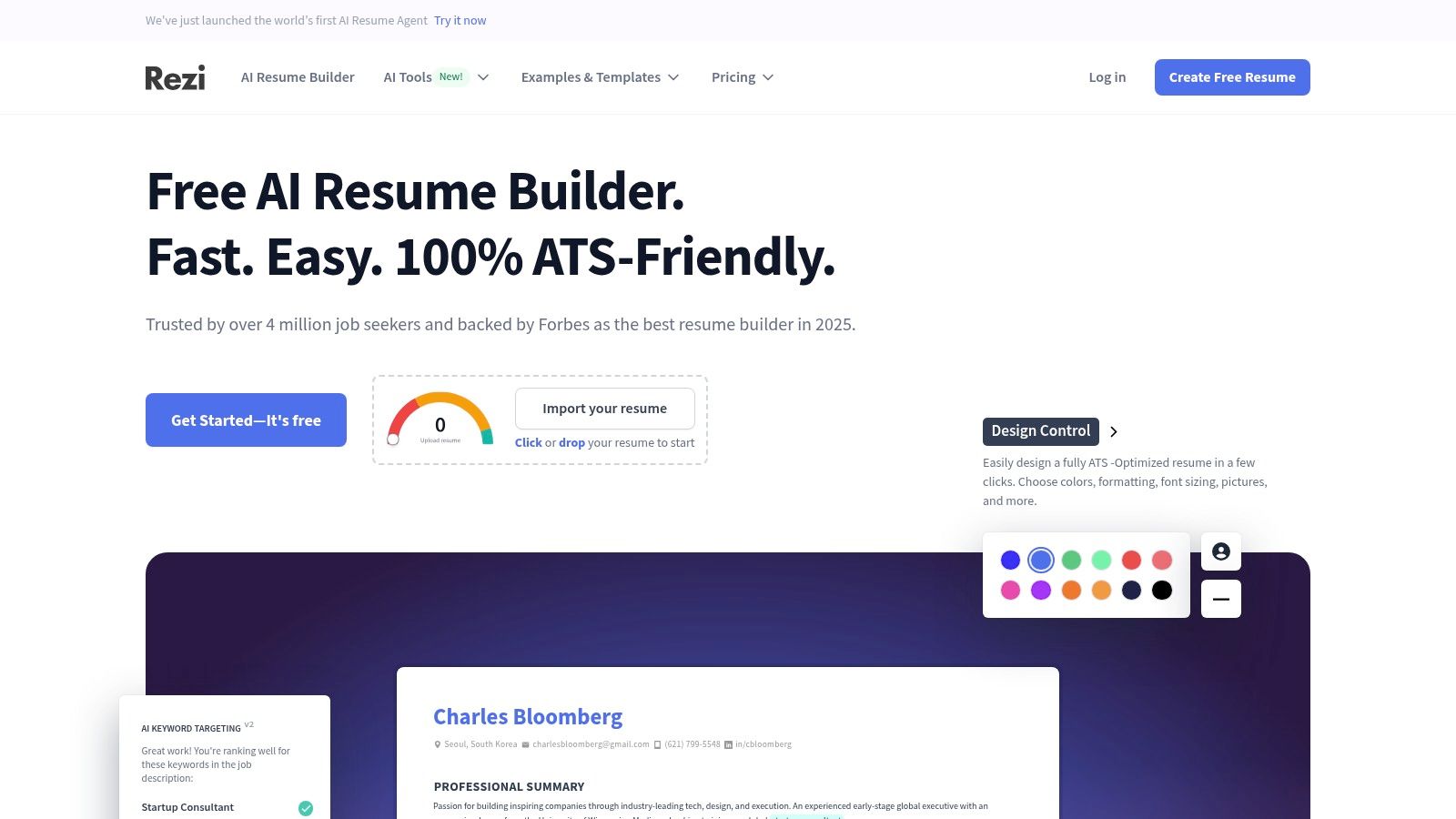
Rezi distinguishes itself with a strong focus on Applicant Tracking System (ATS) optimization, making it a powerful tool for job seekers aiming to pass through automated screening systems. It leverages AI to help users target their resumes with relevant keywords and provides an analysis score to gauge its effectiveness. This makes it one of the best free resume builder options for those who are serious about tailoring their applications for specific roles and getting past initial HR filters.
The platform offers a clean, modern interface that guides users through the resume-building process. While the free plan has some notable limitations, it provides a solid foundation for creating a professional, ATS-friendly document.
Key Features and Assessment
Rezi's free plan allows for one resume and up to three PDF downloads, which is suitable for targeting a few key positions. Its AI content analysis and keyword targeting tools are the standout features, helping to align your resume with job descriptions effectively. You can learn more about how Rezi's ATS-focused approach can improve your document by understanding resume scoring. For unlimited downloads, DOCX exports, and advanced AI features, you will need to upgrade to a paid plan, which is available as a monthly or lifetime subscription.
Pros:
- Strong ATS Optimization: AI-driven keyword targeting and content analysis help your resume pass automated screens.
- Modern Templates: Offers a selection of contemporary, ATS-friendly designs.
- Clear Upgrade Paths: Provides flexible monthly and lifetime options for premium features.
Cons:
- Highly Limited Free Plan: Only one resume and three PDF downloads are permitted.
- Core AI Features Paywalled: The most powerful AI writing and optimization tools require a subscription.
Website: https://www.rezi.ai
Top 12 Free Resume Builders Comparison
| Product | Core features | UX / Quality (★) | Price & Value (💰) | Best for (👥) | Standout / Unique (✨) |
|---|---|---|---|---|---|
| Eztrackr Resume Builder 🏆 | AI-powered ATS optimization, instant scoring, skill-match, Chrome extension & kanban linking | ★★★★☆ | Free (platform) 💰 | Job seekers, grads, career-changers, recruiting teams 👥 | ✨ Seamless job-tracking + one-click attach; integrated AI tools 🏆 |
| Resume.com | Web-based builder, templates, PDF/TXT downloads | ★★★☆☆ | Free 💰 | Budget users wanting printable resumes 👥 | ✨ Truly free with no export paywall |
| Zety | Step-by-step builder, cover letter, resume checks | ★★★★☆ | Freemium (PDF/DOC paid) 💰 | Users wanting guided, polished resumes 👥 | ✨ Strong prompts & UX for content quality |
| Resume.io | ATS-tested templates, sharing links, analytics | ★★★★☆ | Freemium (limited free) 💰 | Fast builders who want clean templates 👥 | ✨ Quick sharing + basic analytics |
| Novorésumé | ATS-friendly layouts, premium customization | ★★★★☆ | Freemium (one-page free) 💰 | ATS-focused applicants wanting clean output 👥 | ✨ Clear pricing & recruiter-friendly design |
| Canva | Drag‑and‑drop templates, visual edits, PDF export | ★★★★☆ | Free / Pro upgrades 💰 | Design-savvy applicants & creatives 👥 | ✨ Massive template library & visual control |
| Adobe Express | Template starters, cross-device sync, generative AI | ★★★★☆ | Free / paid assets 💰 | Users wanting polished, design-first resumes 👥 | ✨ Adobe-grade defaults and quick edits |
| Microsoft Create (Word templates) | DOCX templates, cover letters, easy edit in Word | ★★★☆☆ | Free 💰 | Traditional applicants & ATS-focused users 👥 | ✨ DOCX format widely accepted by ATS |
| Google Docs (Template Gallery) | Cloud templates, collaboration, export to PDF/DOCX | ★★★☆☆ | Free 💰 | Collaborative users with Google accounts 👥 | ✨ Real-time editing and sharing |
| USAJOBS | Federal-focused resume builder, stores multiple resumes | ★★★☆☆ | Free 💰 | Federal job applicants 👥 | ✨ Purpose-built for federal requirements |
| Teal | Unlimited resumes, free PDF/Word exports, basic AI, tracking | ★★★★☆ | Free; Teal+ premium 💰 | Job-searchers wanting workflow + tracking 👥 | ✨ No download paywall + job-tracking tools |
| Rezi | AI keyword targeting, ATS-focused analysis | ★★★★☆ | Freemium (limited free) 💰 | ATS-conscious applicants & recruiters 👥 | ✨ Strong AI-driven ATS optimization |
Making Your Final Choice: From Builder to Interview
Navigating the landscape of online tools can be overwhelming, but after reviewing the top contenders, it's clear that the best free resume builder is not a one-size-fits-all solution. Your unique career goals, industry, and personal style dictate which platform will serve you best. The journey from a blank page to a polished, interview-winning document is now more accessible than ever, thanks to the diverse options we've explored.
The core takeaway is to match the tool to your specific needs. Are you a creative professional aiming to showcase a portfolio? A visually-driven platform like Canva or Adobe Express provides unparalleled design freedom. A recent graduate needing a straightforward, ATS-compliant format will find immediate value in the simplicity of Resume.com or the guided experience of Zety. For federal job seekers, the USAJOBS builder isn't just an option; it's a necessity.
Key Considerations for Your Final Decision
Before you commit to a platform, reflect on these critical decision-making factors:
- Career Level and Industry: A mid-career professional's resume has different needs than an entry-level applicant's. Tools like Novorésumé excel at showcasing experience with modern, compact formats, while traditional templates from Microsoft Create or Google Docs offer a classic, universally accepted look suitable for conservative industries.
- ATS Compatibility is Non-Negotiable: Your primary goal is to get past the initial screening. Tools like Eztrackr and Rezi are built with Applicant Tracking Systems in mind, offering scoring and keyword optimization to ensure your resume is seen by a human recruiter. Avoid overly complex designs with tables, columns, or graphics that can confuse these systems.
- The "Free" vs. "Freemium" Trade-off: Be honest about what you need. Many builders offer excellent free features but gatekeep premium templates or the ability to download a PDF without a watermark. If a "freemium" tool has the perfect template, consider if the small one-time cost is a worthwhile investment in your job search.
- Beyond the Resume: A powerful resume is just one piece of the puzzle. For those undergoing a significant career change, understanding the broader strategy is crucial. To truly succeed after crafting a professional resume, it's essential to understand strategies for navigating career transitions effectively.
Your Actionable Next Steps
Ultimately, the right resume builder empowers you to articulate your value proposition clearly and confidently. It removes the friction of formatting and design, allowing you to focus on what truly matters: your accomplishments and potential.
Choose the tool that feels most intuitive and aligns with your career narrative. Craft your resume, get feedback, and then confidently step into your job search. With a compelling, professional document in hand, you are not just applying for jobs; you are making a strategic move toward your next great opportunity.
Ready to take your job search to the next level? A great resume is your ticket in, but Eztrackr helps you manage the entire journey. Use our built-in, ATS-friendly resume builder and then seamlessly track every application, interview, and offer in one organized dashboard. Sign up for Eztrackr today and transform your job hunt from a chore into a winning strategy.