How to Create Workflows: how to create workflows Made Simple
Building a solid workflow is about more than just making a to-do list for your job search. It's about creating a strategic system that turns a messy, reactive process into a proactive, organized campaign. This is how you manage applications, track your progress, and follow up on time, every time. A structured approach like this is a huge competitive edge.
Move Beyond Spreadsheets Your Job Search Needs A Workflow
Let’s be real for a second: trying to manage a modern job search with a spreadsheet or a bunch of sticky notes is just asking for trouble.
If you feel like you're drowning in applications, constantly missing follow-up deadlines, or just feeling the weight of trying to track everything manually, you're definitely not alone. So many job seekers are still using outdated methods that just can't handle the pace of applying to dozens of roles. We talk a lot about these common headaches in our guide on the pitfalls of the job search tracking spreadsheet.
When you start treating your job search like a project, you can borrow the same powerful strategies that are changing how entire industries work. A dedicated workflow in a tool like Eztrackr gives you a clear, visual pipeline for every single opportunity you're pursuing.
Here’s a peek at the Eztrackr dashboard. Think of it as your command center for the entire job hunt.
This one view instantly tells you where every application stands, turning that vague feeling of "making progress" into real data you can actually use.
The Power of a Structured System
A well-designed workflow does so much more than just keep you organized. It brings clarity and control to a process that can often feel overwhelming. You can immediately spot bottlenecks in your process, track your application-to-interview ratio, and start making smart, data-driven decisions about your job search strategy.
The real magic of a workflow is simple: it frees up your mental energy to focus on what actually moves the needle—nailing interviews and building connections—instead of getting lost in administrative busywork.
This whole approach is catching on in a big way. The workflow automation market is expected to skyrocket from around $23.77 billion in 2025 to a massive $78.26 billion by 2035. That kind of explosive growth tells you everything you need to know: structured systems eliminate chaos and boost efficiency. That’s a game-changer when you're applying to 50+ roles a month.
Getting good at this stuff is even becoming a career in itself. Understanding how to build and optimize workflows can open doors to fascinating career paths like an AI Workflow Engineer. It’s a seriously valuable skill that shows employers you know how to think strategically about processes, not just check off tasks.
Designing Your Job Application Workflow Hub
If you’re going to build a central command center for your job hunt, it needs to mirror how a real search actually works. It's time to ditch the generic "To Do" and "Done" columns. We need stages that tell you exactly where every single application stands at a glance. For this, the Kanban board is your best friend.
Your whole goal is to create a visual pipeline. You want to see applications physically move from left to right as you hit new milestones. This simple shift takes you from the chaos of spreadsheets to a clean, structured workflow.
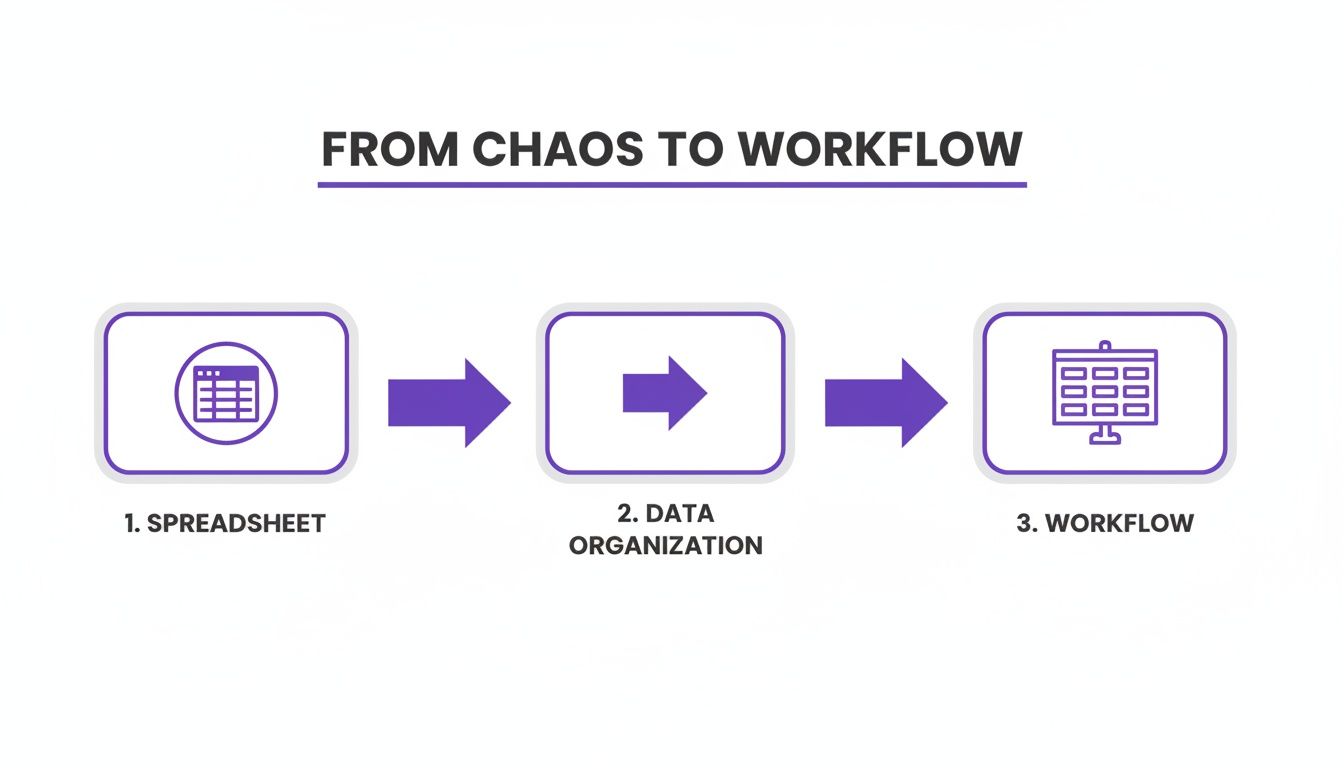
This process is all about moving past frantic, manual data entry and into a system that actually works for you, not against you.
Setting Up Your Kanban Stages
Let's get practical and design a board that maps to the real job application lifecycle. I always tell people to start with five core stages, but the beauty of this system is that you can tweak it to fit your own process perfectly.
Here’s a breakdown of the essential columns I recommend for anyone serious about tracking their applications.
Essential Kanban Stages for Job Seekers
| Kanban Stage | Purpose & Key Actions | Eztrackr Feature to Use |
|---|---|---|
| Prospects & Research | This is where you drop every interesting role you find. The main job here is vetting—is the company a good fit? Do your skills really match the role? | Eztrackr Chrome Extension to quickly save jobs you find online. |
| Application Sent | As soon as you hit 'submit,' the card moves here. Think of this as your waiting room and a visual cue for when to send follow-up emails. | Application Tracking to log dates and set reminders. |
| Interviewing | The exciting part! Phone screens, technical tests, or multi-round interviews—any opportunity that gets to this point lives here. | Interview Prep Tools to organize notes and practice answers. |
| Offer Stage | This column is for the wins. It holds any active offers you're considering, making it easy to compare and contrast. | Notes & Documents to store offer letters and negotiation details. |
| Closed/Rejected | An equally important column. It's for roles you withdrew from, were rejected from, or offers you declined. It helps you see what's no longer active. | Archive Feature to keep your board clean but retain the data. |
These stages give you a complete, top-down view of your entire job search, ensuring nothing slips through the cracks.
A great workflow is all about removing friction. This is where a tool like the Eztrackr Chrome extension becomes a game-changer. Instead of manually copying and pasting job descriptions and company info, you can pull everything into your 'Prospects' column with a single click.
That simple piece of automation stops opportunities from getting lost in a sea of open tabs and gives you more time to focus on what matters: tailoring your resume and writing killer cover letters.
A well-built board is the foundation of any solid job search organizer. For more tips on getting yours just right, check out our guide on building the perfect job search organizer. When you structure your workflow this way, you turn a stressful, chaotic process into a project you can actually manage.
Automating Your Application Materials
Once you’ve got your workflow structure nailed down, it’s time to give it an engine. This is where you move beyond just organizing your tasks and start actively getting them done for you. By plugging AI-powered tools into your process, you can start customizing and sending out applications at a scale you never thought possible.
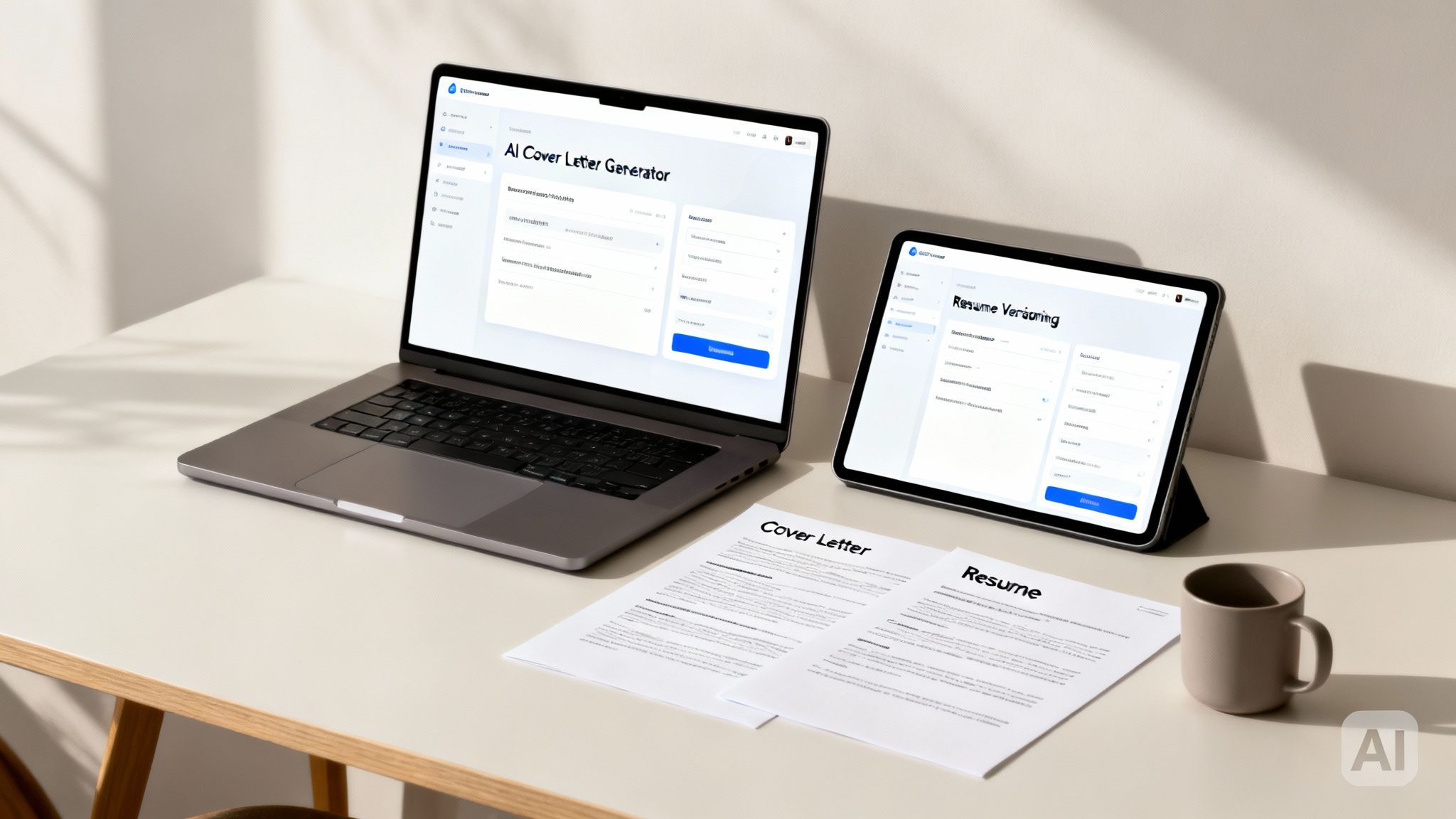
Honestly, this one shift can take your job hunt from a chaotic spreadsheet nightmare to a well-oiled machine. There's a reason the workflow automation space was valued at a massive $20.3 billion in 2023—it just works. For a job seeker, this means getting your hands on tools that can automate up to 50% of your grunt work, giving you back precious time to actually prepare for interviews.
We’ve seen it with our own 45,000+ users at Eztrackr. Many tell us they've cut their administrative time in half.
Tailor Documents in Seconds
Think about it. Instead of agonizing over a new cover letter for every single application, an AI Cover Letter Generator can whip up a tailored draft in just a few moments. You feed it the job description and your resume, and out pops a personalized letter that spotlights your most relevant skills. Suddenly, your organized workflow is directly improving the quality of what you send out.
Another game-changer is the Skill-Match Analyzer. This is your secret weapon for getting past those initial automated screening bots. The tool scans your resume against the job description and points out the exact keywords and skills you need to add.
This isn't about cutting corners; it's about working smarter. You use AI to handle the repetitive, time-consuming tasks so you can focus your energy on strategic activities like networking and interview practice.
When you start weaving these tools into your process, every application you send is not only personalized but also perfectly tracked within your workflow. It's a powerful one-two punch for any modern job search.
If you want to go a bit deeper on this, check out our guide on automating job applications.
Using Workflow Data to Sharpen Your Strategy
A great workflow does more than just keep you organized—it churns out invaluable data. This is where you move past simple tracking and turn your job search into a powerful feedback loop, learning how to create workflows that actually get smarter over time.
Instead of just guessing what’s working, your dashboard gives you the hard evidence. The analytics tell a story, revealing patterns you'd almost certainly miss otherwise.

This shift from manual to data-driven is a massive leap. In the recruiting world, for example, a study found that 62% of teams fixed major inefficiencies with automation. You can mirror that success by using your own dashboard to find and fix the weak spots in your job hunt. You can dig into more automation insights over at thunderbit.com.
Pinpoint Your Key Performance Metrics
To make any of this data useful, you have to know what you’re looking for. My advice? Start by zeroing in on a few critical metrics that give you the biggest bang for your buck.
Here are the top metrics I always tell people to track:
- Application-to-Interview Ratio: Honestly, this is your most important number. A low ratio, like sending out 50 applications just to land one interview, is a blaring signal that your resume or cover letter isn't connecting.
- Resume Version Performance: Are you A/B testing different resumes? You should be. Tag each application with the specific resume version you used, then see which one is actually getting you callbacks.
- Source Effectiveness: Where are the interviews really coming from? LinkedIn? A niche job board? Direct applications on company websites? Find out what's working and pour your energy there.
A high volume of applications with a low interview rate isn't a failure—it’s a data point. It’s your workflow telling you exactly where to focus your energy, whether that's tweaking your resume or rewriting your cover letter.
Adopting this data-first approach is fundamental to understanding how to track job applications the right way. When you regularly check these numbers, you stop throwing applications into the void and start making smart, strategic moves that lead to more interviews and, ultimately, better job offers.
Advanced Workflow Techniques for Power Users
Once you've got your basic workflow humming along, it's time to really open up the throttle. This is where you go from just being organized to being truly efficient—layering in smarter strategies that almost feel like they anticipate your next move. It's less about doing more work and more about making the system work for you.
Let's start with custom tags. A long list of applications is fine, but being able to slice and dice that list with a single click? That's a game-changer. Get creative and think beyond the obvious. Create tags that give you instant clarity on your pipeline.
For instance, I’ve seen people have a ton of success tagging opportunities by:
- Location: 'Remote', 'Hybrid-NYC', 'On-Site-SF'
- Industry: 'Fintech', 'SaaS', 'Healthcare'
- Seniority: 'Senior-Level', 'Mid-Level', 'Entry-Level'
This simple habit transforms your board from a static to-do list into a powerful, searchable database. It helps you zero in on exactly what you need to see, right when you need to see it.
Put Your Follow-Ups on Autopilot
Here’s another pro-level move: set up automated reminders for your follow-ups. When you're juggling 10+ active applications, it's way too easy for things to slip through the cracks. Forgetting to check in with a recruiter can be a missed opportunity, and an automated workflow prevents that from ever happening.
Try setting a reminder for seven days after you submit an application, or maybe three days after an interview. This kind of systematic approach comes across as professional and persistent, and you don’t have to burn mental energy trying to remember every single timeline.
The goal of these advanced techniques isn't to create more busywork. It’s to build a system that does the thinking for you. By automating follow-ups and organizing with smart tags, you free up your time and energy for high-impact stuff like prepping for interviews and networking.
Finally, don’t sleep on the timeline view. Being able to see all your activity laid out over weeks or months is incredibly motivating. It also helps you spot patterns in your job hunt, showing you just how much you’ve accomplished and helping you avoid burnout. This is how you build a workflow that doesn’t just manage your applications—it supports you through the entire journey.
Answering Your Questions About Job Search Workflows
I get it. Even with the best game plan, you're bound to have some questions as you start building out your first workflow. Let's run through a few of the most common ones I hear so you can get started with confidence.
How Much Time Does It Really Take to Set Up a Workflow?
This is the best part: getting started with a tool like Eztrackr is incredibly quick. You can realistically have your own customized Kanban board up and the browser extension installed in just 15-30 minutes. Seriously.
Where you'll see the real payoff is in your day-to-day grind. It takes just a few seconds to add a new application, but that simple action will save you hours of mind-numbing manual tracking and follow-up work every single week.
Can I Use This for Professional Networking, Too?
Absolutely. In fact, you should. A workflow is a fantastic way to manage your networking efforts so nothing slips through the cracks. It's easy to set up custom stages like 'Initial Contact,' 'Follow-Up Sent,' and 'Meeting Scheduled' to see exactly where you stand with everyone.
Think of it as your own personal CRM for your career. You can save LinkedIn profiles and jot down notes on each person's card. This is how you build and maintain strong professional relationships that pay off long after your current job search is over.
Is a Digital Workflow Actually Better Than My Spreadsheet?
Look, a spreadsheet is a decent place to start, but a dedicated workflow tool is a massive upgrade. It gives you a clear, visual way to track everything on a Kanban board—something a static spreadsheet just can't do.
Beyond the visuals, it automates all that tedious data entry, uses AI to help you polish documents, and even gives you analytics to see what’s working. This combo slashes errors, hands you back a ton of valuable time, and delivers insights that help you make smarter moves. At the end of the day, a dynamic workflow just helps you land a job faster.
Ready to stop wrestling with spreadsheets and actually start landing interviews? Eztrackr gives you everything you need to build a smart, automated job search workflow in minutes. Take control of your job hunt with Eztrackr today.