The 12 Best Job Management Software Platforms for 2025
Juggling multiple jobs, clients, or projects can quickly spiral into chaos. Spreadsheets become outdated, vital details get lost in emails, and opportunities slip through the cracks. This isn't just inefficient; it costs you time, money, and peace of mind. The right best job management software transforms this disorganization into a streamlined, predictable workflow, creating a single source of truth for all your critical operations.
Whether you're a job seeker tracking application statuses, a field service business coordinating technicians, or a project manager overseeing complex tasks, these platforms are designed to bring order. They automate tedious administrative work, offer clear visibility into progress, and empower you to make data-driven decisions that drive success. Forget about manually updating trackers or searching through old message threads for crucial information.
This guide moves beyond generic feature lists to provide a comprehensive analysis of the top solutions available. We'll dive deep into the 12 best job management software options, breaking down their unique strengths, ideal use cases, pricing structures, and practical limitations. Each review includes screenshots and direct links, helping you compare platforms efficiently and select the perfect tool to conquer your workflow. Our goal is to equip you with the insights needed to find a system that not only organizes your work but fundamentally improves how you operate.
1. Eztrackr: Best for Individual Job Seekers
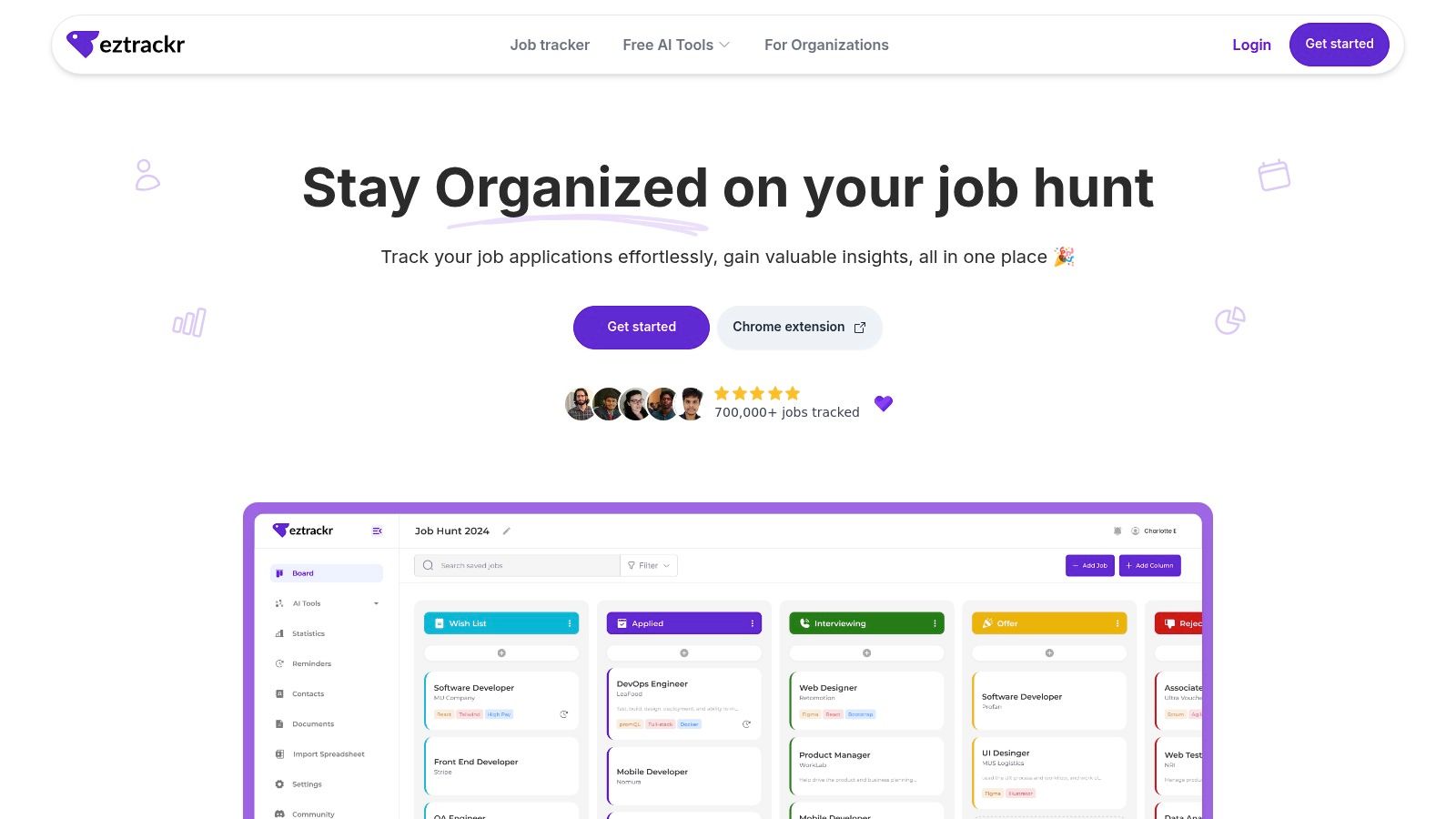
For the individual navigating the modern job market, Eztrackr stands out as a premier piece of best job management software, transforming the often-chaotic application process into a streamlined, data-driven workflow. It is specifically engineered to replace messy spreadsheets and scattered bookmarks with a centralized, intelligent hub for your entire job search. This focus makes it an indispensable tool for anyone managing a high volume of applications, from recent graduates to seasoned professionals making a career change.
The platform's core strength is its powerful Chrome extension, which enables one-click saving of job postings from any major board directly into your dashboard. This single action automatically parses and organizes all relevant details, saving significant time on manual data entry. Once captured, applications are visualized on an intuitive Kanban board or timeline, providing a clear, at-a-glance view of your entire pipeline from "Applied" to "Interviewing" to "Offer".
Key Features and Use Cases
Eztrackr excels by integrating a full suite of AI-powered tools directly into the tracking workflow, moving beyond simple organization to active application enhancement.
- AI-Powered Application Suite: Users can leverage a GPT-4 powered cover letter generator, an ATS-optimized resume builder with a skill-match analyzer, and an AI answer generator for interview prep. This built-in assistance helps you tailor each application quickly and effectively, increasing your chances of passing initial screenings.
- Actionable Analytics Dashboard: The platform provides detailed metrics on your application volume, success rates by source, and other key trends. These insights are invaluable for refining your strategy, helping you identify which approaches are working and where to focus your efforts. For individual job seekers, managing the application process can be a significant undertaking, and understanding these analytics is crucial. Learn more about effective strategies for tracking and organizing your job search to maximize the value of these tools.
- Unified Workflow: It consolidates every step of the process. You can capture jobs, track their status, link relevant documents like resumes and cover letters, and even import existing spreadsheets, creating a single source of truth for your job hunt. This unified system is explored in more detail in their guide on using a job application tracker.
Pros and Cons
| Pros | Cons |
|---|---|
| All-in-one workflow captures, tracks, and manages all application elements, eliminating the need for separate tools. | Desktop/Chrome-first experience means users on other browsers or mobile devices will have a limited or non-native feel. |
| Powerful AI-driven personalization tools significantly speed up the tailoring of resumes and cover letters. | Unclear pricing for Pro plan makes it difficult to assess the cost of advanced features without signing up first. |
| Actionable analytics provide data-backed insights to help you optimize your job search strategy effectively. | |
| Fast, one-click job capture via the Chrome extension makes it ideal for managing a high volume of applications efficiently. | |
| Proven platform with tens of thousands of users and a history of active development and user support. |
Website: https://eztrackr.app
2. Jobber
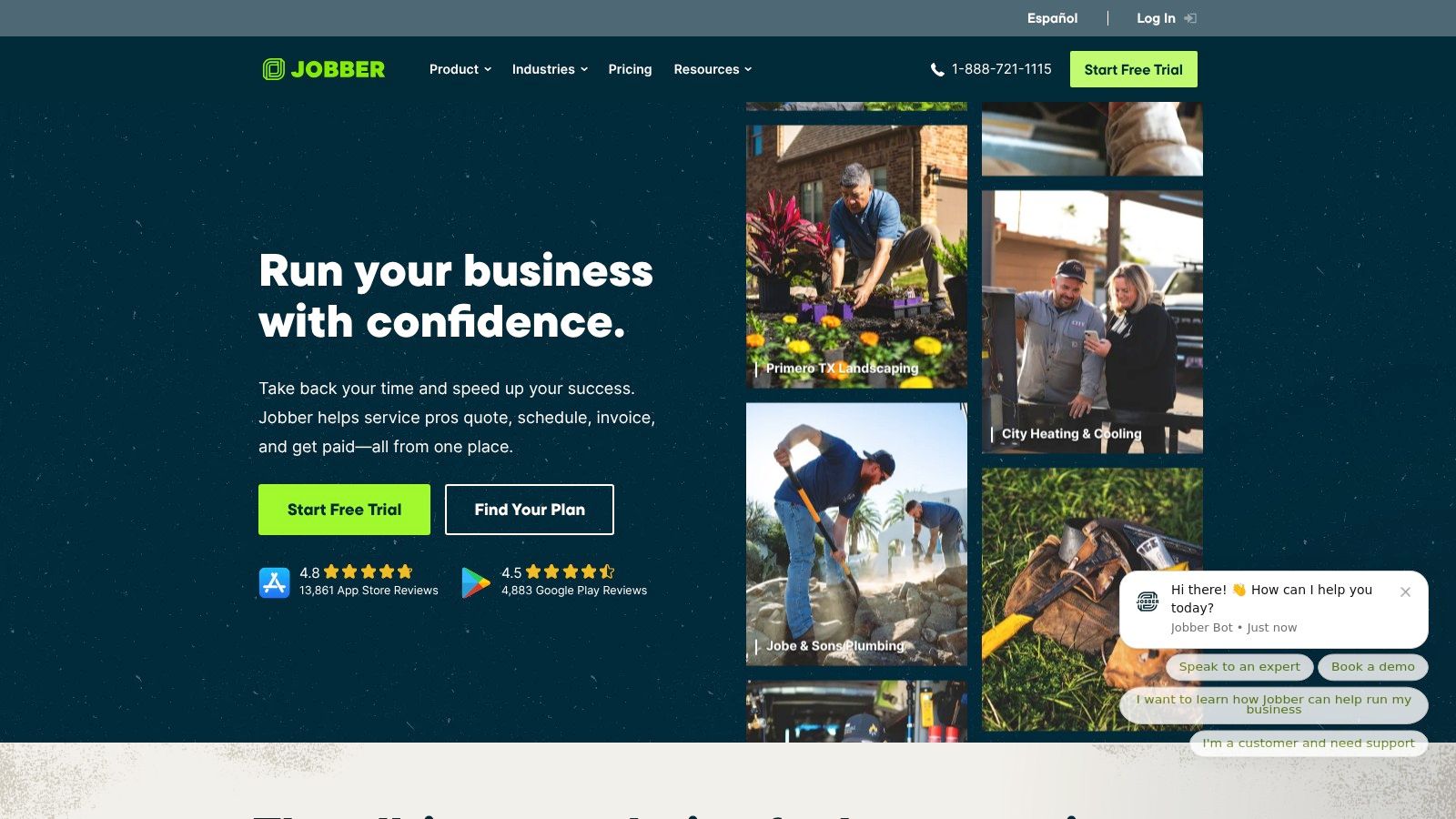
Jobber is a comprehensive, end-to-end platform specifically designed for home service businesses. It streamlines operations from the initial customer quote to the final payment, making it an excellent choice for small-to-midsize teams in fields like landscaping, cleaning, and HVAC. Its standout feature is the seamless workflow automation, converting quotes to jobs and then to invoices with minimal manual input, which significantly speeds up the administrative process.
The platform excels with its user-friendly interface and robust mobile app, empowering field technicians to manage schedules, track time, and process payments directly from their devices. This focus on mobile functionality ensures that teams stay connected and efficient, regardless of their location. For those needing a consolidated overview of their applicants and projects, exploring how Jobber's features compare to a dedicated job tracker can provide valuable insights into managing different aspects of your business.
Key Details & Pricing
Jobber's pricing is transparent and tiered, catering to businesses of different sizes, from solo operators to growing teams. You can start with a 14-day free trial to test its capabilities before committing.
- Best For: Small to midsize home service businesses (e.g., HVAC, plumbing, cleaning).
- Pricing: Plans typically start with a base fee and add a per-user cost for each additional team member. Advanced features like job costing are reserved for higher-tier plans.
- Key Features: Automated quoting and invoicing, drag-and-drop scheduling, built-in payment processing (Jobber Payments), and integrations with QuickBooks Online and Zapier.
- Pros: Strong mobile apps, clear and transparent pricing, excellent workflow automation.
- Cons: Per-user pricing can become costly for larger teams, and some essential reporting features are locked behind more expensive plans.
You can learn more and sign up for a trial at getjobber.com.
3. Housecall Pro
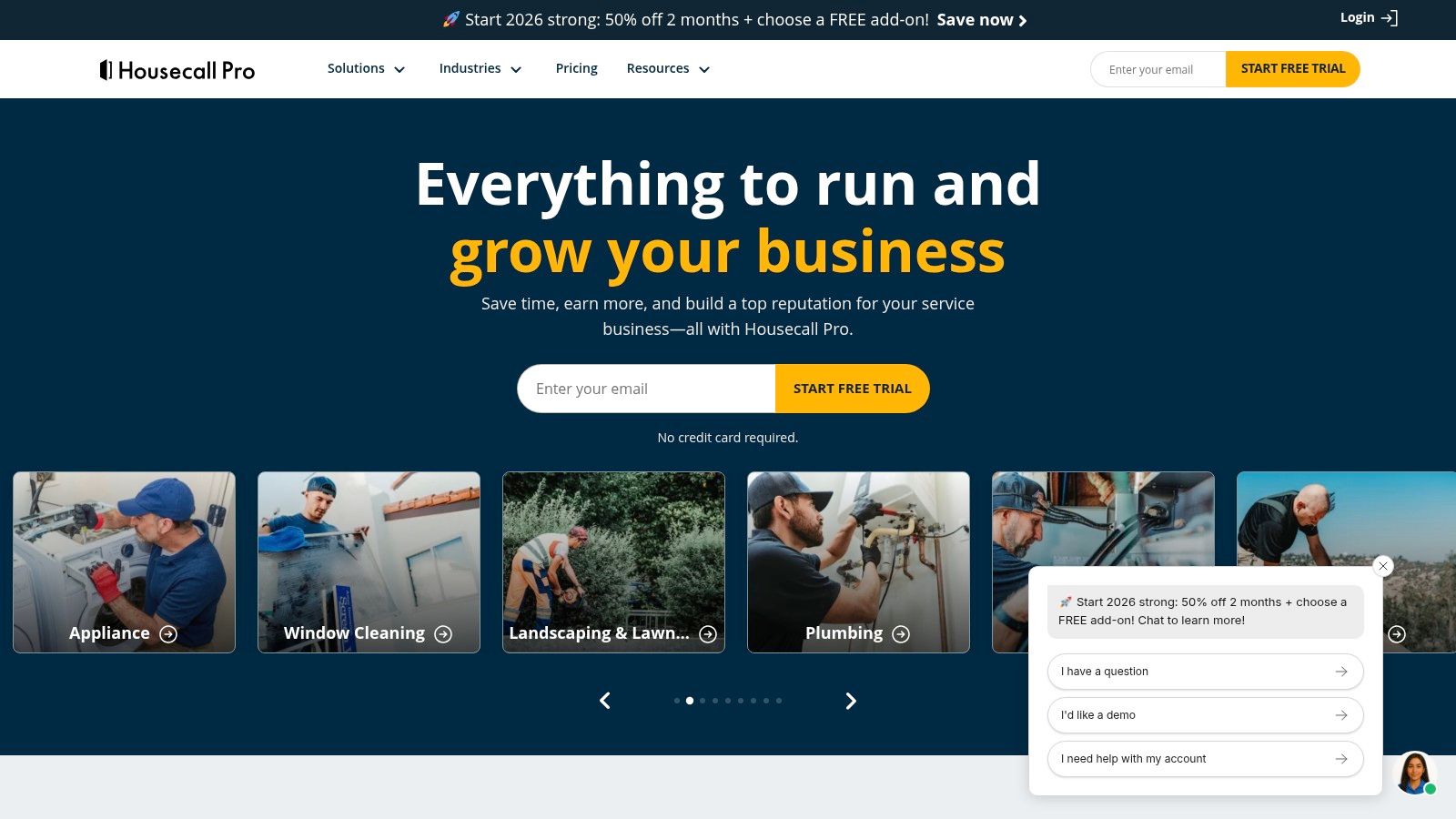
Housecall Pro is a robust job management platform tailored for home service businesses, offering a comprehensive suite of tools to manage operations from scheduling to payment. It excels in streamlining daily workflows with features like an intuitive dispatch board, detailed customer profiles, and powerful price book management. The platform’s key differentiator is its integrated financial ecosystem, including native payment processing and banking features designed specifically for U.S.-based professionals.
This focus on finance and marketing automation makes it one of the best job management software options for companies looking to grow their customer base and optimize revenue. The software simplifies everything from sending estimates and invoices to collecting payments and managing follow-up marketing campaigns. Its ability to scale from a single operator to larger, more complex teams ensures it can support a business throughout its growth stages.
Key Details & Pricing
Housecall Pro offers tiered plans that scale with business size, starting with a basic plan for one user and expanding to the MAX program for larger teams. A free trial and product demos are available to explore its functionality.
- Best For: Home service professionals in the U.S. (e.g., HVAC, plumbing, electrical) looking for strong payment and marketing tools.
- Pricing: Tiered plans are available, but specific pricing for higher tiers and the MAX program requires contacting their sales team.
- Key Features: Advanced scheduling and dispatch, customizable price book with discount tools, native payment processing with optional instant payouts (Instapay), and marketing automation add-ons.
- Pros: Strong native payment and banking features, scales effectively from solo operators to large teams, and offers a rich, well-documented help center.
- Cons: Higher-tier pricing information is not transparent and requires a lead form submission. Add-on costs for marketing campaigns and Instapay can increase the total price.
You can learn more and sign up for a demo at housecallpro.com.
4. ServiceTitan
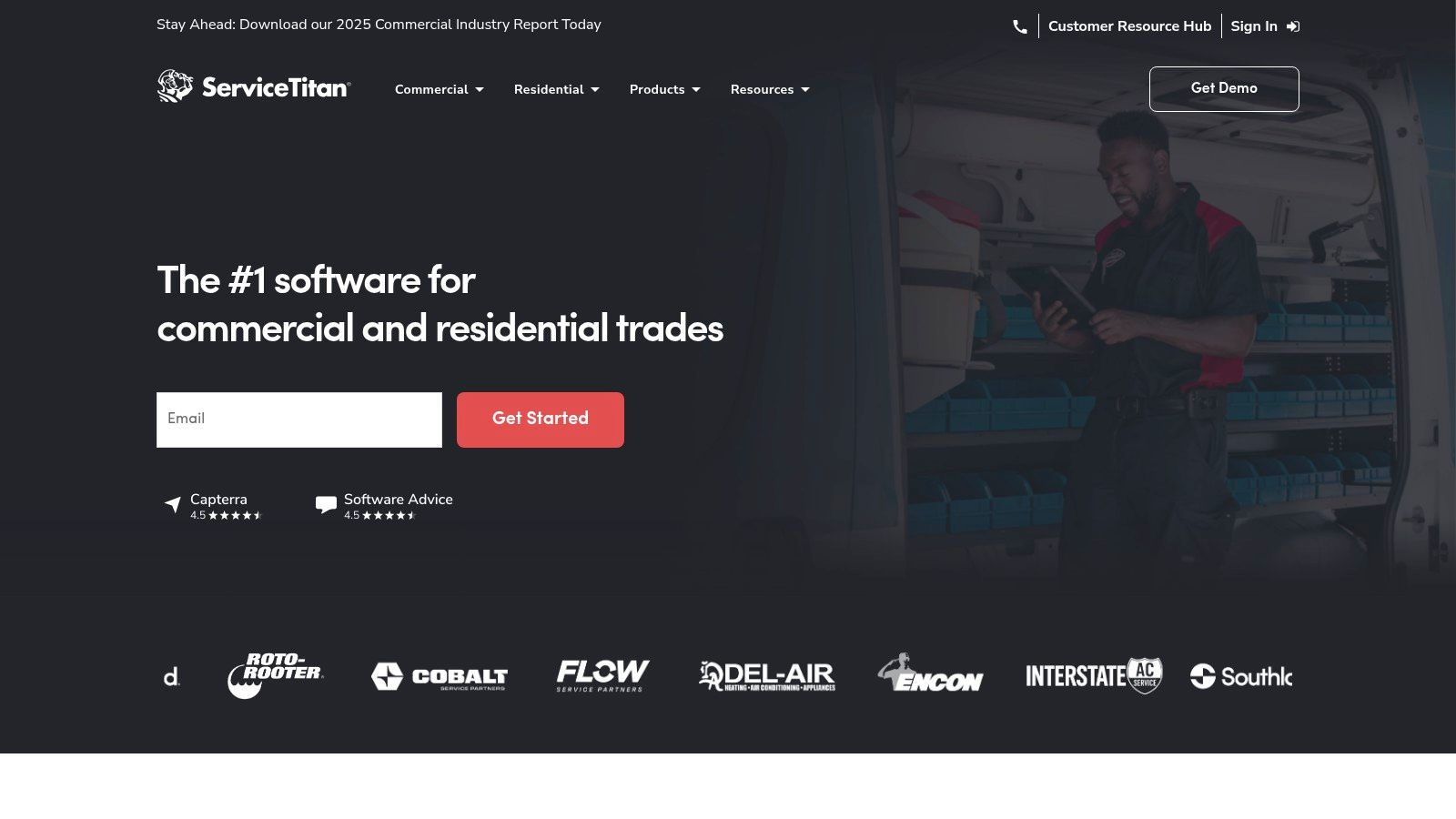
ServiceTitan is an enterprise-grade, all-in-one platform built for large-scale home and commercial service businesses. It provides a comprehensive suite of tools designed for trades like HVAC, plumbing, and electrical, handling everything from call booking and dispatching to memberships and advanced analytics. Its key differentiator is its depth, offering features tailored to multi-location contractors who need sophisticated controls over marketing attribution, payroll, and financial reporting. This makes it one of the best job management software options for companies focused on significant growth and operational efficiency.
The platform is engineered to manage high-volume operations, featuring a robust dispatch board with call recording and a dynamic pricebook for real-time updates. This level of detail extends to its reporting capabilities, which allow businesses to track marketing ROI and technician performance with precision. While its complexity is powerful, those managing individual career paths may find value in a simpler job search organizer to track their personal opportunities and applications separately from company-wide project management.
Key Details & Pricing
ServiceTitan's pricing is customized and available by quote only, reflecting its focus on enterprise clients with complex needs. The total cost of ownership is generally higher due to the extensive features and implementation process.
- Best For: Larger residential and commercial contractors (e.g., HVAC, plumbing, electrical) with multiple trucks and locations.
- Pricing: Custom quote-based pricing; generally positioned at a premium price point compared to SMB solutions.
- Key Features: Advanced dispatch and scheduling, integrated marketing and reporting, configurable payroll and membership management, and a comprehensive mobile app for technicians.
- Pros: Extremely deep feature set for scaling operations, strong market validation and industry trust, powerful reporting and analytics.
- Cons: Higher total cost and significant implementation effort required, pricing is not transparent and is accessible only via a sales quote.
You can learn more and request a demo at servicetitan.com.
5. Service Fusion
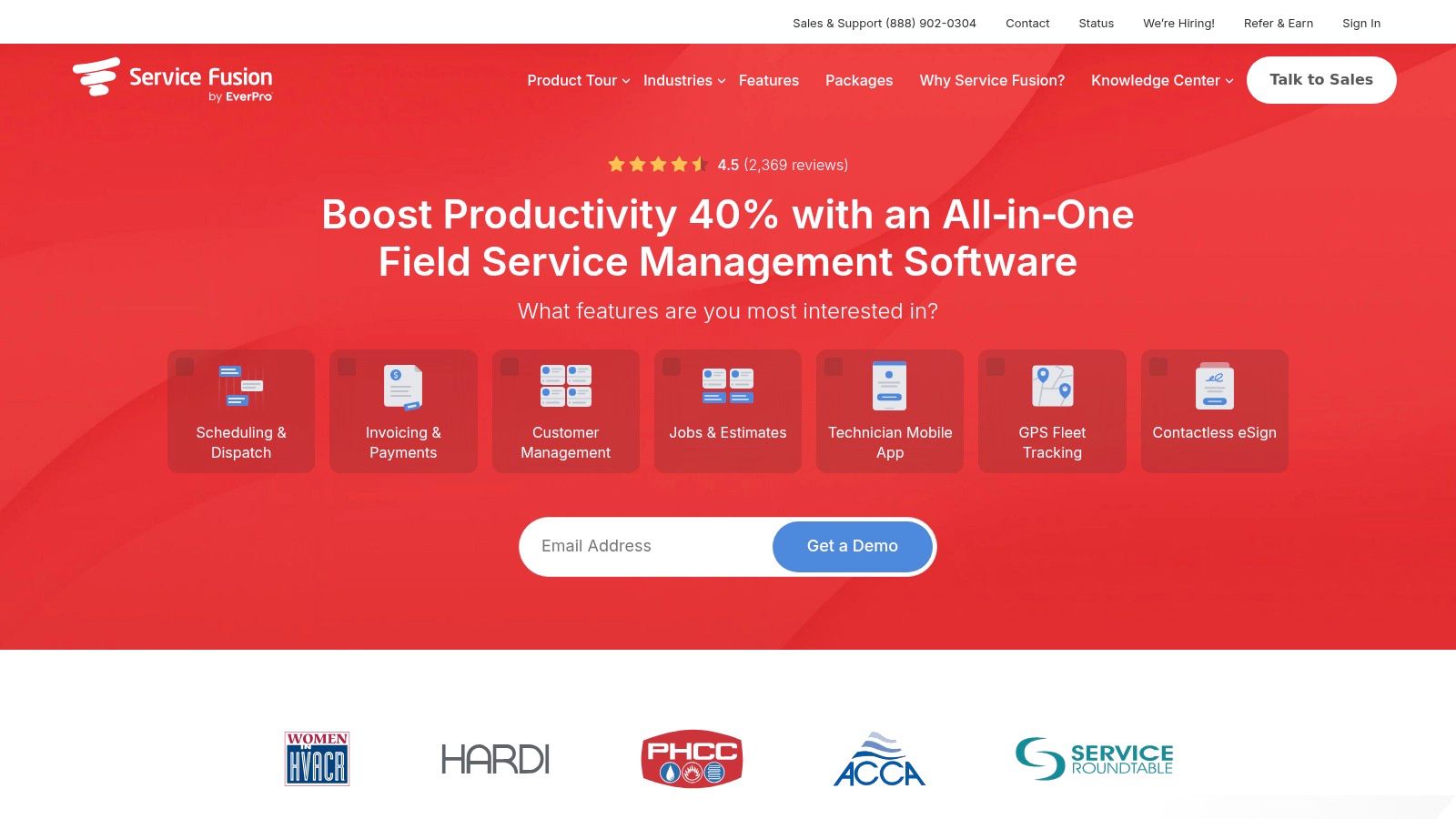
Service Fusion stands out as an all-in-one job management software for service contractors by offering a unique pricing model that includes unlimited users on every plan. This makes it an incredibly scalable solution for growing businesses that want to avoid the escalating per-user fees common with other platforms. It effectively consolidates key operations, including scheduling and dispatching, job management, invoicing, and customer communication via text, all within a single interface.
The platform is built to expand with your business needs, offering powerful add-ons like GPS fleet tracking, advanced inventory management, detailed job costing, and e-signatures. Its seamless integration with QuickBooks streamlines accounting, while the optional VoIP add-on, ServiceCall.ai, can further centralize communication channels. This flexible, a la carte approach allows businesses to build a system that perfectly matches their operational requirements without paying for unnecessary features upfront.
Key Details & Pricing
Service Fusion’s pricing is structured to provide predictability and value, especially for teams anticipating growth. They offer flexible month-to-month billing alongside discounted annual plans, ensuring accessibility for businesses of all sizes.
- Best For: Service businesses poised for growth that need a scalable, predictable pricing model without per-user fees.
- Pricing: Based on a flat monthly fee per account, with unlimited users included. Advanced features are available as add-ons or in higher-tier plans.
- Key Features: Unlimited users, integrated scheduling and dispatch, invoicing, customer texting, QuickBooks integration, and optional add-ons for GPS, VoIP, and inventory.
- Pros: Highly predictable pricing with no per-user fees, flexible month-to-month plans are available, and a strong core feature set with optional upgrades.
- Cons: Key functionalities like job costing and inventory management are often add-ons, which can increase the overall cost on lower tiers.
You can learn more and request a demo at servicefusion.com.
6. Workiz
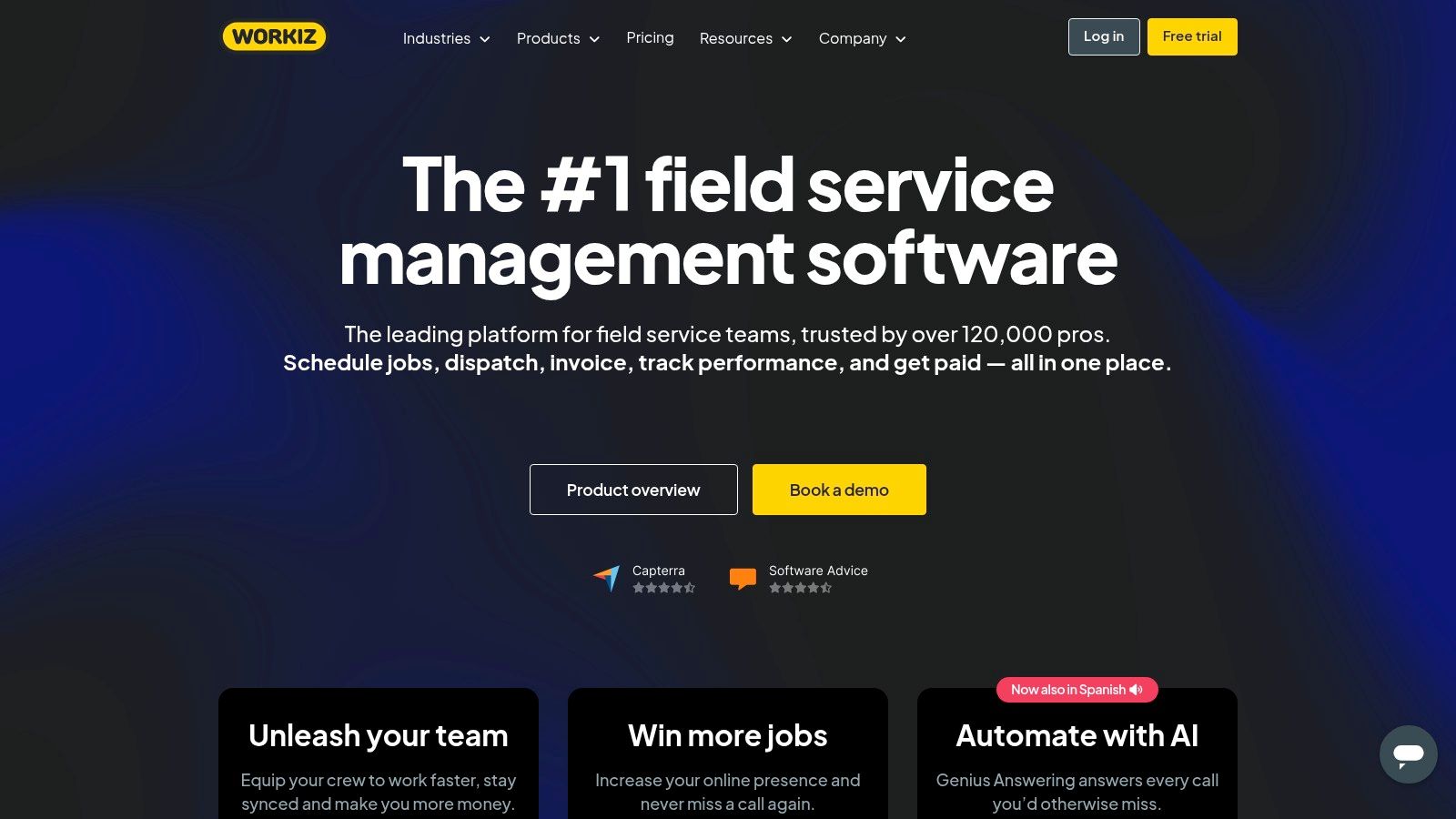
Workiz is a powerful job management software tailored specifically for on-demand field service professionals. It excels at managing the entire service lifecycle, from online booking and intelligent dispatching to invoicing and payment processing. The platform's standout feature is its suite of communication tools, including an AI-powered "Genius" that can answer calls and schedule jobs, ensuring businesses never miss a lead.
The software is built with a strong focus on efficiency and scalability for service businesses like locksmiths, garage door repair, and junk removal. Its mobile apps for both iOS and Android are robust, providing technicians with real-time job details, GPS tracking, and on-site payment capabilities. This combination of smart automation and strong mobile functionality makes Workiz a top contender for teams looking to streamline their field operations and improve customer response times.
Key Details & Pricing
Workiz offers clearly defined, tiered pricing plans that include a set number of users from the start, making it easy to calculate costs. A free trial is available to test its features before committing to a plan.
- Best For: On-demand field service businesses (e.g., locksmiths, appliance repair, junk removal).
- Pricing: Plans start at a flat monthly rate that includes two users, with costs increasing for higher tiers that unlock more advanced features and support more users.
- Key Features: AI-powered call answering and scheduling, online booking portal, drag-and-drop dispatch board, integrated invoicing and payments, and a strong QuickBooks integration.
- Pros: Purpose-built for many U.S. home-service verticals, excellent mobile experience with GPS features, and clear plan pricing that includes initial users.
- Cons: Advanced automations and AI features are reserved for higher-tier plans, and enterprise-level pricing requires contacting sales directly.
You can learn more and start a trial at workiz.com.
7. FieldPulse
FieldPulse is a robust job management software built specifically for field service contractors and tradespeople. It provides a flexible, all-in-one solution that covers the entire job lifecycle, from customer relationship management (CRM) and scheduling to invoicing and payment processing. Its primary strength lies in its adaptability, offering tiered packaging and optional add-ons that allow businesses to build a system tailored to their specific operational needs, making it a strong contender for the best job management software for growing contractor businesses.
The platform focuses heavily on empowering field technicians with powerful mobile tools. Its mobile app includes features like a digital pricebook, tiered customer pricing, and the ability to create estimates and invoices on-site. This enhances efficiency and professionalism in the field, enabling quicker job completion and faster payment cycles. For businesses looking to integrate communications, add-ons like Engage VoIP provide a unified system for client interactions, further streamlining workflows.
Key Details & Pricing
FieldPulse uses a quote-based pricing model with tiered per-technician packaging, allowing businesses to scale features as they grow. Potential users need to contact their sales team for a custom quote.
- Best For: Small to midsize U.S.-based contracting businesses (e.g., plumbing, electrical, HVAC, general contracting).
- Pricing: Custom quote required. Plans are tiered (Essentials, Professional, Enterprise) with per-technician costs and optional feature add-ons.
- Key Features: Comprehensive CRM, advanced scheduling and dispatching, work order management, mobile pricebooks, integrated payments with next-day funding options, and optional VoIP integration.
- Pros: Highly flexible and scalable with add-on features, strong mobile app tailored to contractor workflows, dedicated implementation and support.
- Cons: No public pricing requires a sales call for a quote, and access to key capabilities like faster payment funding depends on purchasing specific add-ons.
You can learn more and request a demo at fieldpulse.com.
8. Simpro
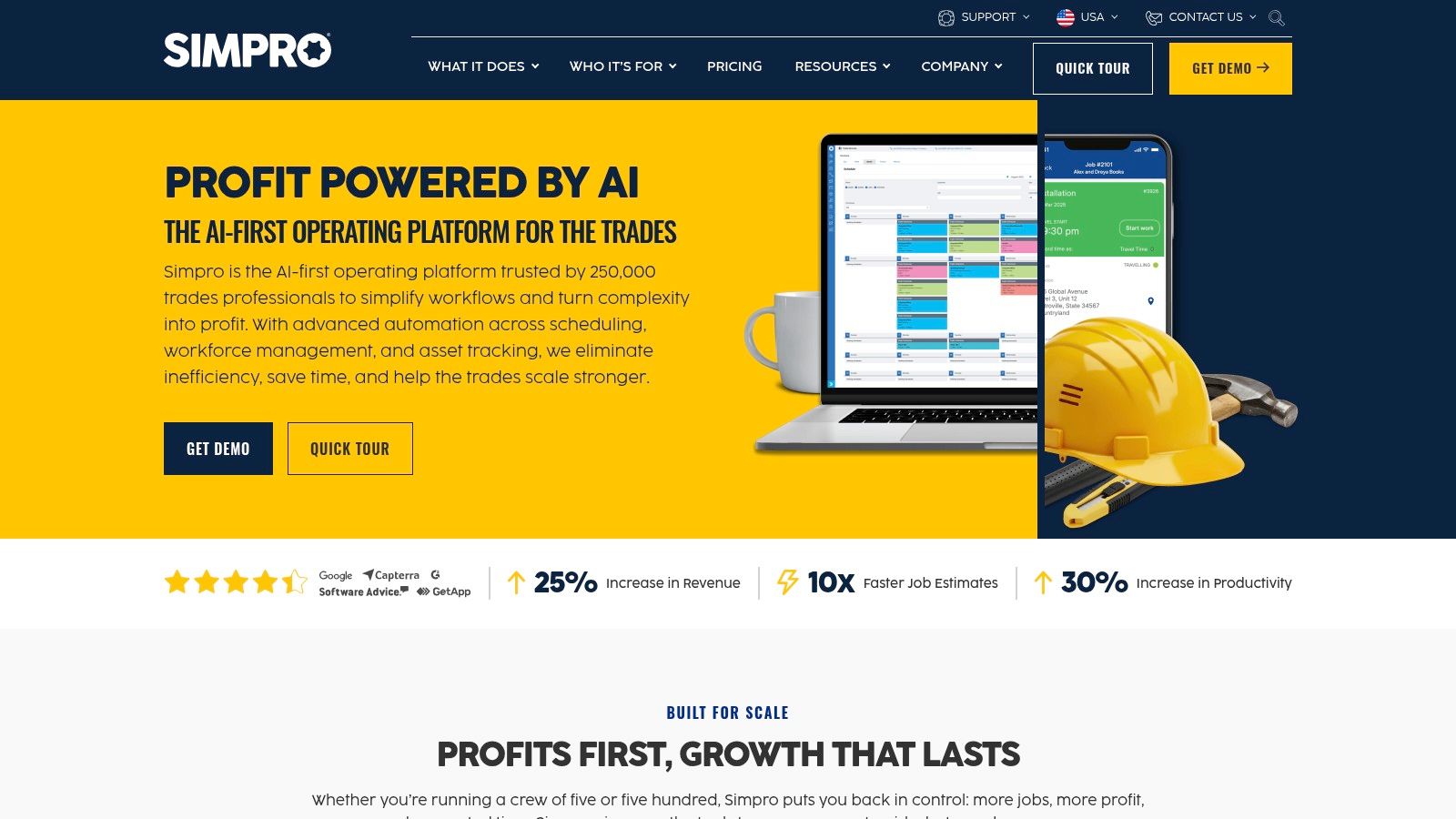
Simpro is an enterprise-grade job management solution built for complex trade and field service businesses that require robust operational control. It provides a comprehensive, end-to-end workflow, from initial lead and quoting to scheduling, inventory management, invoicing, and detailed reporting. What sets Simpro apart is its depth, particularly in managing recurring maintenance contracts, multi-stage projects, and extensive asset tracking, making it ideal for established businesses in sectors like security, HVAC, and fire protection.
The platform is designed to handle sophisticated operational needs with features like multi-level pricing tiers, detailed labor cost tracking, and powerful add-ons for GPS tracking and digital forms. While this complexity offers immense control, it also presents a steeper learning curve compared to simpler tools. Simpro stands out as one of the best job management software options for companies that have outgrown basic solutions and need a system that can scale with their intricate project and maintenance workflows.
Key Details & Pricing
Simpro's pricing is customized based on business needs, often involving implementation and setup fees to ensure the system is configured correctly. They provide tailored quotes rather than fixed public pricing tiers.
- Best For: Established trade and field service businesses with complex project or asset maintenance needs.
- Pricing: Quote-based, typically involving implementation fees and monthly user licenses. Contact their sales team for a custom quote.
- Key Features: Advanced scheduling and dispatch, comprehensive inventory management, asset maintenance workflows, sophisticated quoting and invoicing, and numerous integrations and add-ons.
- Pros: Enterprise-level depth for managing complex operations, excellent for asset and maintenance-heavy workflows, and strong global support.
- Cons: Steeper learning curve due to its extensive feature set, and initial setup and implementation fees can be a significant investment.
You can learn more and request a demo at simprogroup.com.
9. ServiceM8
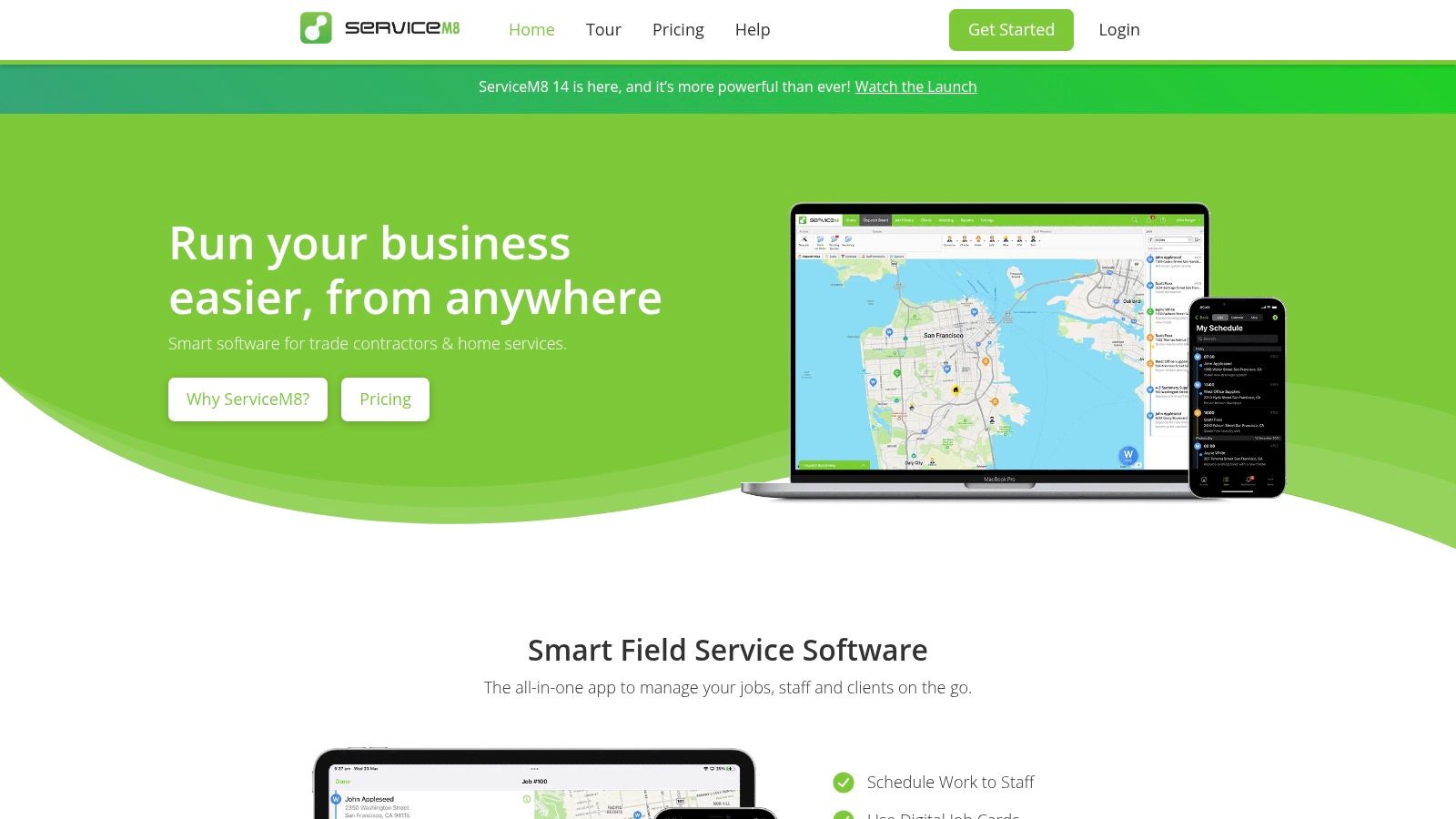
ServiceM8 is a mobile-first job management platform built specifically for small trade and service businesses. Its core strength lies in empowering field technicians with a powerful, intuitive iOS app that handles everything from quoting and scheduling to invoicing and payment processing on-site. The platform is designed for efficiency, allowing teams to manage jobs, capture photos, complete checklists, and generate professional forms directly from an iPhone or iPad, making it an excellent piece of job management software for teams that are always on the move.
The platform distinguishes itself with an affordable, straightforward pricing model based on job credits, which is ideal for small businesses managing their cash flow. Unlike many competitors that charge per user, most ServiceM8 plans include unlimited users, fostering team collaboration without escalating costs. This focus on a streamlined, Apple-centric field experience makes it a top choice for contractors who rely on iOS devices for their daily operations.
Key Details & Pricing
ServiceM8 offers transparent, tiered plans based on the number of jobs completed per month, with a free starter plan available. Paid plans include 24/7 support and allow for unlimited users, making it easy to scale your team.
- Best For: Small trade businesses (e.g., electricians, plumbers, locksmiths) that primarily use Apple devices.
- Pricing: Plans are structured around monthly job caps, with a free tier for very small operations. Higher tiers offer more jobs and advanced features.
- Key Features: Robust iOS app for field management, quote-to-invoice workflow, job and photo capture, customizable forms and checklists, and integrations with accounting software like Xero and QuickBooks.
- Pros: Exceptional iPhone/iPad user experience, transparent and affordable job-credit pricing, and unlimited user access on most plans.
- Cons: The full-featured mobile app is iOS-first, with the Android experience being more limited (Android Lite), which may not suit teams with mixed devices.
You can learn more and sign up at servicem8.com.
10. monday.com Work Management
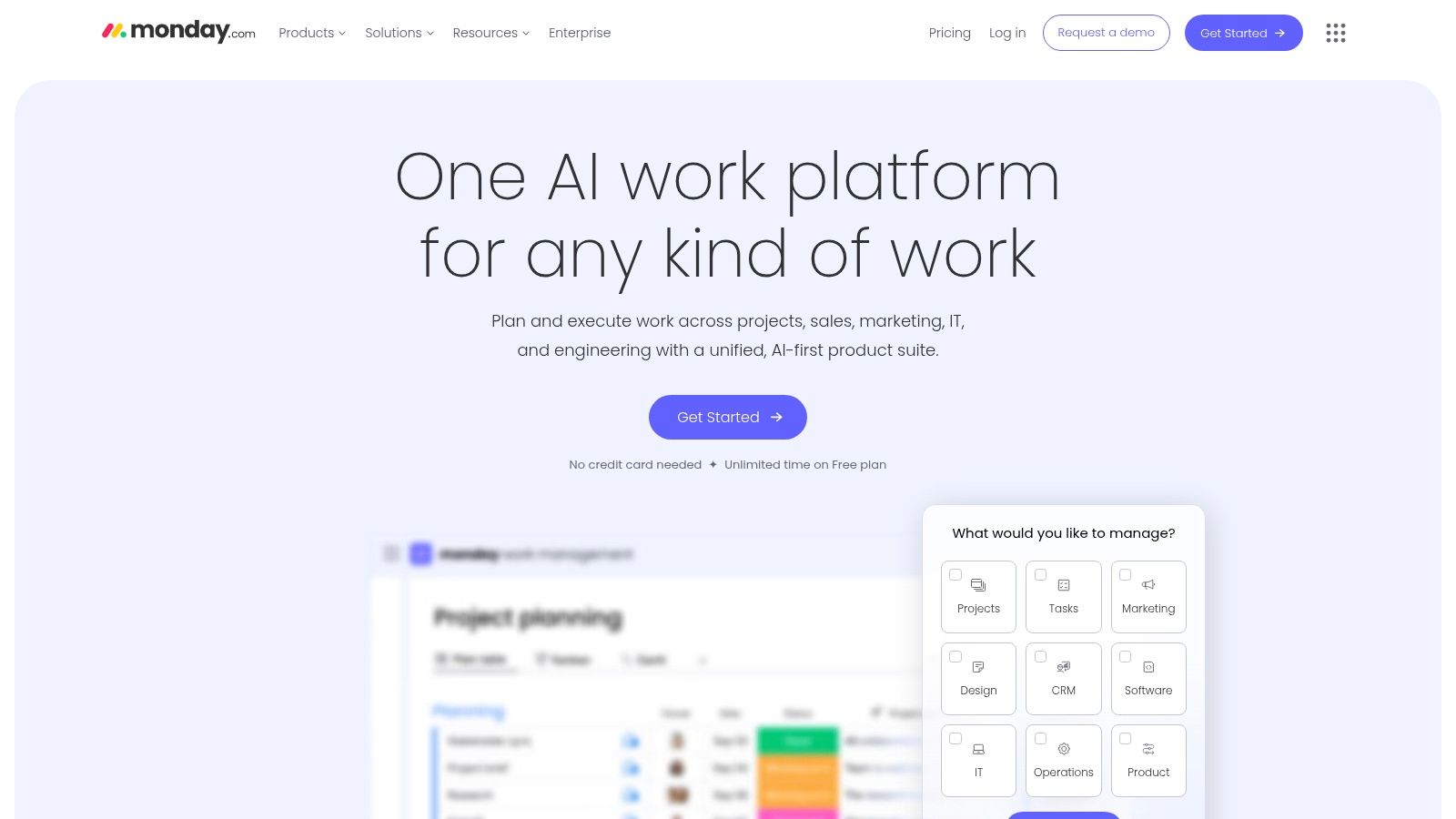
monday.com Work Management is a highly flexible work operating system (Work OS) that can be adapted for comprehensive job and project management. While not exclusively built for trade services, its strength lies in its visual, customizable workflows. Users can create boards to track every stage of a job, from initial client intake via integrated forms to final delivery, making it a strong contender for the best job management software for teams that value adaptability.
Its standout feature is the vibrant and intuitive interface, which uses visual boards like Kanban and Gantt charts to provide a clear overview of all ongoing work. The platform’s powerful automation engine can handle repetitive tasks, such as sending notifications when a job status changes or creating tasks based on form submissions. This level of customization allows businesses to build a job management system perfectly tailored to their unique processes. For those who appreciate visual workflow organization, learning how to set up a personal Kanban board can further enhance productivity.
Key Details & Pricing
monday.com offers a freemium model for individuals and tiered pricing for teams, making it accessible for businesses of all sizes. A 14-day free trial is available on their Pro plan.
- Best For: Creative agencies, consultants, and service businesses needing a highly customizable job and project workflow.
- Pricing: Offers a free plan for up to 2 users. Paid plans are priced per user per month, with a minimum number of users required for most tiers.
- Key Features: Customizable visual boards (Kanban, Gantt, Calendar), no-code workflow automations, integrated forms for data capture, robust reporting dashboards, and extensive third-party integrations.
- Pros: Extremely flexible and customizable, user-friendly and visual interface, strong automation and integration capabilities.
- Cons: Requires significant initial setup to function as a field-service job management tool, and some key features like time tracking and advanced dashboards are limited to higher-priced plans.
You can learn more and sign up for a trial at monday.com.
11. ClickUp
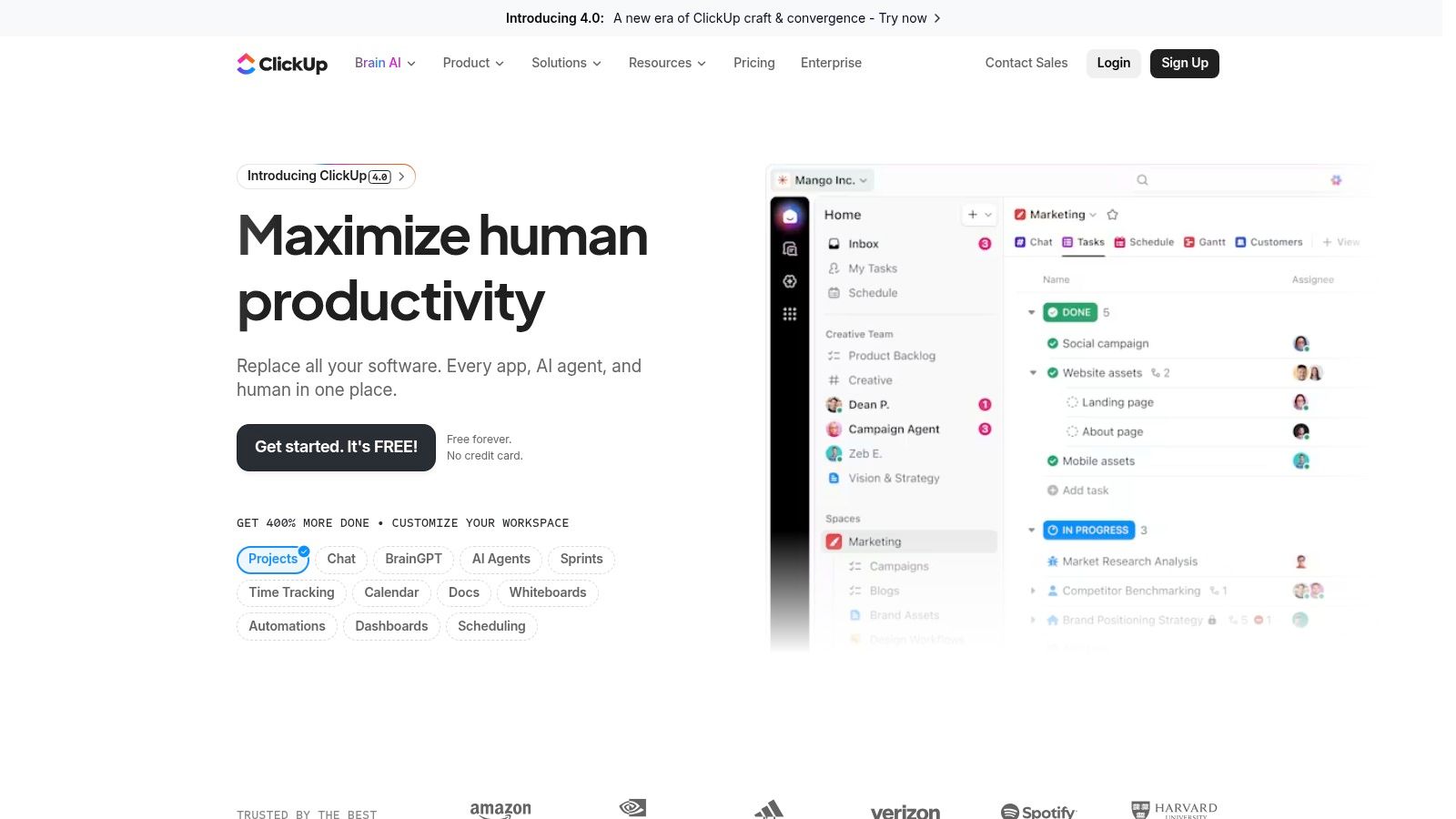
ClickUp is a highly configurable, all-in-one work platform that can be adapted into powerful job management software. While not exclusively for trade or service businesses, its strength lies in its incredible flexibility, allowing teams to build custom workflows for tasks, scheduling, time tracking, and reporting. Its use of customizable templates, automations, and dashboards means it can handle everything from internal project management to complex client-facing job pipelines.
The platform's standout feature is its adaptability; you can create a simple task list for a small team or a sophisticated, multi-stage job workflow with dependencies and automated client notifications. ClickUp is an excellent choice for businesses that don't fit the traditional home service model, such as creative agencies, consulting firms, or internal teams managing multiple projects. Its ability to consolidate documents, tasks, and communication into one place streamlines operations and reduces the need for multiple separate tools.
Key Details & Pricing
ClickUp offers a generous "Free Forever" plan for individuals and small teams, with paid plans that unlock more advanced features and higher usage limits. This self-serve model makes it easy to scale as your business grows, with optional add-ons like AI for increased productivity.
- Best For: Internal teams, creative agencies, and businesses needing a highly customizable workflow.
- Pricing: A robust free plan is available. Paid plans are affordably priced per user, per month, making it accessible for startups and SMBs.
- Key Features: Customizable tasks and templates, built-in time tracking, powerful automations, integrated dashboards for reporting, and extensive third-party integrations.
- Pros: Highly affordable with a strong free offering, extremely flexible to suit non-trade jobs, and a credits program for eligible startups.
- Cons: As a generalist tool, it requires initial setup and configuration to match specific trade-style workflows, and some key capabilities are reserved for higher plans or add-ons.
You can learn more and sign up for a free account at clickup.com.
12. G2 (Job Management category)
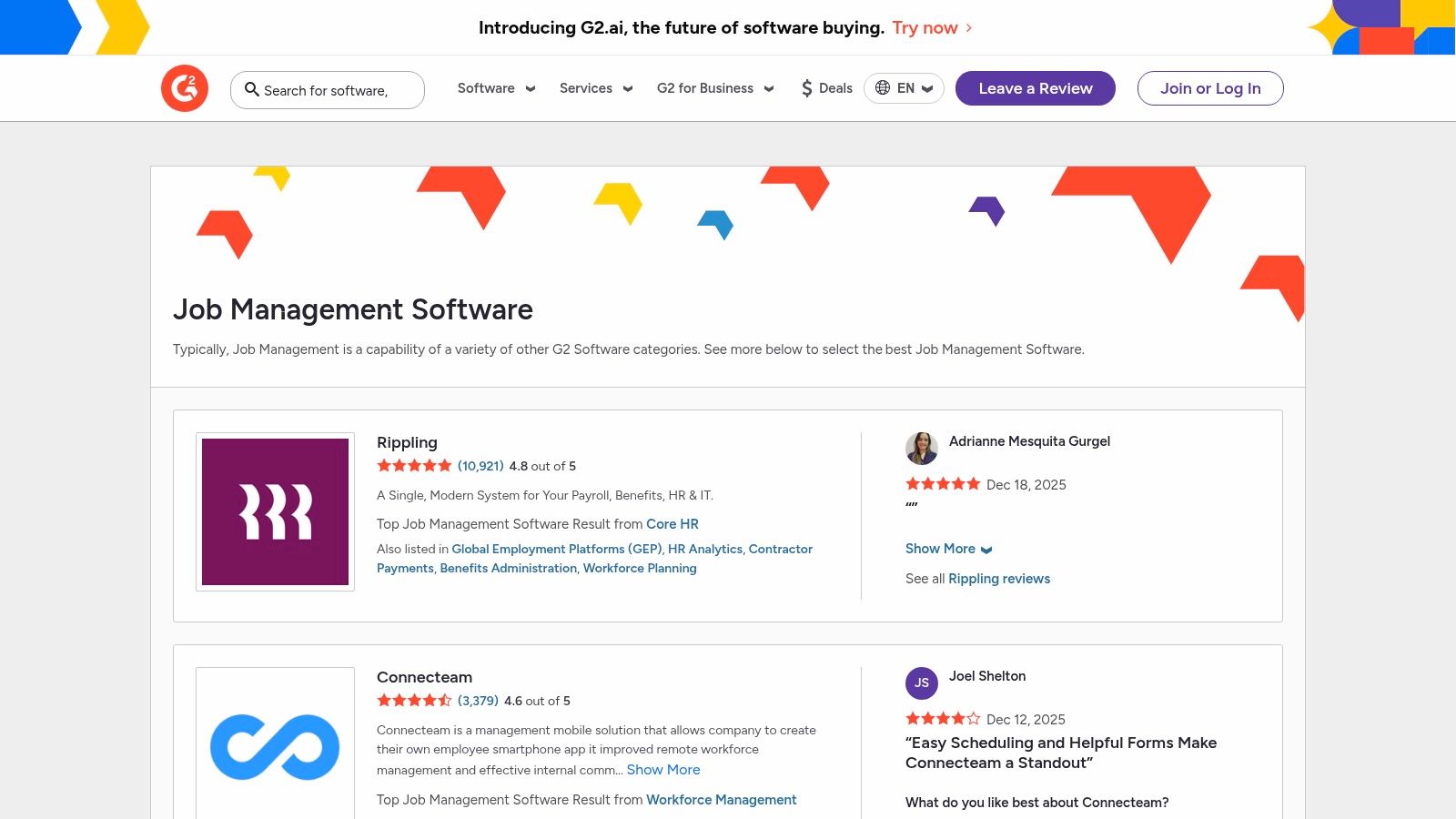
Unlike a standalone platform, G2 is a massive software marketplace and review site that serves as an invaluable research tool for finding the best job management software. Its dedicated Job Management category aggregates hundreds of solutions, allowing you to filter, compare, and analyze options based on verified user reviews. This approach empowers buyers to move beyond marketing claims and understand how these tools perform in real-world scenarios, making it an essential first stop before committing to a purchase.
The platform's strength lies in its user-generated data and powerful comparison tools. You can create side-by-side comparisons of your top contenders, filtering by features, company size, and integration capabilities to quickly shortlist the most relevant products. Reading recent reviews from businesses similar to yours provides honest insights into the pros and cons of each system, helping you identify potential pitfalls and hidden benefits that a vendor demo might not reveal.
Key Details & Pricing
G2 is completely free to use for buyers. The platform generates revenue from vendors who pay for enhanced profiles and lead generation, but all core research functionalities, including reviews and comparison tools, are available at no cost.
- Best For: Businesses in the research and selection phase of choosing job management software.
- Pricing: Free to use for browsing, comparing, and reading reviews.
- Key Features: Verified user reviews, head-to-head software comparison grids, advanced filtering by features and company size, and access to buyer guides and reports.
- Pros: Broad coverage of many software options in one place, verified reviews provide authentic user sentiment, powerful tools for shortlisting products.
- Cons: Category definitions can sometimes be broad, including tools that are not strictly for job management, requiring users to verify each product’s fit.
You can start your research at g2.com/software/job-management.
Top 12 Job Management Comparison
| Product | Core features | UX & quality | Price / value | Target audience | Unique selling point |
|---|---|---|---|---|---|
| 🏆 Eztrackr | One-click Chrome capture, kanban & timeline, AI resume/cover/answer, analytics | ★★★★★ intuitive web app, active product team | Free unlimited tracking; Pro plan gated 💰 | 👥 Job seekers, grads, career-changers, recruiting teams | ✨ GPT-4 AI personalization + auto-parsing & progress dashboards |
| Jobber | Scheduling/dispatch, quotes→invoice, payments, integrations | ★★★★ clear tiering, strong mobile apps | Published plans + 14‑day trial 💰 | 👥 SMB home‑service teams | ✨ Transparent pricing & mobile-first field tools |
| Housecall Pro | Scheduling, pricebook, estimates, invoicing, marketing automations | ★★★★ strong U.S. payments & docs | Online demos; add-ons can increase cost 💰 | 👥 U.S. pros & service businesses | ✨ Native payments + marketing automations |
| ServiceTitan | Dispatch, pricebook, memberships, payroll, advanced reporting | ★★★★ enterprise-grade, high TCO | Quote-based, typically higher cost 💰 | 👥 Large contractors, multi-location ops | ✨ Deep trade-specific feature depth |
| Service Fusion | Scheduling/dispatch, invoicing, texting, QuickBooks, add-ons | ★★★★ predictable per-account pricing | Per-account pricing; month-to-month options 💰 | 👥 Growing contractor teams | ✨ Unlimited users & predictable billing model |
| Workiz | Online booking, dispatch, invoicing, AI answering, mobile apps | ★★★★ clear plans, strong mobile & GPS | Published plans + free trial 💰 | 👥 U.S. home‑service verticals | ✨ AI “Genius” answering & easy online checkout |
| FieldPulse | Per‑technician tiers, scheduling, work orders, invoicing, add-ons | ★★★★ flexible SMB implementation | Quote-based per‑technician packaging 💰 | 👥 Contractors & small fleets | ✨ Flexible setup + contractor-focused features |
| Simpro | Scheduling, inventory, quotes/invoices, asset & maintenance management | ★★★★ enterprise depth, steeper learning | Quote-based; setup/implementation fees possible 💰 | 👥 Complex ops & maintenance-heavy trades | ✨ Robust asset & maintenance workflows |
| ServiceM8 | Mobile quotes, scheduling, checklists, photo capture, job-credit pricing | ★★★★ excellent iOS/iPad experience | Clear low-entry pricing; job-credit model 💰 | 👥 Small trades teams, iOS-first users | ✨ iOS-first mobile workflows & simple pricing |
| monday.com Work Management | Visual boards, Timeline/Gantt, automations, dashboards, templates | ★★★★ easy to pilot, wide template ecosystem | Per-seat pricing; self-serve trials 💰 | 👥 Teams needing configurable workflows | ✨ Fast pilots via templates & ecosystem |
| ClickUp | Tasks, templates, time tracking, automations, AI add-ons | ★★★★ very customizable, affordable | Free Forever + paid tiers; add-ons available 💰 | 👥 SMBs, startups, internal teams | ✨ Highly configurable + free plan for starters |
| G2 (Job Mgmt category) | Category pages, filters, verified reviews, comparison tools | ★★★★ broad vendor coverage, buyer resources | Free to use; links to vendor trials 💰 | 👥 Buyers researching software | ✨ Verified user reviews & head‑to‑head comparisons |
Choosing Your Command Center: Final Thoughts on Finding the Right Fit
Navigating the crowded market for the best job management software can feel overwhelming, but it's a critical step toward streamlining your operations and achieving your goals. As we've explored, the "best" platform is not a one-size-fits-all solution. It's a tool that must precisely align with your unique context, whether you're an individual job seeker meticulously tracking applications or a large-scale service enterprise managing complex field operations.
The key takeaway from our deep dive is the importance of self-assessment before commitment. Your ideal software acts as a digital command center, and its effectiveness hinges on how well it maps to your existing and desired workflows. The powerful, feature-rich ecosystem of a platform like ServiceTitan would be overkill for a small team, while the streamlined simplicity of ServiceM8 might not scale for a rapidly growing enterprise.
From Individual Ambition to Enterprise Efficiency
For the individual job seeker, the challenge is one of organization and momentum. Tools like Eztrackr are specifically designed for this purpose, transforming a chaotic job search into a structured project with clear stages, tasks, and analytics. It provides the focus needed to manage multiple applications, follow-ups, and networking efforts without letting opportunities slip through the cracks.
Conversely, for service-based businesses, the selection criteria expand dramatically. The right tool must handle everything from initial customer contact and quoting to scheduling, dispatching, invoicing, and payment processing. Platforms like Jobber and Housecall Pro excel here, offering comprehensive, user-friendly solutions for small to medium-sized businesses. Their strength lies in consolidating disparate tasks into a single, cohesive system.
Making the Final Decision: A Practical Checklist
Before you make your final choice, move beyond feature lists and into practical application. Your decision-making process should be an active one.
- Map Your Core Processes: Whiteboard your entire workflow from start to finish. Identify every touchpoint, from the first client call or job application to the final payment or offer letter. Which software features directly address your biggest bottlenecks?
- Engage with Demos and Trials: This is non-negotiable. Use free trial periods to run real-world scenarios through the software. Can your team (or you, if you're a solo user) intuitively navigate the interface? Does it save time or create new frustrations?
- Consider Scalability and Integration: Think about where you'll be in one, three, or five years. Will this software grow with you? Also, consider how it integrates with your existing tools like accounting software (QuickBooks, Xero) or calendars. A lack of integration can create data silos and manual work.
- Evaluate Support and Onboarding: What happens when something goes wrong? Investigate the quality of customer support. A platform with robust, responsive support can be a lifesaver during the critical implementation phase and beyond.
Ultimately, selecting the best job management software is an investment in your own efficiency and future success. For businesses, this extends to your team's productivity and your customers' satisfaction. If your needs are broader and involve managing employee schedules, performance, and overall team coordination, exploring the top workforce management software can offer valuable insights into optimizing your entire operational structure. By taking a methodical, needs-first approach, you can confidently choose a command center that not only organizes your work but actively propels you forward.
Ready to take control of your career journey? If you're an individual job seeker tired of juggling spreadsheets and losing track of applications, Eztrackr is the job management software built specifically for you. Start tracking your applications with an AI-powered, all-in-one platform by signing up for a free account at Eztrackr today.