12 Best Quick Resume Maker Free Tools for 2025
In today's competitive job market, a polished, professional resume is your ticket to an interview. But you don't need to spend hours wrestling with formatting or pay for expensive software. The right quick resume maker free tool can help you create a standout document that sails through Applicant Tracking Systems (ATS) and catches a recruiter's eye. This guide eliminates the guesswork by providing a detailed breakdown of the best free options available.
We've tested and reviewed the top 12 free builders that balance speed, quality, and ATS compatibility. This listicle breaks down the honest pros, cons, and ideal use cases for each, so you can choose the perfect platform and get back to what matters: landing your next role. Whether you're a recent graduate, a seasoned professional, or undergoing a career transition, the right builder is here.
We'll explore everything from minimalist, text-focused editors to powerful design platforms with extensive template libraries. Each entry includes direct links and key insights to help you make a fast, informed decision. Forget the frustration of manual formatting and find the perfect free tool to craft your job-winning resume in minutes.
1. FlowCV
FlowCV stands out as a top-tier quick resume maker free of charge, focusing on simplicity, privacy, and speed. Its generous free plan is perfect for job seekers who need one polished, professional resume without wrestling with watermarks or download limits. The platform’s commitment to GDPR compliance also means your personal data is handled securely, a significant advantage over many other free tools.
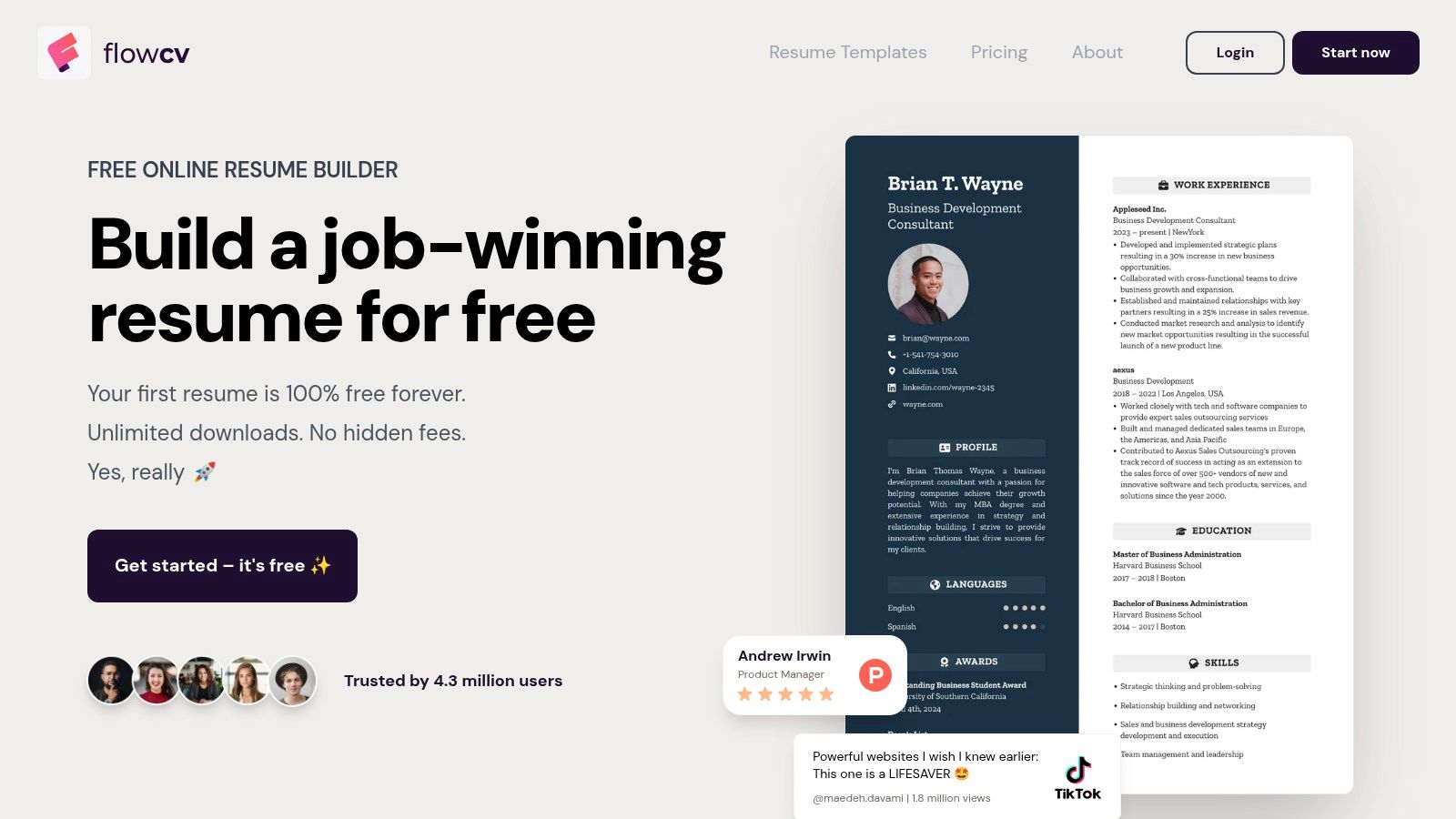
The user experience is clean and intuitive, guiding you through sections without overwhelming pop-ups or complex settings. You can import an existing resume to get started quickly or choose from over 50 customizable templates designed to be ATS-friendly. While the free tier limits you to one active resume, the ability to make unlimited PDF downloads and share a unique link makes it incredibly functional. The focused, ad-free environment makes crafting a high-quality document a genuinely fast and pleasant process.
Quick Facts & Ideal Use Case
- Pricing: Free forever for one resume; Premium plan for multiple versions.
- Best For: Job seekers needing a single, high-quality, ATS-optimized resume with a clean and fast editor.
- Standout Feature: Truly free with unlimited PDF downloads and no watermarks.
Pros: Clean, minimalist interface; strong privacy focus (GDPR-compliant); generous free tier with core features.
Cons: Only one active resume on the free plan; advanced features require a paid subscription.
For those managing multiple applications and needing a more integrated solution, exploring an AI resume builder can provide advanced feedback and tracking capabilities. You can learn more about how an AI resume builder complements tools like FlowCV by improving your resume's ATS score.
2. Resume.io
Resume.io excels as a popular quick resume maker free to start, offering a streamlined process with AI-assisted phrasing and professional templates. It’s ideal for users who need to generate a polished first draft rapidly, leveraging pre-written phrases and a user-friendly editor to fill in sections. The platform also includes cover letter tools and the ability to share a professional-looking online version of your resume via a unique link.
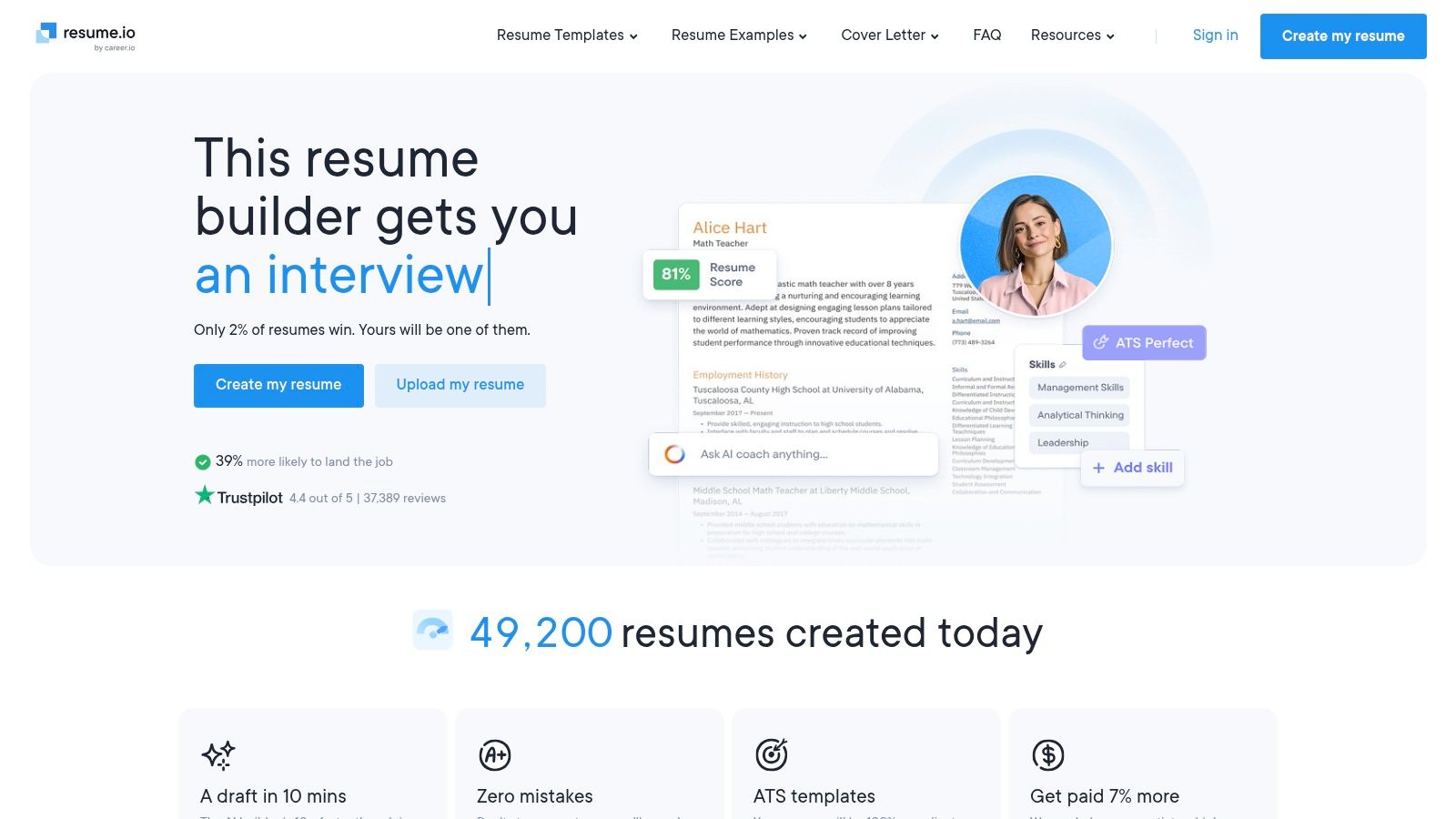
The primary trade-off is its freemium model. While you can build a great-looking resume for free, downloading it as a professional PDF requires a premium subscription, often accessed via a 7-day trial. The free plan only allows for a TXT file download and one specific PDF template, which limits its utility for those unwilling to pay. However, the trial provides full access to its large template library, making it a powerful tool if you remember to manage the subscription.
Quick Facts & Ideal Use Case
- Pricing: Free to build and download as a TXT file; Premium subscription required for most PDF templates.
- Best For: Job seekers wanting to quickly create a visually appealing resume with AI assistance and who are open to a short-term trial for premium features.
- Standout Feature: AI-powered phrase suggestions to help overcome writer's block.
Pros: Very fast and intuitive interface; large, professional template library (premium); AI writing assistance.
Cons: Free PDF download is extremely limited; most features are behind a paywall that auto-renews after the trial period.
3. Adobe Express Resume Maker
Adobe Express enters the scene as a powerful and design-forward quick resume maker free for job seekers who want to make a strong visual impact. Backed by Adobe's creative software legacy, it offers a gallery of modern, stylish templates perfect for roles in design, marketing, or other creative fields. The platform operates as a simplified graphic editor, allowing you to create a highly polished document without needing advanced design skills.
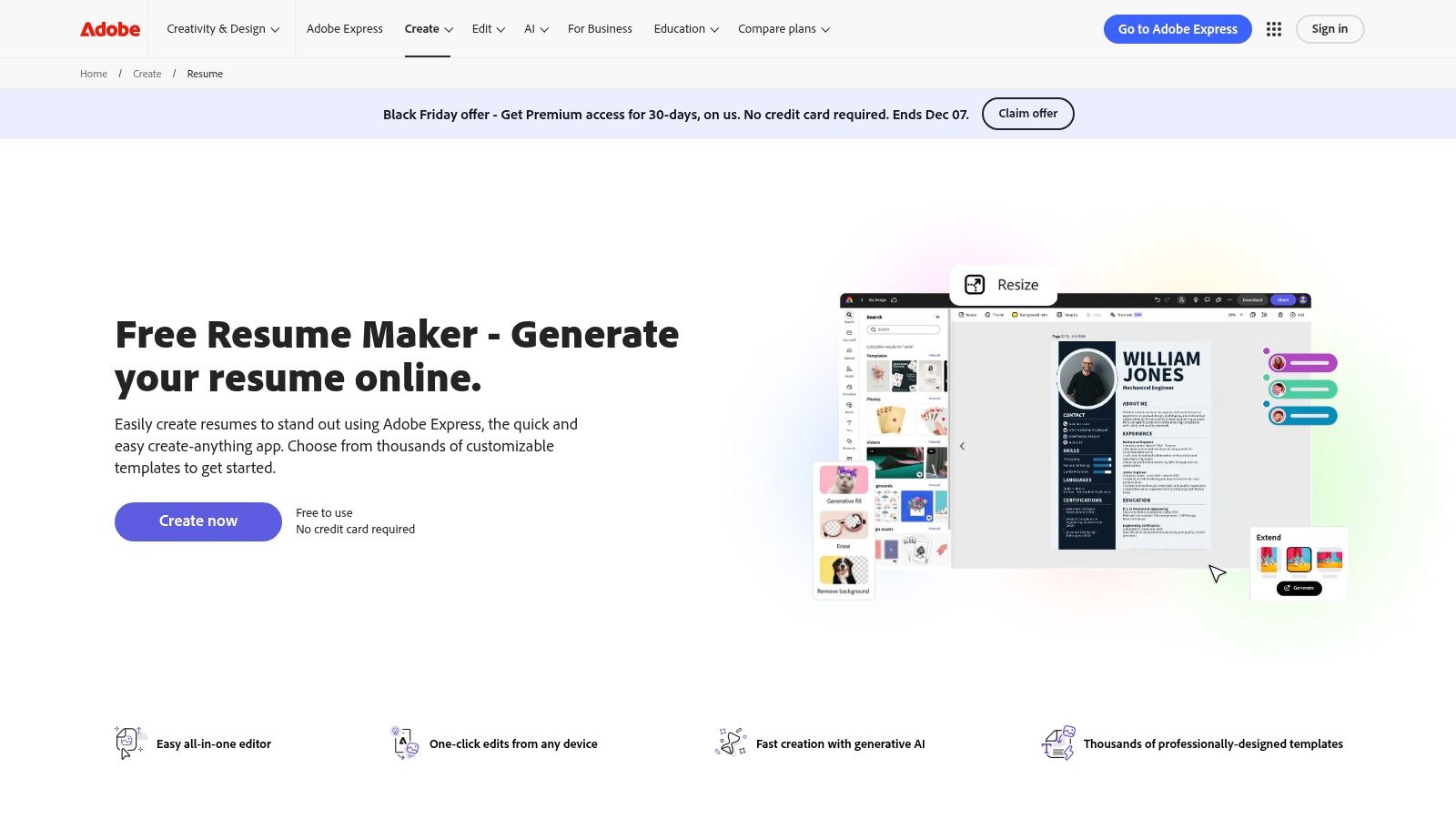
The user experience is centered around its intuitive drag-and-drop interface, making customization of fonts, colors, and layouts incredibly fast. While its strength lies in visual appeal, users should be cautious as highly designed layouts with columns or graphics can sometimes be less compatible with Applicant Tracking Systems (ATS). The free version provides ample tools for crafting and exporting a great-looking PDF, though premium assets require a paid plan.
Quick Facts & Ideal Use Case
- Pricing: Free plan with core features; Premium plan unlocks all assets and advanced tools.
- Best For: Creative professionals or job seekers in visual industries who need a stylish, design-centric resume.
- Standout Feature: Professional-grade design templates and a seamless, intuitive graphic editing experience.
Pros: Fast, intuitive interface producing polished output; great for creative or design-focused resumes; high-quality templates.
Cons: Highly designed layouts can reduce ATS compatibility; the best assets require a paid subscription.
For those applying to corporate roles where ATS performance is critical, balancing the visual appeal of Adobe Express with a more traditional format is key. You can find more information about how to make a resume that is both attractive and ATS-friendly on the Adobe Express website.
4. Canva Resume/CV Maker
While known primarily as a graphic design tool, Canva serves as a surprisingly effective quick resume maker free for those prioritizing visual appeal. Its strength lies in a massive library of creative templates and an intuitive drag-and-drop editor, allowing users to produce a highly stylized resume in minutes. The platform's robust free tier provides access to thousands of templates and design assets, making it easy to create a document that stands out visually.
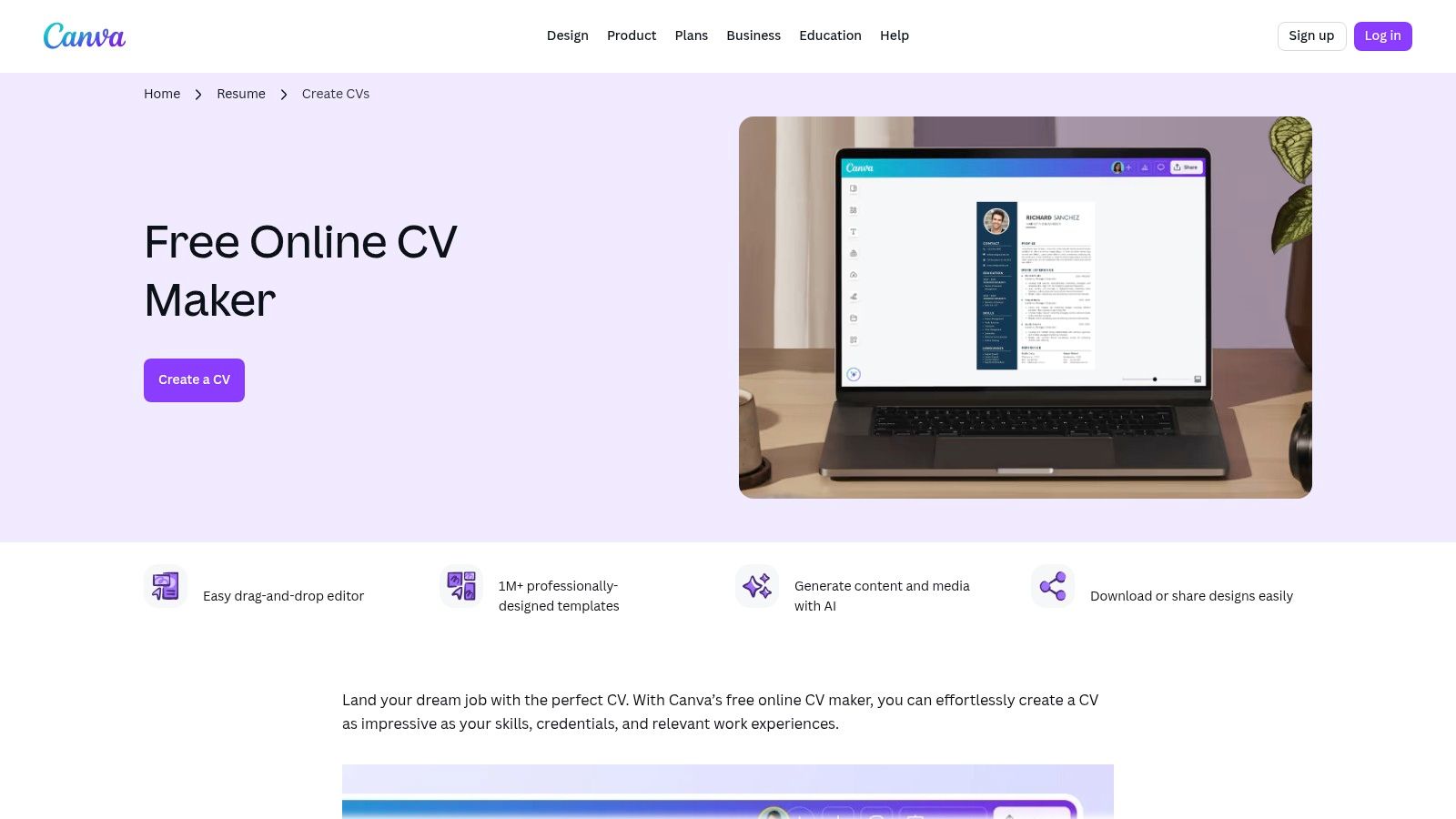
The user experience is seamless, especially for those already familiar with Canva's interface. You can easily add, move, or resize text boxes, icons, and other graphical elements to craft a truly unique layout. AI-powered features can help generate content ideas, and one-click PDF downloads make the process fast. However, it's crucial to choose templates carefully, as highly visual or multi-column designs may struggle with ATS parsing, making Canva best for roles where a creative portfolio is a plus.
Quick Facts & Ideal Use Case
- Pricing: Free forever with optional paid templates/assets; Pro plan for advanced features.
- Best For: Creative professionals or job seekers in industries where a visually striking resume provides a competitive edge.
- Standout Feature: A massive library of customizable, design-forward templates and an easy-to-use drag-and-drop editor.
Pros: Extremely fast for creating visually impressive resumes; huge selection of templates and design assets; easy sharing options.
Cons: Many visually complex templates are not ATS-friendly; premium assets and features require a subscription.
For roles in more traditional or corporate sectors, ensuring your resume is optimized for applicant tracking systems is critical. While Canva excels at design, tools like an ATS resume scanner can analyze your document's compatibility and provide actionable feedback for improvement.
5. Microsoft Word Online (Microsoft Create / Word resume builder)
For users who prefer a familiar, classic approach, Microsoft Word Online stands as a reliable quick resume maker free of charge. Through the Microsoft Create portal, you can access dozens of professional, ATS-friendly templates directly in your browser with just a Microsoft account. This option is perfect for those who want total control over formatting without learning a new interface.
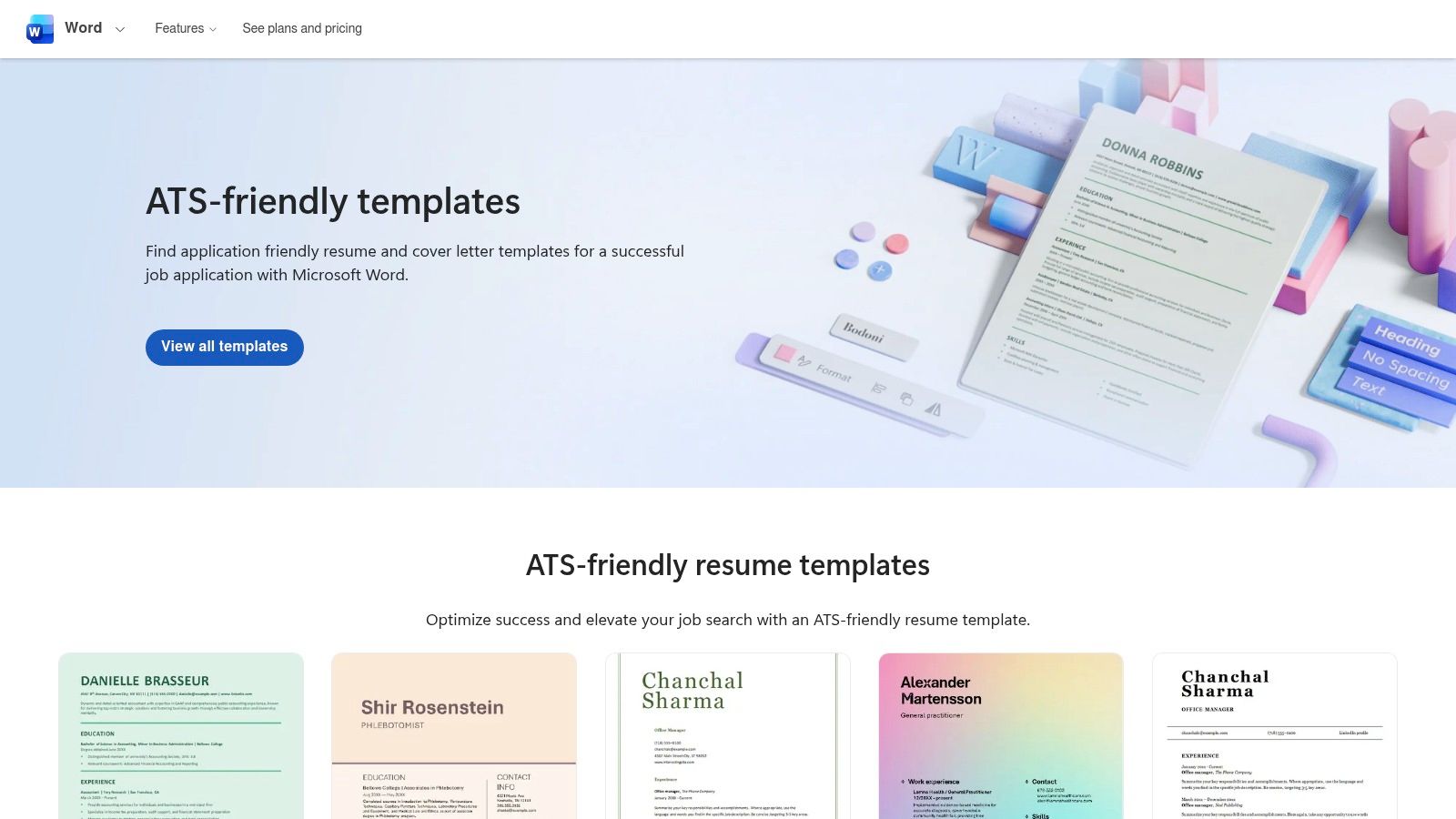
The experience is straightforward: pick a template, and it opens in Word Online for immediate editing. You can easily export your final document as a DOCX or PDF file, ensuring maximum compatibility with applicant tracking systems. While it lacks the guided, step-by-step process of dedicated builders, its strength lies in its universally recognized format and the integration of tools like Copilot, which can offer wording suggestions. It's a no-frills, highly effective choice for creating a clean, standard resume quickly.
Quick Facts & Ideal Use Case
- Pricing: Completely free with a Microsoft account.
- Best For: Job seekers who want familiar formatting tools and maximum ATS compatibility without flashy designs.
- Standout Feature: Access to clean, ATS-optimized templates within the widely used Microsoft Word environment.
Pros: Familiar formatting and highly ATS compatible; free access to many templates with a Microsoft account.
Cons: Fewer flashy designs; lacks the guided, structured experience of dedicated resume builders.
6. Google Docs Template Gallery
For those who prioritize speed and familiarity, the Google Docs Template Gallery is an excellent choice for a quick resume maker free of charge. Accessible with any Google account, it offers a collection of clean, professional templates (like Swiss and Spearmint) that open directly in Google Docs. This eliminates the need to learn a new platform, allowing you to focus entirely on content creation and editing within an environment you likely already know.
The platform excels at real-time collaboration, making it simple to share your draft with mentors or peers for instant feedback. Once complete, you can easily export your resume as a PDF or Word document, ensuring compatibility with virtually all application systems. While it lacks the advanced design features of specialized builders, its strength lies in producing a straightforward, ATS-friendly document with unparalleled speed and zero cost.
Quick Facts & Ideal Use Case
- Pricing: Completely free with a Google account.
- Best For: Users who want a fast, no-frills resume using a familiar editor and need to collaborate with others.
- Standout Feature: Seamless integration with the Google ecosystem for easy editing, sharing, and storage.
Pros: Absolutely free and instantly accessible; great for real-time collaboration; creates clean, ATS-friendly resumes.
Cons: Limited template variety compared to dedicated builders; requires manual attention to formatting and page breaks.
While Google Docs provides the essential tools, you can further enhance your document's effectiveness by learning how to make your resume better with content and keyword optimization strategies.
7. Kickresume
Kickresume offers a robust platform for job seekers looking for a quick resume maker free of charge, enhanced with AI-powered assistance. Its free tier is notably generous, providing access to several professional templates, unlimited downloads, and helpful content suggestions without imposing watermarks. This makes it an excellent choice for users who want a polished document and appreciate guidance on what to write.
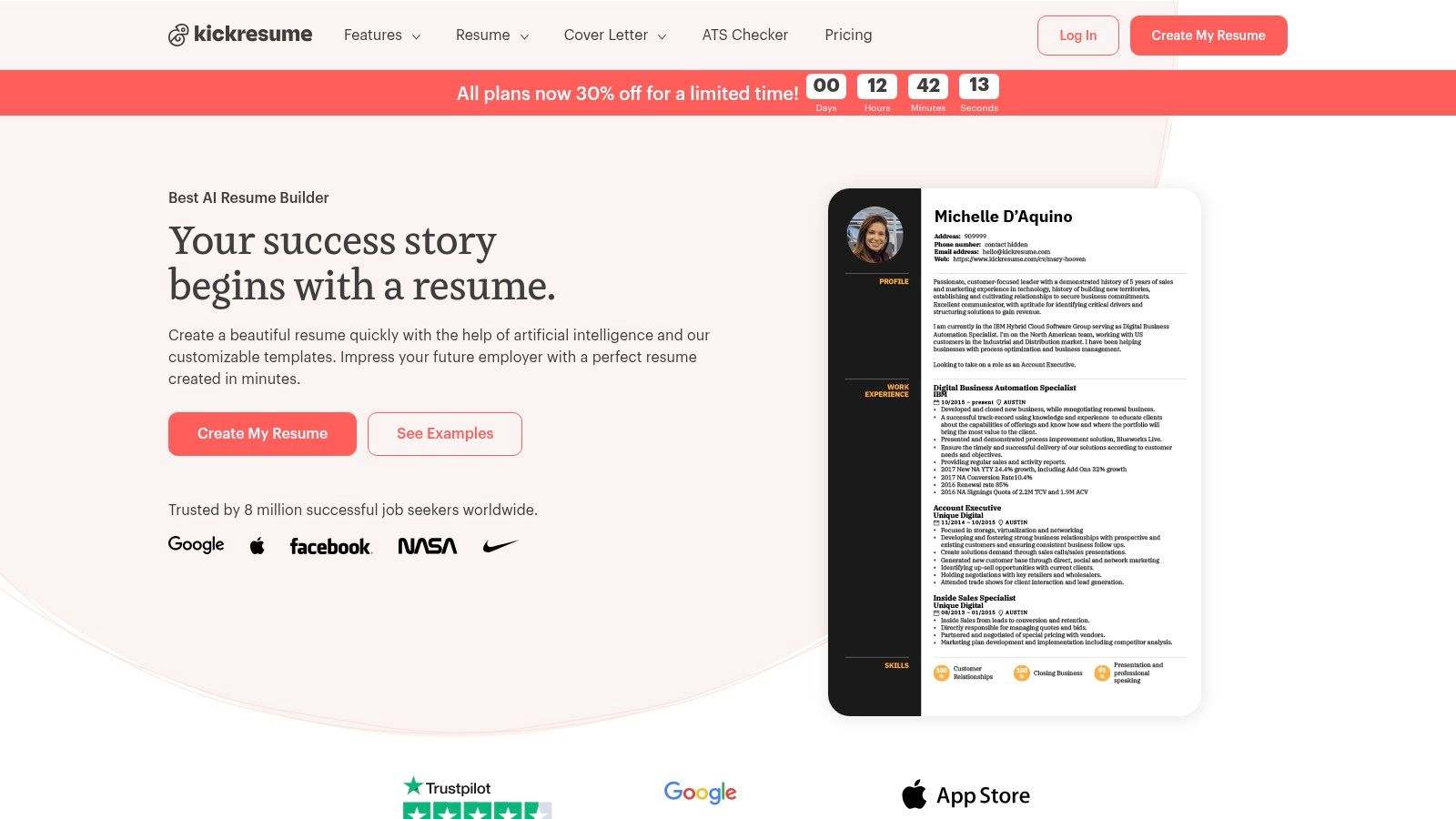
The user experience is straightforward, allowing you to import data from LinkedIn or an existing PDF to speed up the process. The platform’s standout feature is its integrated AI writer and extensive library of real-world examples, which help overcome writer’s block for sections like summaries or work experience. While the most visually striking templates are reserved for Premium members, the free options are clean, professional, and allow for PDF and DOCX exports, offering great flexibility.
Quick Facts & Ideal Use Case
- Pricing: Free plan with core features; Premium plans unlock all templates and AI tools.
- Best For: Students, recent graduates, and anyone needing AI-powered writing assistance to quickly craft resume content.
- Standout Feature: AI writer and a large library of examples accessible on the free plan.
Pros: No watermarks on free downloads; helpful AI and content examples; free PDF and DOCX exports.
Cons: Most templates and advanced customizations require a Premium subscription.
The AI tools in Kickresume are particularly useful for crafting impactful opening statements. For more specialized help, you can explore how a dedicated resume summary generator can further refine your profile.
8. Novorésumé
Novorésumé excels as a quick resume maker free for those aiming to create a concise, professional one-page document. Its platform is built around ATS-friendly layouts, ensuring your resume passes through automated screening systems effectively. The free plan is specifically designed for a single-page resume, making it an ideal choice for students, recent graduates, or professionals who need to distill their experience into a powerful, compact format.
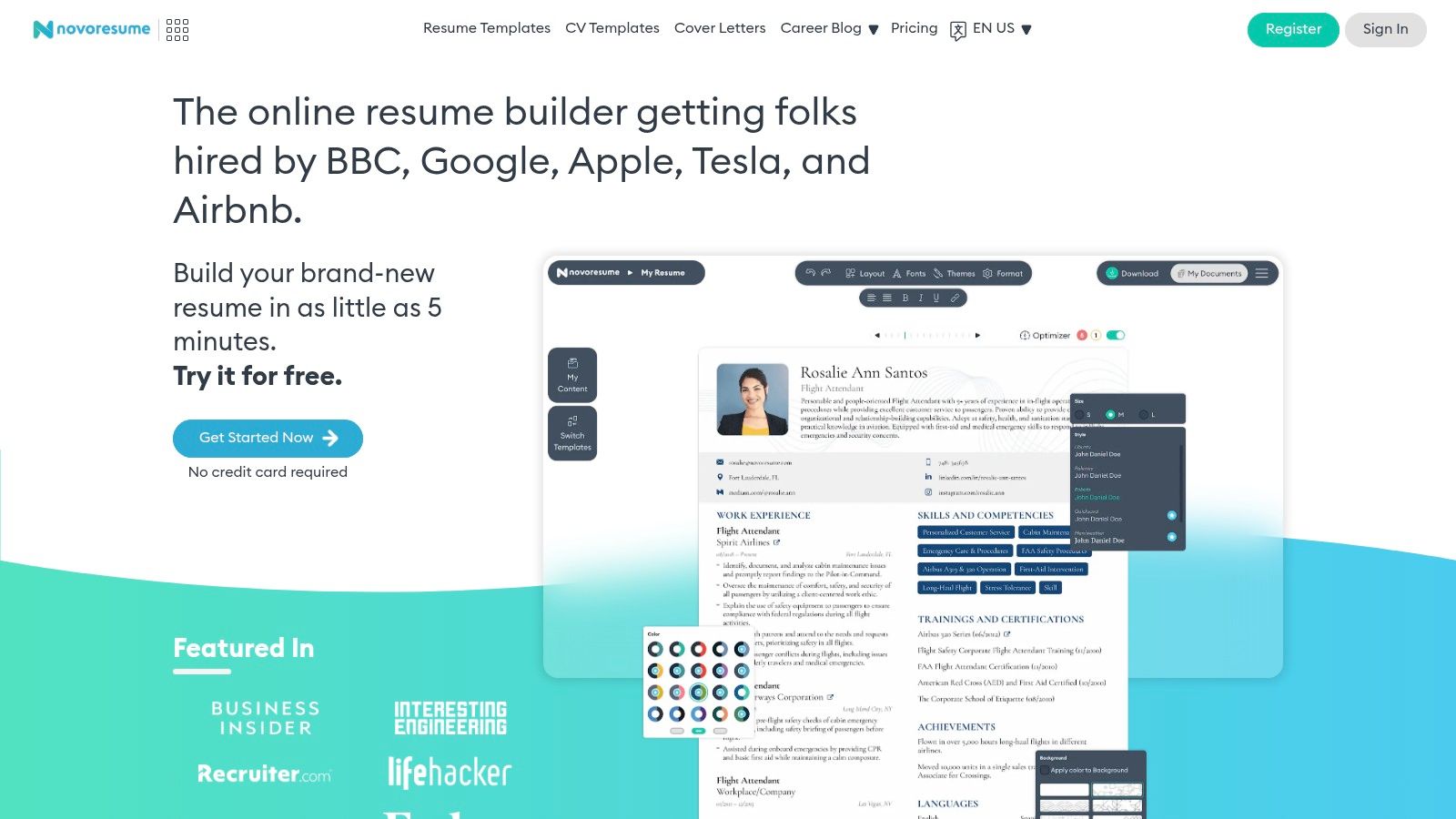
The user interface guides you through building your resume with helpful tips and a live preview, ensuring the final product is well-organized and visually appealing. While the free version limits you to predefined layouts and one document, it provides all the essential tools needed for a high-quality resume without hidden costs. If you accidentally use a premium feature, the tool will notify you before download, preventing any surprises. This straightforward approach makes it a reliable and fast option.
Quick Facts & Ideal Use Case
- Pricing: Free for a single 1-page resume; Premium plans unlock multiple pages, custom layouts, and more.
- Best For: Job seekers who need to create a polished, ATS-friendly one-page resume quickly and efficiently.
- Standout Feature: Strong focus on one-page resumes with predefined, ATS-optimized layouts.
Pros: Excellent for creating concise, professional one-page resumes; no auto-renewing subscription model; clear distinction between free and paid features.
Cons: Free download can be blocked if premium features are used; full customization and multi-page resumes require an upgrade.
9. Standard Resume
Standard Resume prioritizes speed and recruiter-friendly design, making it a standout quick resume maker free for those who value minimalist aesthetics. Its most compelling feature is the seamless LinkedIn import, which allows you to generate a functional first draft in seconds. The free plan is genuinely useful, offering unlimited PDF downloads and web sharing without watermarks, a significant benefit for active job seekers.
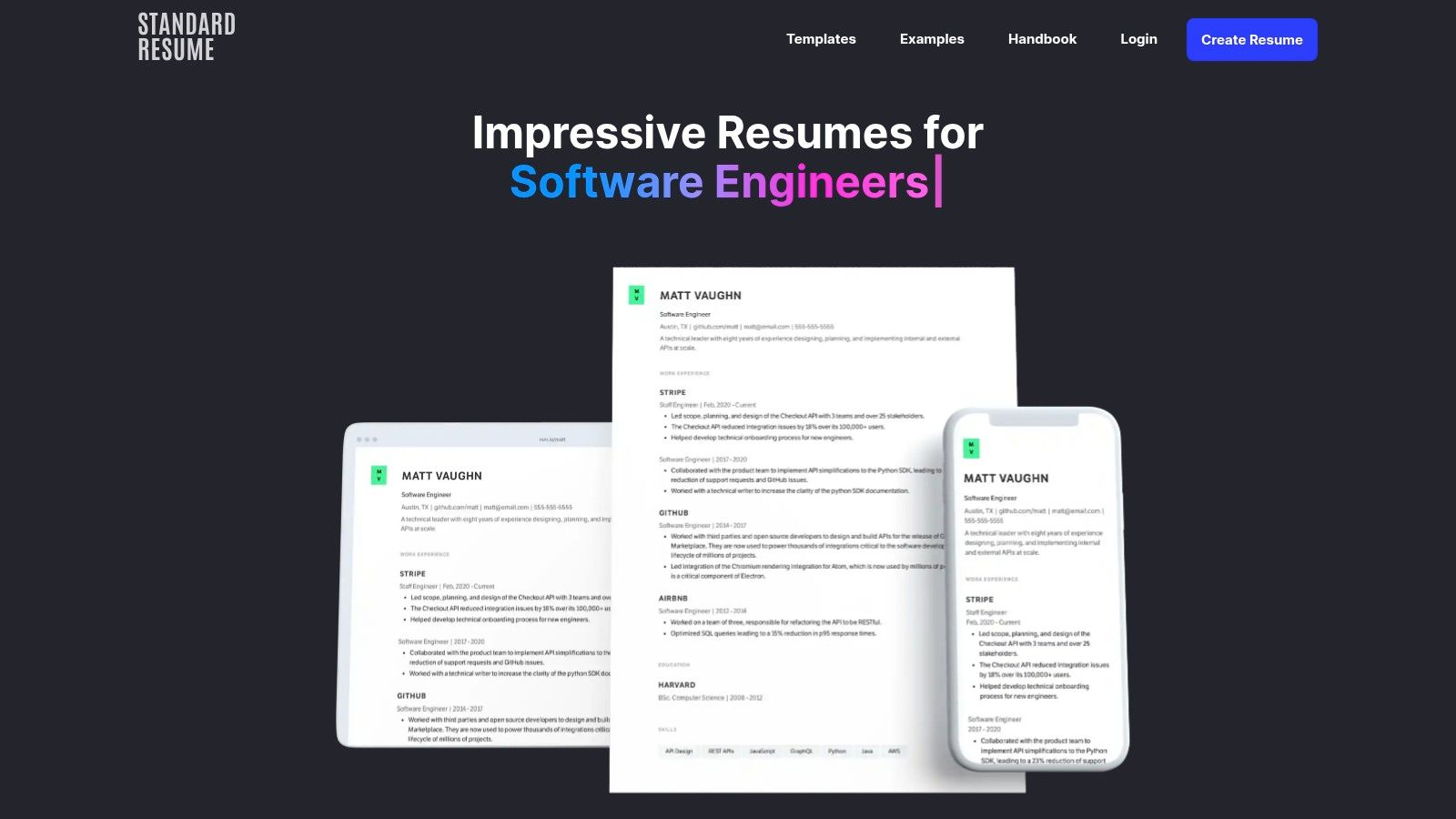
The user experience is incredibly straightforward, focusing on clean, single-column layouts that are highly favored by hiring managers and ATS software. Instead of overwhelming you with design choices, Standard Resume provides a proven, professional template and lets you focus entirely on your content. Its clean web resume link is perfect for sharing in emails or on social media, offering a modern alternative to a static PDF.
Quick Facts & Ideal Use Case
- Pricing: Free for core features; Pro plan ($19/month) for AI review and analytics.
- Best For: Professionals who want an extremely fast, clean, and recruiter-approved resume without design distractions.
- Standout Feature: One-click LinkedIn import for instant resume creation.
Pros: Exceptionally fast setup; clean, recruiter-friendly layouts; generous free plan with PDF downloads.
Cons: Very limited template variety; advanced features like AI review are behind a paywall.
While the templates are designed for readability, understanding how they perform with automated systems is key. You can check your document’s compatibility with a free resume ATS scanner to ensure it passes the initial screening stage.
10. Hloom
Hloom offers a hybrid approach, positioning itself as both a massive library of downloadable templates and an optional quick resume maker free to use for initial drafts. Its main strength lies in its extensive collection of free resume templates compatible with Microsoft Word and Google Docs. This makes it an ideal choice for users who prefer to edit their documents offline or within a familiar word-processing environment, providing a fast path to a customized resume.
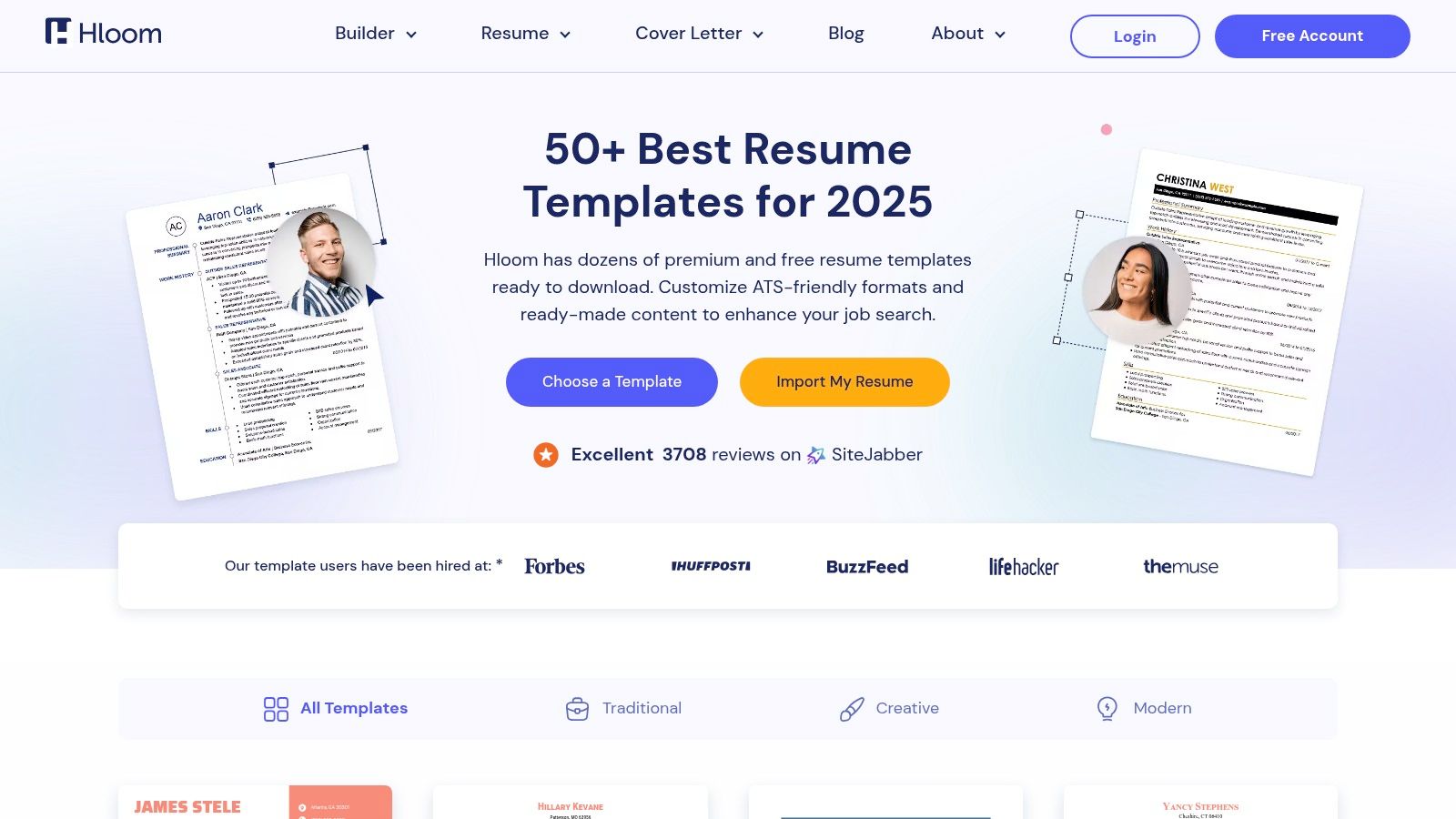
While the template library is genuinely free, Hloom also features a web-based builder with AI suggestions. However, some of its advanced builder features and unlimited downloads are reserved for a paid "Full Access" plan. The user experience is straightforward: you can either browse and download a DOCX file directly or opt into the builder. This flexibility allows you to quickly grab a template and go, or spend more time using their guided tool if you need additional support with content and formatting.
Quick Facts & Ideal Use Case
- Pricing: Free for template downloads; Optional paid plan for full builder access.
- Best For: Job seekers who want to edit their resume in Word or Google Docs using a professionally designed template.
- Standout Feature: A vast, free library of downloadable templates for offline editing.
Pros: Huge selection of truly free templates for immediate download; options for both ATS-friendly and creative designs.
Cons: The online builder's best features require a paid subscription; the distinction between free and paid can be unclear.
11. Indeed Flex – Free AI Resume Builder
Indeed Flex offers a specialized, quick resume maker free of charge, leveraging AI to streamline content creation. It excels at producing ATS-friendly documents with a straightforward process, making it ideal for users who need an editable file format. The ability to import data directly from a LinkedIn profile and then export the final resume as either a DOCX or PDF file is a significant time-saver for those needing a versatile document.
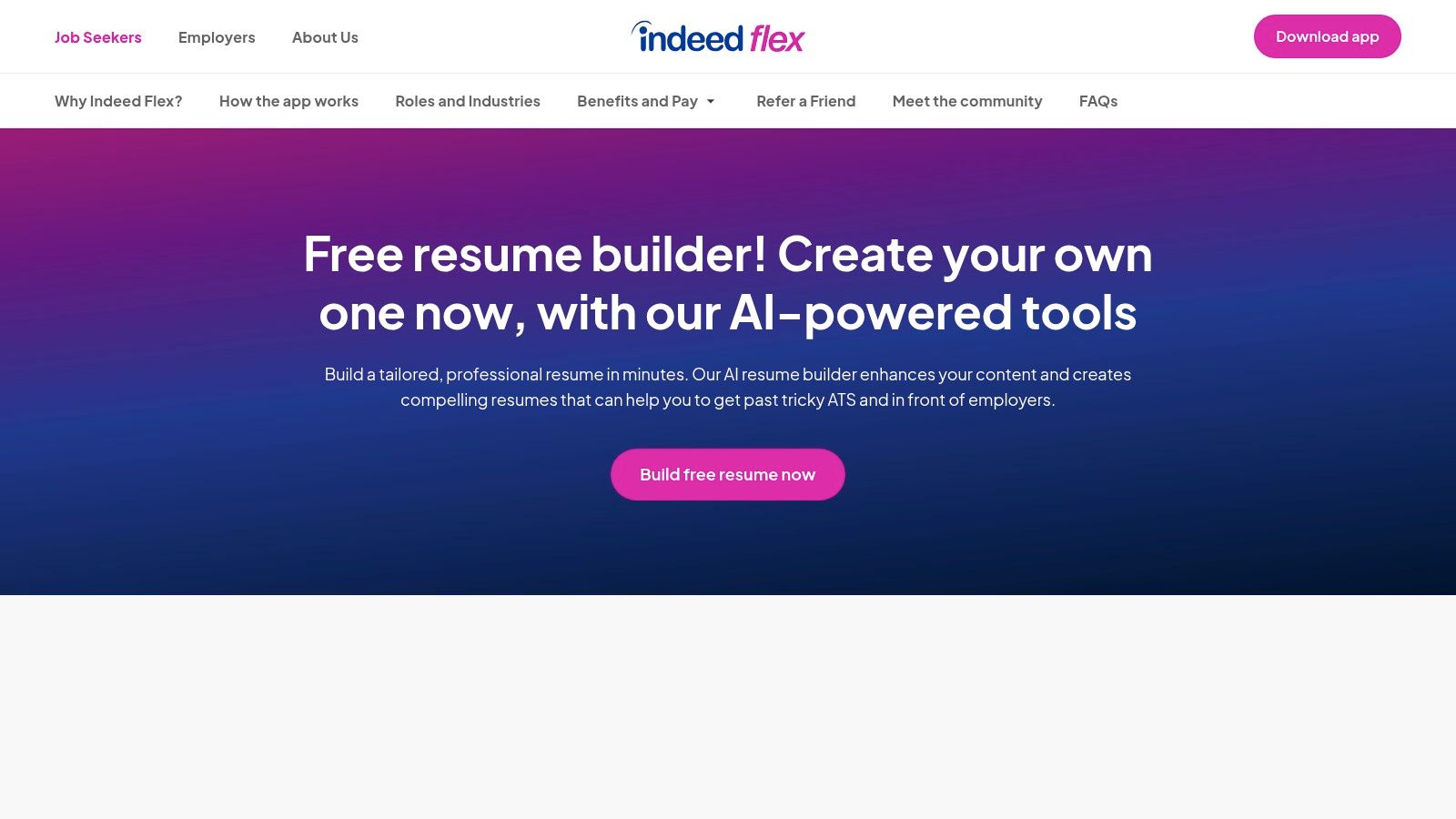
The platform’s AI enhancement feature helps refine wording for impact and clarity, tailoring content to specific job descriptions. While its feature set is more streamlined compared to comprehensive paid suites, it delivers exactly what it promises: a fast, no-cost way to get a professionally worded and formatted resume. Its focus on creating editable Word documents sets it apart, giving users the freedom to make offline tweaks without being locked into a proprietary editor.
Quick Facts & Ideal Use Case
- Pricing: Completely free to use.
- Best For: Job seekers who want a fast, AI-assisted resume that can be downloaded and edited in Microsoft Word.
- Standout Feature: Free DOCX (Word) downloads and AI content suggestions.
Pros: Provides an editable Word/PDF resume at no cost; AI wording assistance and LinkedIn import are very efficient; strong ATS-friendly focus.
Cons: Feature set is simpler than major paid builders; interface is not the same as the legacy Indeed/Resume.com tool.
12. VisualCV
VisualCV excels as a quick resume maker free tool by leveraging your existing professional network. Its standout feature is the seamless LinkedIn import, which transforms a well-maintained profile into a polished resume in just a few clicks. This makes it an incredibly efficient choice for users who already have a detailed LinkedIn presence and need to generate a professional PDF document with minimal effort. The platform offers a clean interface and a solid selection of templates that balance simplicity with modern aesthetics.
While the free version requires a sign-up, it provides access to over 30 templates and allows you to create one professional resume for PDF download or web sharing. This is perfect for quickly adapting your online brand for a formal application. The process is straightforward, guiding you from import to final output without unnecessary complications, solidifying its place as a top-tier tool for rapid resume creation.
Quick Facts & Ideal Use Case
- Pricing: Free for one resume with basic templates; Pro plan for more designs and features.
- Best For: Professionals with an up-to-date LinkedIn profile who need to generate a resume instantly.
- Standout Feature: The incredibly fast and accurate LinkedIn-to-PDF resume conversion.
Pros: Extremely fast resume creation using LinkedIn import; offers a good mix of simple and polished templates.
Cons: Free version is limited to one resume; some of the more advanced templates require a Pro subscription.
Comparison of 12 Free Quick Resume Makers
| Tool | Core Features & Output | UX / Quality ★ | Price & Value 💰 | Target Audience 👥 | Unique Strength ✨/🏆 |
|---|---|---|---|---|---|
| FlowCV | 50+ templates, PDF/DOCX import, unlimited PDF downloads, GDPR | ★★★★ | Free (1 resume) + paid for multi 💰 | Privacy-conscious & ATS-focused jobseekers 👥 | Truly free one-resume forever ✨ |
| Resume.io | Templates + AI phrasing, share links, basic analytics | ★★★★ | Freemium; limited free PDF exports; 7‑day trial 💰 | Fast builders wanting AI help 👥 | AI-assisted phrasing + large template library ✨ |
| Adobe Express Resume Maker | Modern templates, drag‑and‑drop design, PDF export | ★★★★ | Free tier; paid for premium assets 💰 | Creative/design-focused applicants 👥 | High-design, brand-consistent resumes 🏆✨ |
| Canva Resume/CV Maker | 1M+ assets, drag‑and‑drop, AI tools, one‑click PDF | ★★★★ | Robust free tier; paid content/assets 💰 | Creatives & general users who want visual resumes 👥 | Massive asset library & easy sharing ✨ |
| Microsoft Word Online | ATS-friendly templates, Copilot prompts, DOCX/PDF export | ★★★★★ | Free with Microsoft account; optional Office subscription 💰 | Professionals needing max ATS compatibility 👥 | Best ATS compatibility & Word format 🏆 |
| Google Docs Template Gallery | Built‑in templates, real‑time collaboration, export to PDF/DOCX | ★★★★ | Free with Google account 💰 | Collaborative teams, students & simple resumes 👥 | Real‑time collaboration & easy sharing ✨ |
| Kickresume | Free templates + unlimited downloads, AI writer, LinkedIn import | ★★★★ | Free basics; Premium for templates/features 💰 | Students & early‑career jobseekers 👥 | Generous free exports + helpful AI examples ✨ |
| Novorésumé | ATS‑friendly layouts, free 1‑page resume, premium for versions | ★★★★ | Free 1‑page; Premium for multi‑page/customization 💰 | Applicants needing concise 1‑page resumes 👥 | Strong one‑page ATS‑optimized designs 🏆 |
| Standard Resume | LinkedIn import, PDF downloads on free plan, Pro analytics | ★★★★ | Free core; Pro $19/mo 💰 | Recruiter-focused applicants & quick setups 👥 | Clean, recruiter-friendly templates ✨ |
| Hloom | Large Word/Docs template library, optional builder, DOCX/PDF | ★★★ | Free templates; builder full‑access paid 💰 | DIY editors who customize in Word/Docs 👥 | Huge free template collection ✨ |
| Indeed Flex – Free AI Resume Builder | AI enhancement, LinkedIn import, DOCX/PDF outputs, tailoring | ★★★★ | Free 💰 | Jobseekers wanting editable Word resumes & AI help 👥 | Free AI wording + editable DOCX outputs ✨ |
| VisualCV | LinkedIn import → PDF, 30+ templates, web resume sharing | ★★★★ | Free basic; Pro for more templates/features 💰 | Professionals with up‑to‑date LinkedIn profiles 👥 | Fast LinkedIn‑to‑resume conversion 🏆 |
Beyond the Builder: Integrating Your Resume into a Winning Job Search Strategy
Navigating the landscape of free resume builders can feel overwhelming, but as we've explored, the right tool is out there for every type of job seeker. From the minimalist elegance of FlowCV and Standard Resume to the creative powerhouse of Canva and Adobe Express, you now have a curated list of options to craft a compelling professional narrative without spending a dime. We've seen how tools like Kickresume and Novorésumé offer structured, ATS-friendly templates, while familiar platforms like Microsoft Word and Google Docs provide accessible, no-frills solutions.
The core lesson is that a quick resume maker free of charge is more than just a convenience; it's a strategic asset. It empowers you to move fast, adapt your application to different roles, and present your qualifications in a modern, professional format. Your choice ultimately depends on your specific needs: a recent graduate might prioritize visually appealing templates from Canva, while a seasoned professional changing careers may lean on Resume.io for its structured, content-focused layouts.
Choosing Your Tool and Taking the Next Step
Making the right choice comes down to self-assessment. Consider these factors before you commit:
- Your Technical Comfort: Are you a design novice who needs a foolproof, guided experience (Kickresume, Novorésumé), or are you comfortable with more creative freedom (Canva, Adobe Express)?
- Your Industry: Creative fields may welcome a visually distinct resume, while corporate or technical roles often demand a clean, traditional, and highly scannable format (FlowCV, Standard Resume).
- Your Goal: Is your main objective to create one master resume, or do you plan to tailor your resume for dozens of applications? The latter requires a tool that makes editing and downloading multiple versions seamless.
Once you've built your foundational resume, your work isn't finished. The document itself is just one piece of your professional brand. To create a cohesive and powerful presence, learning how to optimize your LinkedIn profile for impact is crucial, transforming it into a powerful personal branding engine rather than just a static digital resume.
The Real Challenge: From Creation to Application Management
The true friction in a modern job hunt isn't just creating the resume; it's managing the entire application process. Juggling different versions of your resume, tracking submissions in a spreadsheet, and manually tailoring your skills for each job description is where burnout begins. This is where a dedicated platform becomes indispensable.
A powerful resume is your ticket to getting noticed, but a strategic, organized approach is what lands you the job. By pairing an excellent quick resume maker free tool with an intelligent job application tracker, you move from simply creating documents to actively managing your career journey. This integrated strategy saves you time, reduces stress, and significantly increases your chances of securing the right opportunity.
Ready to stop juggling spreadsheets and start landing interviews? Eztrackr combines a powerful AI Resume Builder and ATS checker with a comprehensive job application tracker. Build, tailor, and track your applications all in one place to streamline your job search and focus on what truly matters. Try Eztrackr for free today!