7 Best Chrome Extensions for Everyday Work in 2026
You're halfway through a morning of job applications, and you've already lost track. One listing is in an open tab, another is in a spreadsheet row you forgot to update, and a cover letter draft needs a final polish before you can hit send. Across the day you'll also log into employer portals, research companies, and explain your work to someone who doesn't have time for a long email.
That's exactly where the best Chrome extensions earn their place. They're not the tools with the longest feature lists. They're the ones that remove one specific friction point, whether that's tracking applications, cleaning up writing, or keeping logins secure.
Don't install everything at once. The Chrome Web Store grew to about 138,000 extensions by 2024, so popularity alone won't tell you what's worth trusting. Pick the one tool that matches your current problem, test it on real work, and add another only when you feel the next gap.
1. Eztrackr
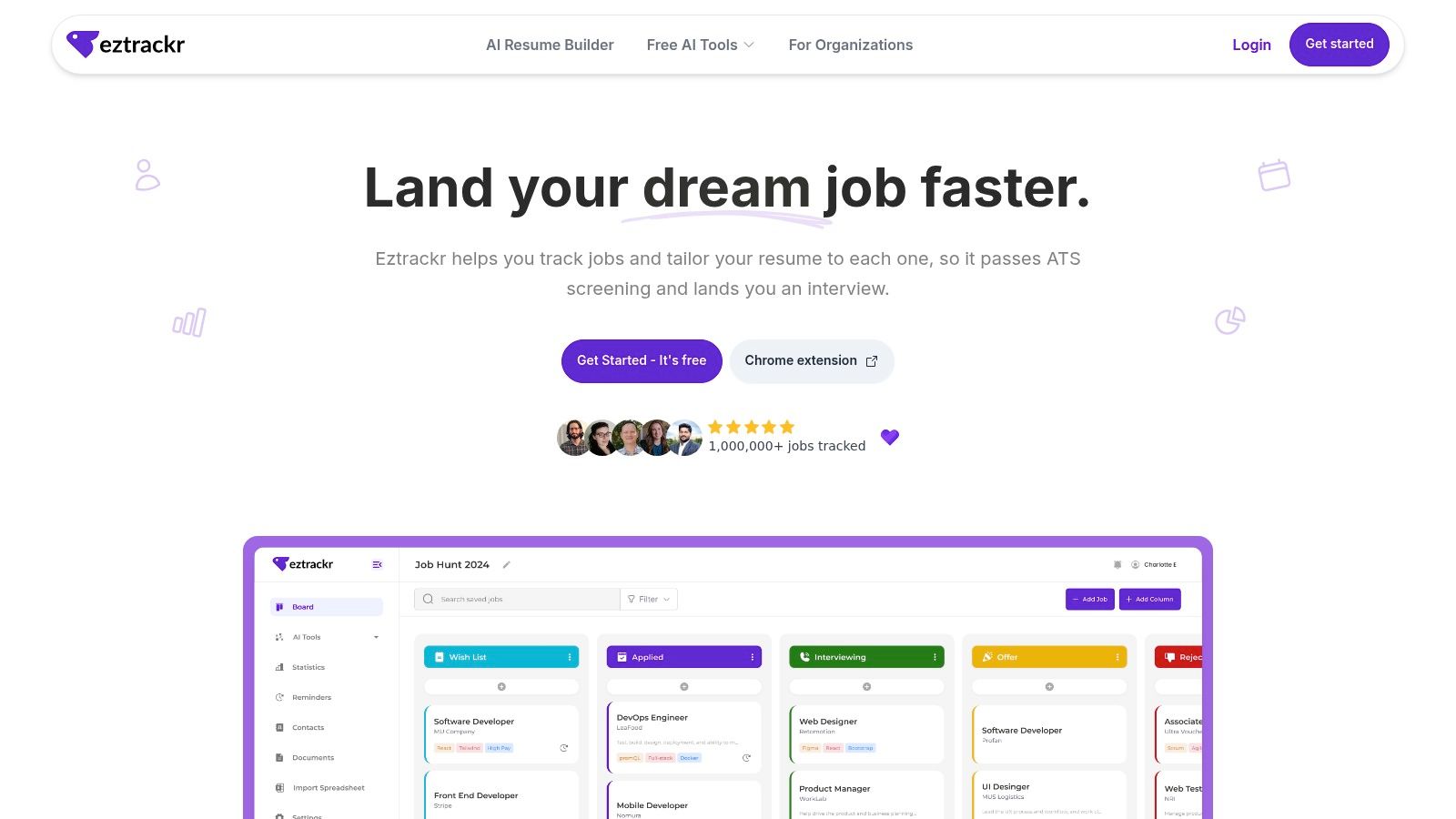
If you're applying to more than a handful of roles, Eztrackr is the first install. Its Chrome extension saves and parses listings from popular job boards in one click, so you're not copying titles, links, and descriptions into a spreadsheet by hand. You can also import existing spreadsheet records instead of starting over.
Once a job is saved, it lives in a proper workspace. A kanban board shows where each application stands, a timeline tracks what happened and when, and statistics reveal your volume and progress at a glance. Reminders and document links keep follow-ups and custom resumes attached to the right role.
AI Tools That Support the Whole Application
Eztrackr goes beyond tracking. Built-in AI can draft application answers and cover letters, generate interview practice questions, build or improve resumes, and compare your skills against a job description. You can personalize those outputs to your resume, which makes the drafts far more usable than generic text.
Treat every AI draft as a starting point. Review it, add specific evidence from your experience, and only then send it.
That review step is the main caveat. AI generated resumes, answers, and cover letters still need your judgment before they reach an employer. The website also doesn't clearly specify paid plan pricing or feature limits in the information provided, so confirm current terms before you depend on an advanced feature.
Pros
- One click capture: Saves jobs from popular job boards, with spreadsheet import for records you already have.
- Clear pipeline view: Kanban board, timeline, and statistics make stages and follow-ups easy to monitor.
- Broad AI support: Covers resume building and matching, cover letters, application answers, and interview preparation.
- Free tracking: Job tracking is free with unlimited jobs, according to the website.
- Positive user feedback: Users highlight the simple interface, time saved, useful visuals, and ongoing product improvements.
Cons
- Editing required: AI outputs should always be reviewed and personalized before sending.
- Unclear paid pricing: Paid plan details aren't clearly specified in the provided information.
Install it if you're an active applicant who'd rather prepare for interviews than manage spreadsheets. The site also displays a Stripe Climate Verified badge, a small extra detail for users who care about that signal.
2. Grammarly for Chrome
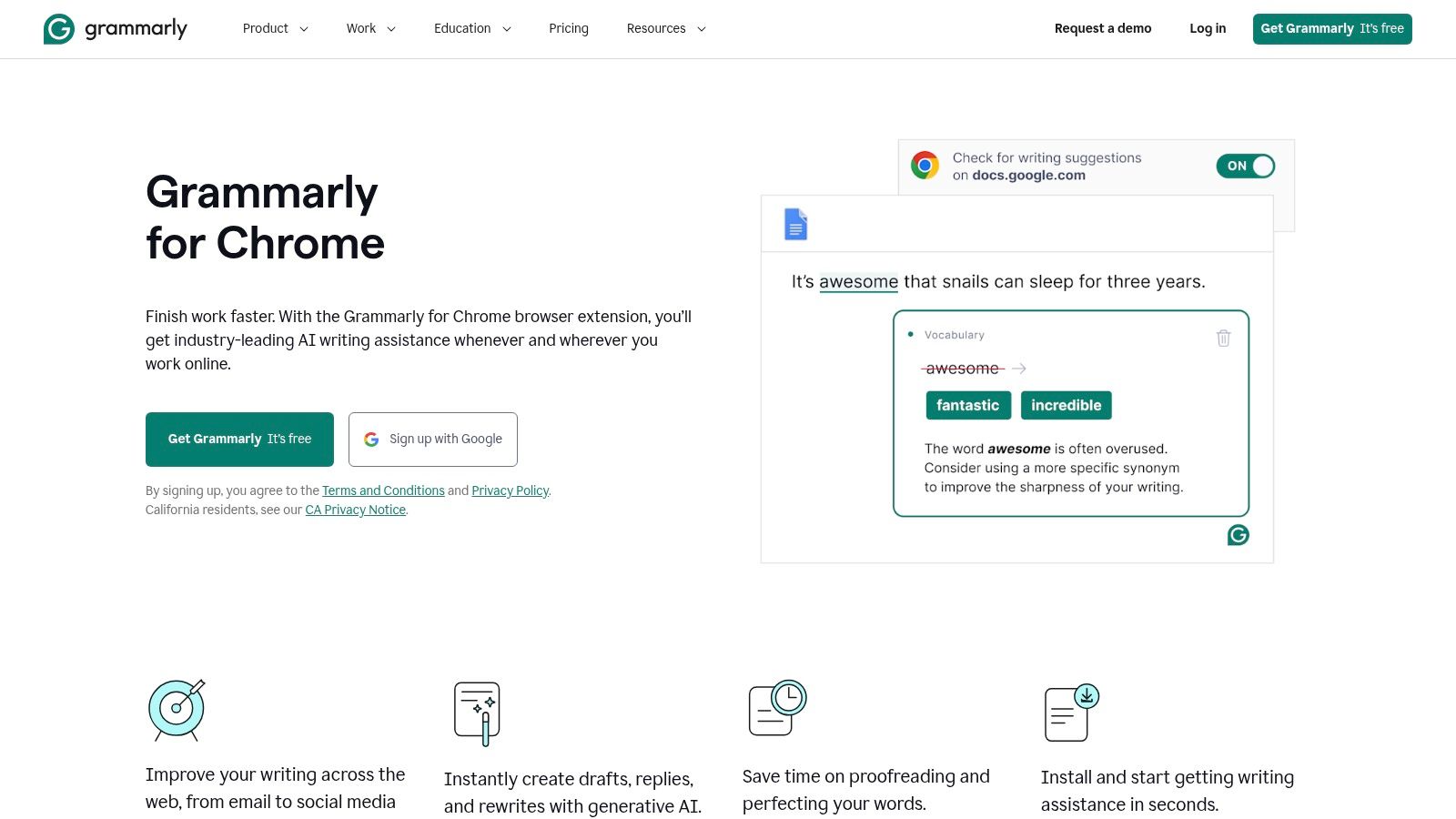
You write everywhere in Chrome, in Gmail, LinkedIn messages, Google Docs, and application forms. Grammarly for Chrome checks grammar, clarity, tone, and conciseness right where you're typing, so you catch problems before you send rather than after. That's especially useful for resumes and cover letters, where a clumsy sentence can undermine otherwise strong experience.
Setup is minimal, and you can toggle Grammarly on or off for specific sites or fields. That control matters when you're pasting formatted text or writing in a tool where suggestions would only distract you. Pair it with a dedicated drafting workflow, such as an AI cover letter writer, and use Grammarly as the final quality pass.
What the Paid Plans Add
Core grammar, spelling, and tone suggestions are free. Paid plans add advanced rewrites, plagiarism detection, and generative AI prompts. For most job seekers and professionals, the free tier already covers daily email and application writing.
Pros
- Consistently accurate suggestions: Works across email, documents, social posts, and web apps with minimal setup.
- Clear upgrade path: Detailed help content makes paid options easy to evaluate.
Cons
- Premium pricing: May feel high if you only write occasionally.
- Paywalled checks: Features such as plagiarism detection require a paid plan.
Install it if you write in the browser every day. Skip the paid tier unless you regularly need rewrites or plagiarism checks, since the free core handles the errors that hurt you most.
3. 1Password – Password Manager
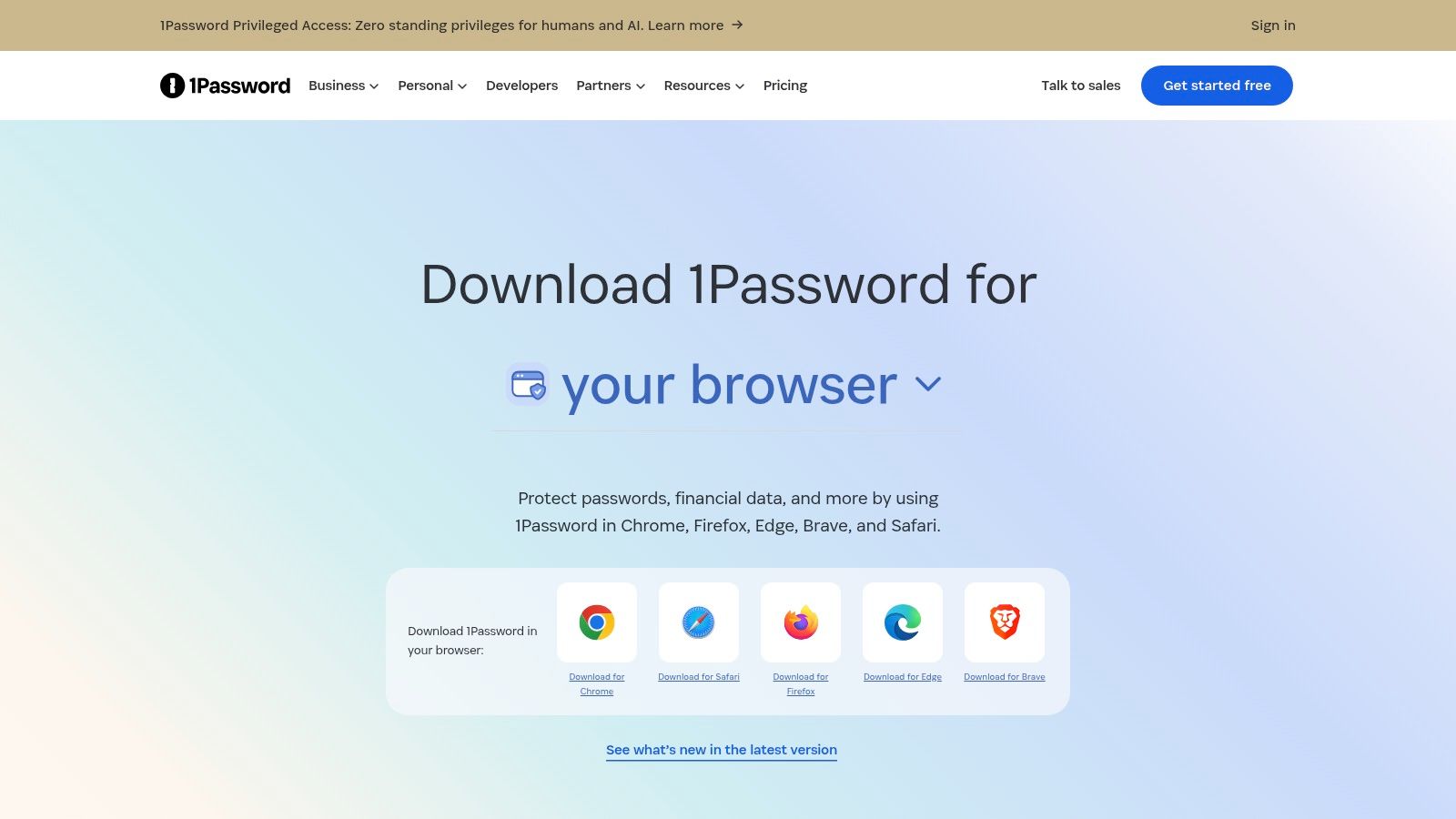
Every employer portal wants its own account. Reusing one password across them is risky, and tracking unique passwords in your head doesn't work. 1Password saves and fills credentials, generates strong passwords and passkeys, and stores documents and secure notes alongside your logins.
The Chrome experience is fast and consistent. Auto save and auto fill cover logins, cards, identities, and passkeys, while security alerts flag weak spots you'd otherwise miss. Cross platform apps and personal, family, and team vaults mean your credentials travel with you and can be shared safely when needed. Keeping documents organized matters here too, and structured thinking about document version management pairs well with storing the right files securely.
Privacy scrutiny is justified for any extension touching credentials. A 2019 analysis found about 9% of extensions could access cookie files, which may include authentication information. A password manager from an established developer with a documented browser extension security model is a very different proposition from an unknown tool with the same access.
Pros
- Reliable, fast filling: Consistent Chrome experience across sites and forms.
- Strong sharing options: Multi platform support with vaults for individuals, families, and teams.
Cons
- Paid membership required: You'll need to pay beyond any trial period.
- Variable pricing: Promotions can change the price, so confirm it at checkout.
Install it if you manage many accounts, which during a job search is almost everyone. It's the most direct upgrade to your daily security in this list.
4. uBlock Origin Lite
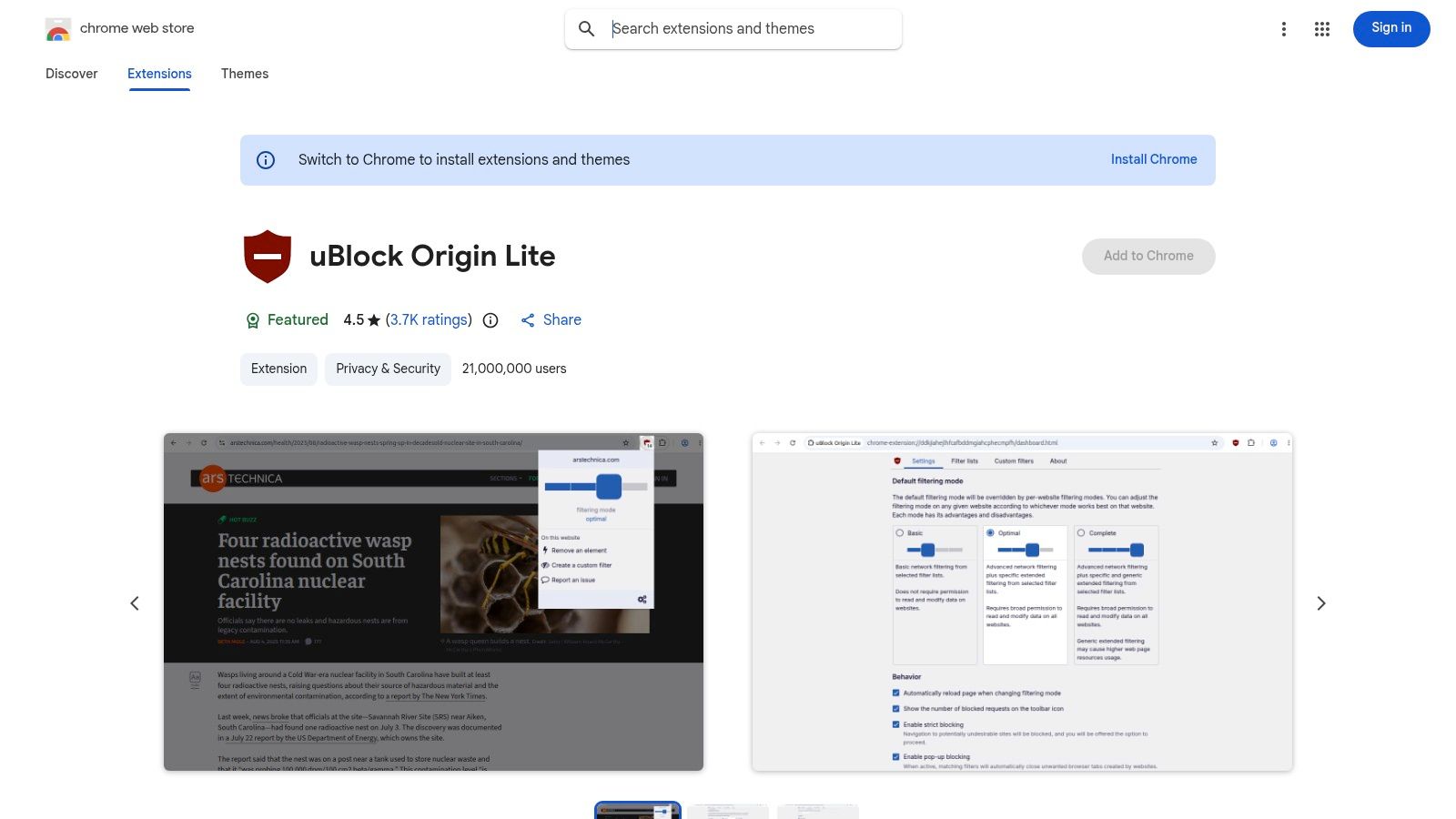
Ads and trackers slow pages down and clutter your attention. uBlock Origin Lite is a free, privacy focused content blocker built for Manifest V3. It uses Chrome's declarative rules to block ads and trackers, and it's the maintained option for Chrome now that the original uBlock Origin is affected by Chrome's Manifest V3 changes.
Performance is a real selection criterion, not a detail. In an empirical study, 29% of tested extensions increased page load time, with an average increase of 18%. uBlock Origin Lite is designed to be efficient with CPU and memory and doesn't use an always running background process, which is the right direction for a tool that's active all day.
Filtering Without the Complexity
Default filter lists include EasyList, EasyPrivacy, and Peter Lowe's, and you can enable optional extra rulesets from the options page. If a page breaks, you can disable blocking per site to restore functionality in seconds.
Pros
- Free and efficient: Open source ethos with a strong performance reputation.
- Per site control: Turn it off quickly when a site doesn't work properly.
Cons
- Fewer advanced controls: Less dynamic filtering than classic uBlock Origin.
- Occasional breakage: Some sites need whitelisting to work again.
Install it if you want faster, quieter browsing without paying or configuring much. Power users who miss classic uBlock Origin's dynamic filtering will feel the limits, but the average user will not.
5. PayPal Honey
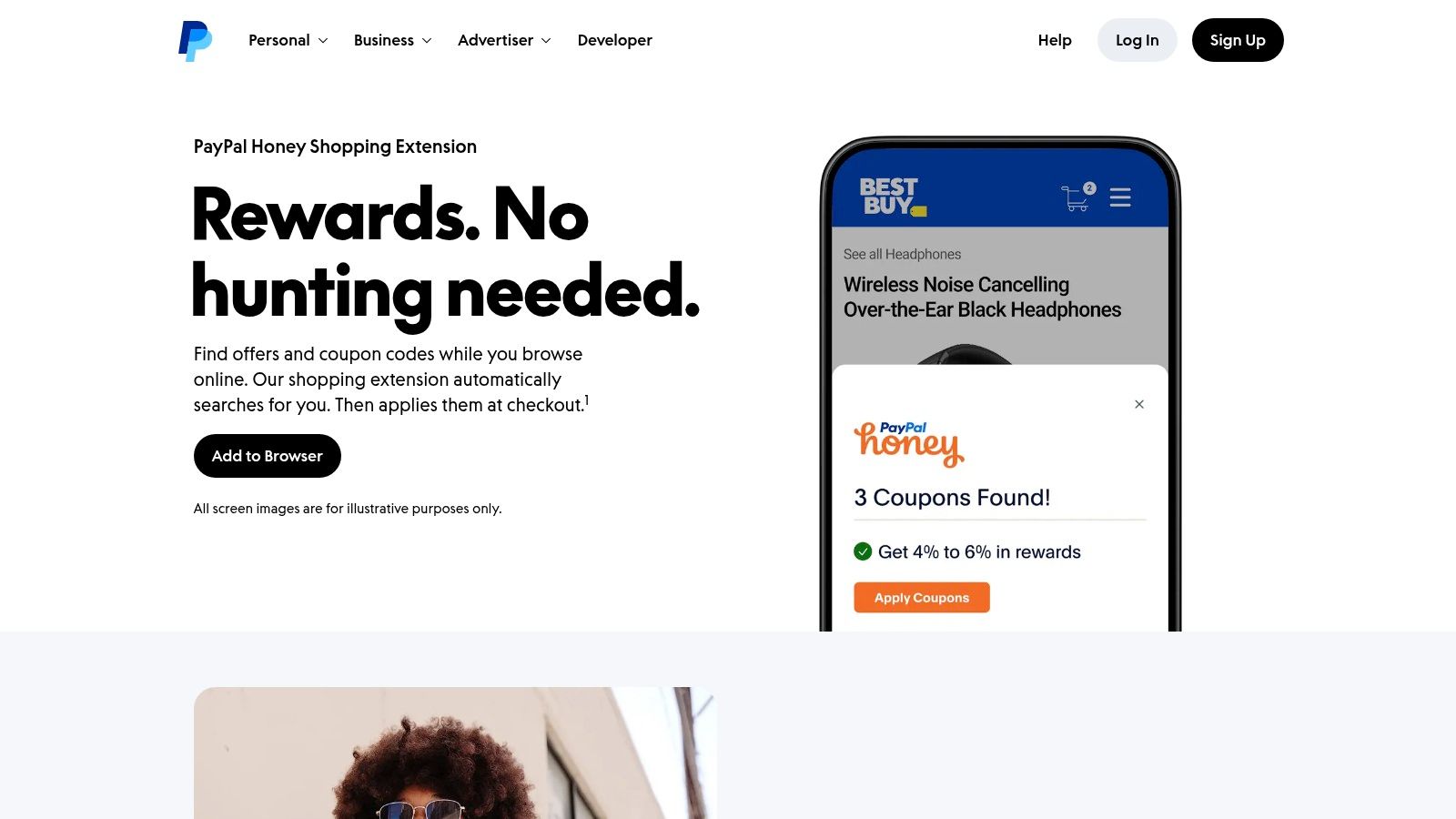
This one solves a different problem. You're buying a course, software, or office gear, and you don't want to hunt for coupon codes. PayPal Honey automatically tests and applies available coupon codes at checkout across many US merchants, so saving takes no effort on your part.
Beyond checkout, Droplist price tracking sends alerts for items you're watching, and an Amazon seller and price comparison badge helps you check whether you're looking at a fair price. PayPal Rewards cash back at eligible merchants adds a second layer of savings, though it depends on program terms and merchant participation.
Set Realistic Expectations
Honey is free, and its broad US merchant coverage plus PayPal integration make it easy to justify. But coupons don't always beat the current cart price, and cash back rates vary by merchant and category. Treat any saving as a bonus, not a reason to buy.
Practical rule: Install shopping extensions only if you already shop regularly. A tool that saves you money occasionally shouldn't get access to every checkout you visit just in case.
Pros
- Automatic savings: Coupon testing happens without extra steps from you.
- Broad coverage: Strong US merchant reach with PayPal integration built in.
Cons
- Inconsistent coupons: Codes don't always improve on the price already in your cart.
- Variable cash back: Rates shift by merchant and category.
Install it if you buy courses, software, or supplies online often. If you rarely check out in Chrome, skip it and keep your extension list lean.
6. Loom – Screen & Camera Recorder
Some things are faster to show than to write. Loom lets you record your screen, camera, or both and share the result through an instant link. For job seekers, that's a clean way to send a video introduction or walk through a portfolio or project. For teams, it replaces meetings that should have been a short recording.
The workflow is quick. You record in one click, share the link, and viewers get transcripts and captions alongside the video. Integrations cover Gmail, Slack, Notion, Jira and Confluence, GitHub, and Zoom import, so recordings fit into tools you already use. If you're preparing to present your work, guidance on presentations for job interviews will help you structure what you record.
Where the Free Tier Stops
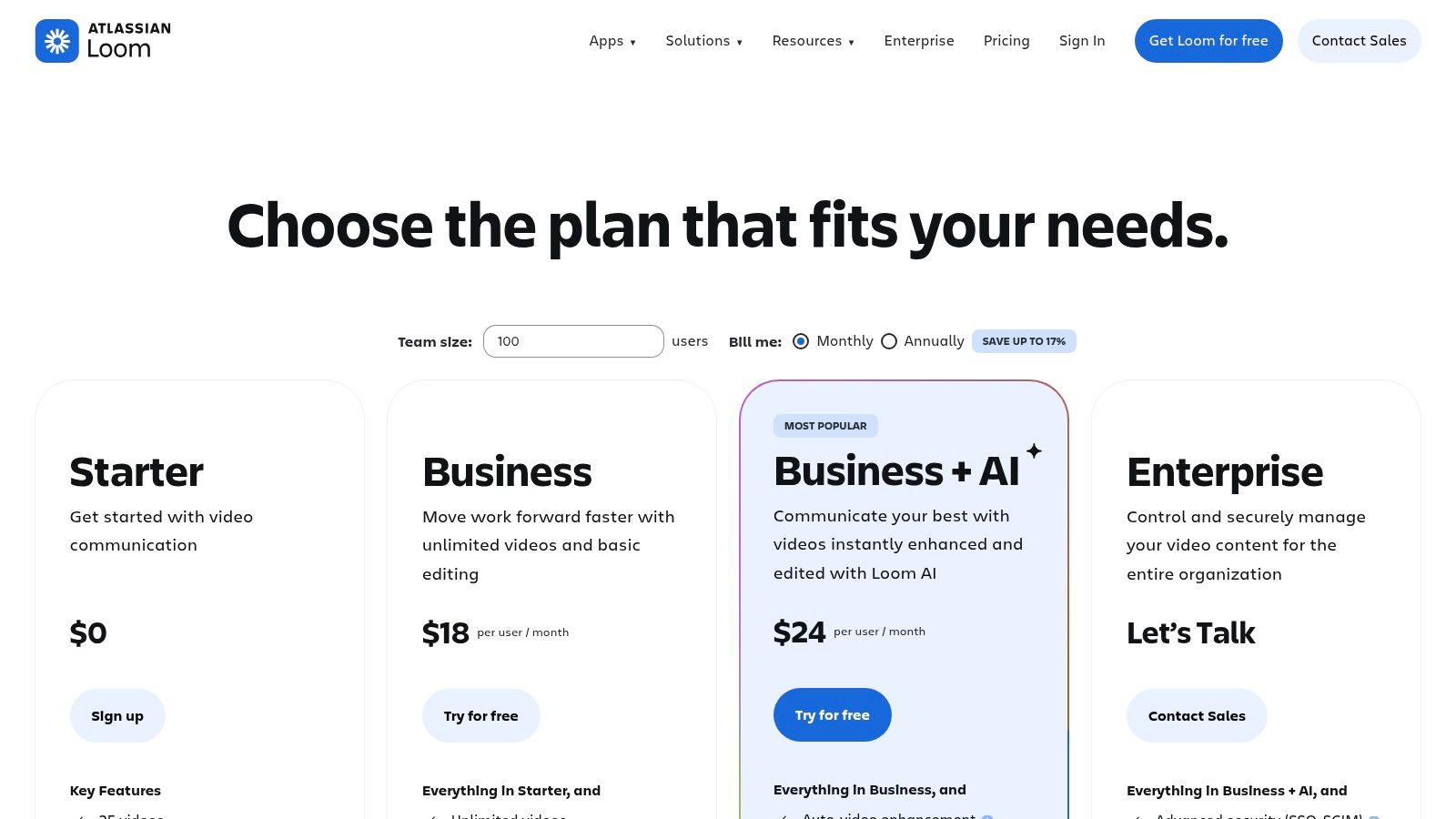
Paid plans raise recording quality to HD up to 4K and add AI features such as summaries, chapters, filler word removal, and meeting recaps. The free tier limits recording length and library size, and some AI, administrative, and security features require Business or Enterprise plans.
Pros
- Fast explainers: Recording and sharing short videos takes very little effort.
- Enterprise path: Atlassian's acquisition supports deeper workplace integration.
Cons
- Free limits: Recording length and library size are capped on the free tier.
- Paywalled AI: Advanced AI and admin features sit on higher plans.
Install it if you regularly explain work to people who aren't in the room. Check what a recording captures before you share it, especially tabs or notifications you'd rather keep private.
7. Notion Web Clipper
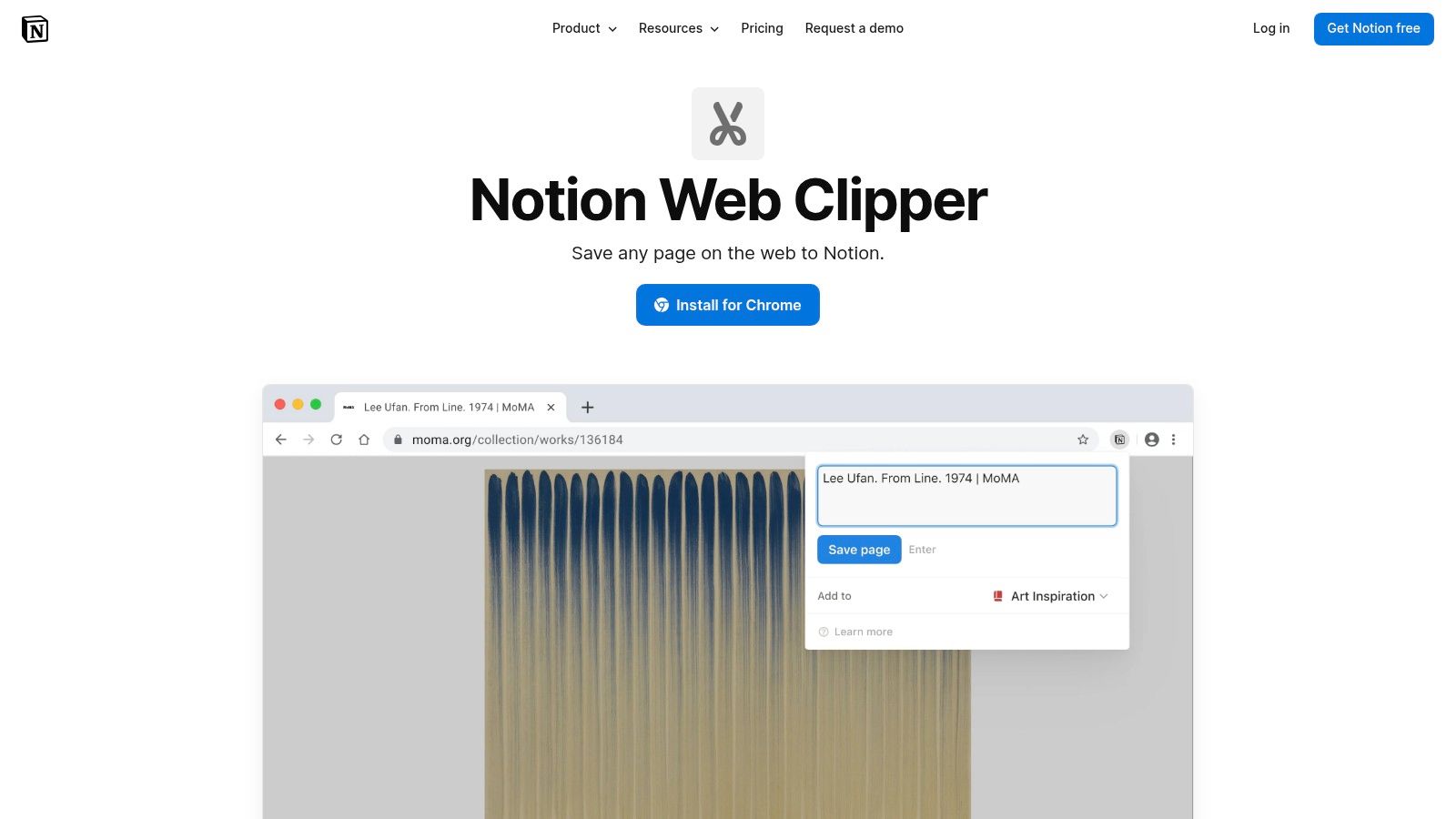
Research scatters fast. Job descriptions, company pages, and interview prep articles end up in bookmarks you'll never reopen. Notion Web Clipper saves web pages directly to a Notion database, so everything lands in the workspace where you organize your work.
Saving takes one click, and you can choose the specific database and add tags and properties as you clip. That small bit of structure at save time saves a messy cleanup later. It also connects naturally with how you track work overall, much like a well organized task tracker dashboard keeps tasks visible instead of buried.
The extension is free and works across Chrome, Safari, Firefox, and mobile browsers, with official support documentation behind it. A Georgia Tech study is a useful reminder to stay selective about tools that read page content, since researchers found over 200 extensions directly extracted sensitive webpage data and uploaded it to remote servers. An official extension from an established developer with a clear purpose is the safer end of that spectrum, but you should still clip thoughtfully on sensitive pages.
Pros
- Native Notion integration: Free and built to work directly with your workspace.
- Better research habits: Keeps saved information organized for research heavy tasks.
Cons
- Basic clipping: Fewer options than advanced parsers or highlighting tools.
- Notion required: You need an account and a sensible workspace structure first.
Install it if Notion is already where your notes live. If it isn't, don't adopt a whole workspace just for a clipper.
Top 7 Chrome Extensions: Feature Comparison
| Extension | 🔄 Setup / Complexity | ⚡ Resources / Cost | 📊 Expected Outcome | ⭐ Key Advantage | 💡 Ideal Use Case |
|---|---|---|---|---|---|
| Eztrackr | Low; capture listings or import a spreadsheet | Free job tracking; AI tools available | Organizes applications, follow-ups, and preparation | Job pipeline plus resume, cover letter, and interview tools | Managing an active job search |
| Grammarly for Chrome | Low; works across supported websites | Free core features; advanced tools require a paid plan | Improves grammar, clarity, and tone | Real-time writing suggestions across web apps | Polishing resumes, cover letters, and messages |
| 1Password | Low; save and autofill account credentials | Paid membership after trial | Speeds up secure logins across accounts | Password generation, autofill, and cross-platform vaults | Managing employer portals and other online accounts |
| uBlock Origin Lite | Low; optional rulesets and per-site controls | Free; designed for efficient CPU and memory use | Blocks ads and trackers; may improve page speed | Lightweight blocking without an always-running background process | Reducing ads and distractions while browsing |
| PayPal Honey | Low; automatically checks coupons at checkout | Free; rewards depend on merchant and program terms | May reduce eligible purchase costs | Automatic coupon testing and price tracking | Finding discounts on courses, software, and other purchases |
| Loom | Low; record and share with a link | Free tier has limits; some features require paid plans | Produces shareable screen or camera recordings | Quick recording with integrations and optional AI tools | Creating video introductions or explaining a project |
| Notion Web Clipper | Low; requires a Notion account and workspace | Free extension; Notion account required | Saves and organizes web research in Notion | One-click clipping with tags and database properties | Collecting job descriptions and company research |
Build a Leaner Chrome Setup
Choose extensions around a specific workflow, not a long list of overlapping tools. Job seekers should start with Eztrackr to centralize applications. Writers should add Grammarly for a final polish on everything they send. Frequent online users get the most from 1Password for credentials and uBlock Origin Lite for cleaner, faster pages.
Add PayPal Honey, Loom, or Notion Web Clipper only when savings, video communication, or research capture are already part of your routine. If distraction is your bigger problem, look at the top Chrome distraction blockers 2026 instead of adding another general productivity tool.
Audit Before You Trust
Popularity isn't a safety check. Research analyzing 287 extensions found approximately 30.31% used inappropriate configurations, including unnecessary permissions or access to sensitive data, according to independent research on extension privacy risk. Compare every extension's requested permissions against its actual task, prefer site specific access where it's offered, and check the publisher identity and update history before you install.
Even narrow permissions deserve respect. Research shows that minimal permissions such as activeTab, scripting, and storage can be sufficient for harmful actions including surveillance and data theft. For sensitive workflows involving resumes, applications, banking, or employer systems, use separate browser profiles, limit site access to required domains, and avoid installing personal extensions on confidential employer devices.
After installing, test each tool on the sites you use most. Watch for slowdowns, broken pages, and prompts that interrupt your work. Remove extensions that duplicate functionality or sit unused, because a dormant extension still carries its permissions.
The best Chrome extensions for you are the few that solve your actual problems with the least access necessary. Start with one, confirm it earns its place, and build from there.
If you're actively applying, start with Eztrackr, which saves jobs from popular boards in one click, tracks every application on a clear kanban board, and supports your resumes, cover letters, and interview prep with built in AI tools. Set it up today, import the applications you're already tracking, and spend your time preparing for interviews instead of updating spreadsheets.