12 Best Easy Resume Maker Free Tools for 2025
In today's competitive job market, a polished, professional resume is non-negotiable. But creating one from scratch can be a daunting task, especially when you need to tailor it for every application to beat the Applicant Tracking Systems (ATS) that filter candidates. The right tools can make all the difference, transforming a stressful process into a simple, efficient one. This guide cuts through the noise to bring you the 12 best easy resume maker free tools available right now.
We'll dive deep into each platform, analyzing their strengths, weaknesses, and ideal use cases. You will find everything from AI-powered builders that help write content for you to simple, clean template libraries perfect for a quick refresh. Each option includes screenshots and direct links to get you started immediately. We provide an honest assessment of limitations, specific feature analysis, and practical considerations to ensure you choose the best fit.
Whether you're a recent graduate, a seasoned professional, or a career changer, this curated list will help you find the perfect tool to build a resume that gets you noticed. Once you've crafted your perfect resume using one of these easy makers, you'll be ready to explore various job opportunities and listings on platforms dedicated to careers. Let's find the builder that will help you land your next interview.
1. Eztrackr — Resume Builder (AI, ATS‑optimized, free signup)
Eztrackr stands out as a powerful, integrated solution that redefines what an easy resume maker free of charge can accomplish. It moves beyond simple template filling by combining AI-powered content generation with essential Applicant Tracking System (ATS) optimization tools. The platform is designed for modern job seekers who need to create multiple, highly-tailored resumes efficiently. Its ability to generate ATS-friendly content and provide instant feedback makes it an exceptional choice for anyone from recent graduates to seasoned professionals.
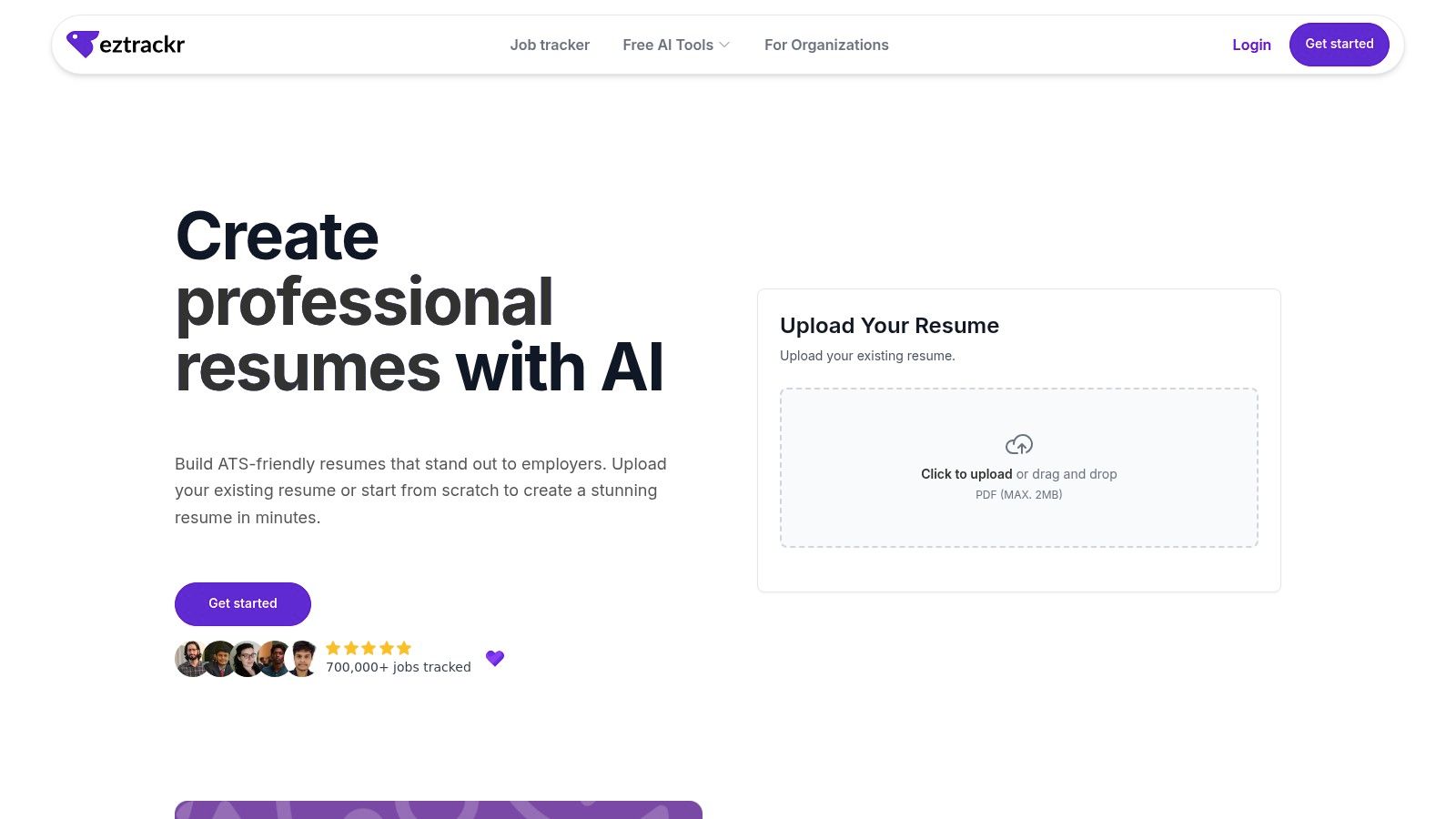
The core strength of Eztrackr lies in its seamless integration with a comprehensive job-tracking system. After crafting your resume, you can directly link it to applications saved with the Chrome extension and monitored on a visual kanban board. This creates a unified workflow where resume creation, application management, and outcome analysis all happen in one place, providing a strategic advantage in a competitive job market.
Key Strengths & Use Cases
- AI-Powered Tailoring: Generate role-specific bullet points and summaries tailored to a job description, overcoming writer's block and ensuring your resume speaks directly to the employer’s needs.
- Instant ATS Scoring: Get an immediate score on your resume's compatibility with automated screening software. The tool provides actionable suggestions to improve your score, increasing the likelihood your application reaches a human reviewer.
- Upload and Refine Workflow: Don't want to start from scratch? You can upload your existing resume and use Eztrackr's AI and ATS tools to analyze, score, and enhance it for specific roles.
- Integrated Job Tracking: As part of the broader Eztrackr ecosystem, your resume builder is connected to a powerful application tracker. This allows you to manage which resume version was sent for which job, streamlining your follow-up process.
| Pros | Cons |
|---|---|
| Instantly score resumes for ATS compatibility | AI suggestions require human review for accuracy |
| All-in-one platform for resume building and job tracking | Limited visual customization compared to graphic design tools |
| AI assistance simplifies content creation and tailoring | Full suite of features may be more than a casual user needs |
Best for: Job seekers who want an all-in-one system to create, manage, and track tailored applications efficiently.
Access: https://www.eztrackr.app/features/resume-builder
2. Adobe Express — Free Online Resume Maker
Adobe Express positions itself as a strong contender for those prioritizing design-forward resumes without a price tag. Leveraging Adobe's creative ecosystem, this easy resume maker free tool offers thousands of professionally designed templates that can be customized with a simple drag-and-drop editor. Its primary strength lies in its generous free plan, which allows users to design, edit, and download their resumes as high-quality PDF files without any watermarks.
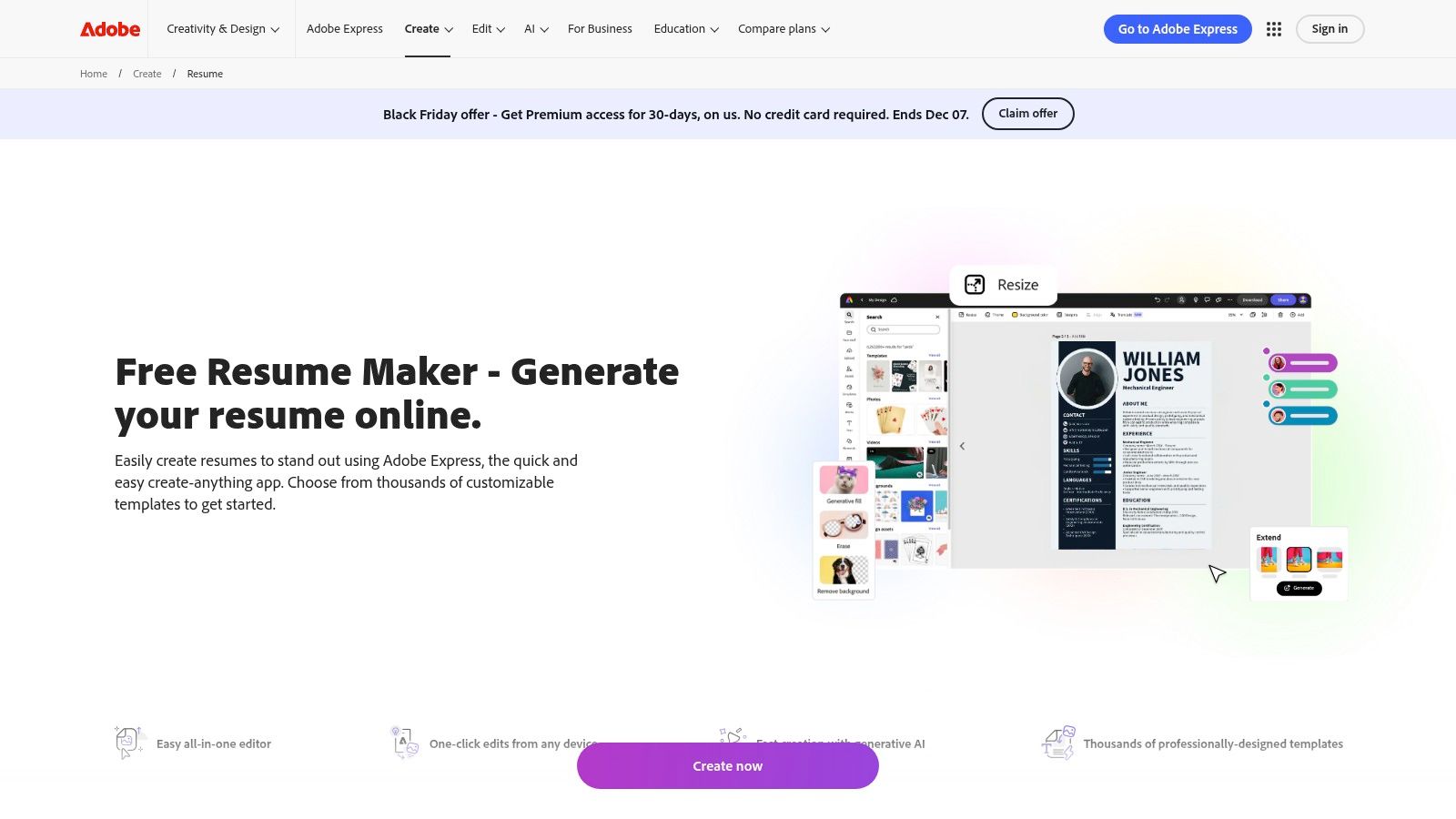
The platform is accessible on both web and mobile, allowing for convenient on-the-go edits. While the core functionality is free, some premium templates and stock assets are locked behind a subscription. A key consideration is that many visually complex templates may not be optimized for Applicant Tracking Systems (ATS). Users should stick to cleaner, single-column layouts to ensure scannability.
Key Features & Assessment
| Feature | Rating & Notes |
|---|---|
| Ease of Use | ★★★★★ The intuitive drag-and-drop interface is beginner-friendly. |
| Templates | ★★★★☆ Excellent variety, but the best designs are often premium. |
| ATS Friendliness | ★★☆☆☆ Many templates use graphics and multi-column layouts that can confuse ATS scanners. |
| Free Plan | ★★★★★ A truly free experience for designing and downloading PDFs without watermarks or forced sign-ups to pay. |
Best For: Creative professionals or anyone who needs a visually striking resume and is applying directly or through networking, where ATS is less of a concern.
Website: https://www.adobe.com/express/create/resume
3. Canva — Free Resume/CV Maker
Canva is a design powerhouse that offers a vast and accessible platform for creating visually appealing resumes. Known for its user-friendly drag-and-drop editor, Canva provides one of the most extensive libraries of templates, making it an excellent easy resume maker free of charge. The platform’s strength is its simplicity and speed, allowing anyone, regardless of design skill, to produce a polished, modern-looking document in minutes and download it as a high-quality PDF.
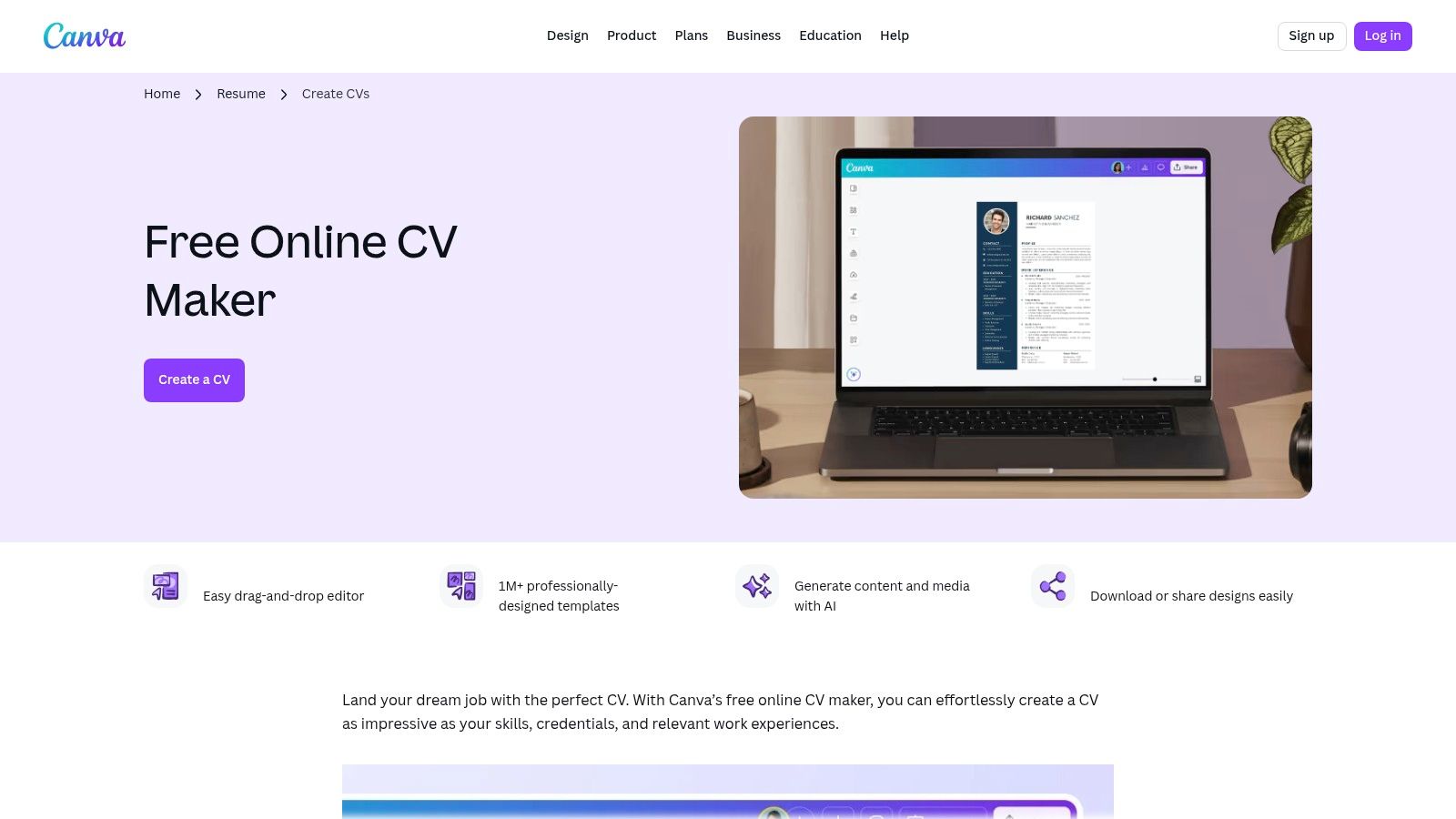
The platform is web-based and includes collaborative features, ideal for getting feedback from peers. While its free offering is robust, many of the most attractive templates and design elements are reserved for Canva Pro subscribers. A major consideration is that many of its templates are highly decorative and may not be ATS-friendly. Users should simplify layouts and avoid complex graphics to improve scannability, focusing on a clear presentation of their qualifications. For help crafting key sections, you can learn how to create an effective resume summary.
Key Features & Assessment
| Feature | Rating & Notes |
|---|---|
| Ease of Use | ★★★★★ Exceptionally intuitive interface perfect for non-designers. |
| Templates | ★★★★★ A massive and diverse collection, though the best are often premium. |
| ATS Friendliness | ★★☆☆☆ Visually-driven templates with columns and graphics can perform poorly with ATS scans. |
| Free Plan | ★★★★☆ Very generous, but watermarks appear on premium elements and many top templates are behind a paywall. |
Best For: Job seekers in creative fields or those who need a visually distinct resume for direct applications where human recruiters are the primary audience.
Website: https://www.canva.com/create/cv/
4. Microsoft Create (Word) — Free Resume Templates
For those comfortable working within a familiar document editor, Microsoft Create offers a straightforward and reliable path to a professional resume. It provides a curated collection of free templates designed for Microsoft Word. This approach makes it a great easy resume maker free choice for users who prefer manual control over their document's formatting and want a resume that is easily editable as a standard DOCX file. The platform offers a range of styles, from classic to modern, including a dedicated category for ATS-friendly options.
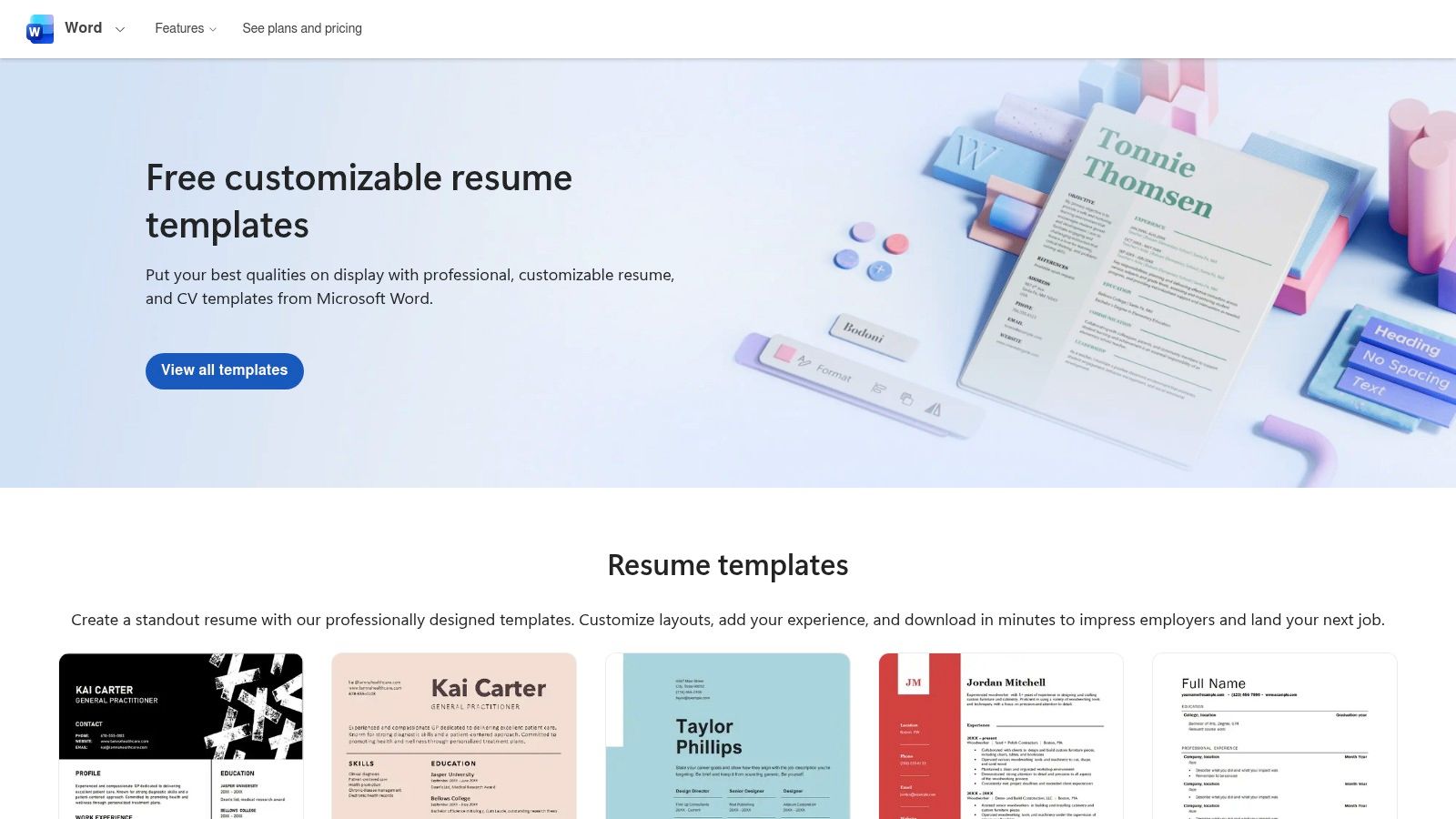
To access and edit these templates, a free Microsoft account is required for the web version of Word, though the experience is best with the desktop application. Unlike guided builders, this method involves more hands-on formatting, but it provides ultimate flexibility. Users can download their final resume as a DOCX or a universally accepted PDF, ensuring compatibility with any job application portal.
Key Features & Assessment
| Feature | Rating & Notes |
|---|---|
| Ease of Use | ★★★☆☆ Requires familiarity with Word; more manual work than dedicated builders. |
| Templates | ★★★☆☆ A good selection of professional and conventional layouts, but lacks the creative flair of design-focused tools. |
| ATS Friendliness | ★★★★☆ Offers specific ATS-friendly templates that are simple, clean, and easily parsed by scanners. |
| Free Plan | ★★★★★ Completely free to find, download, and edit templates with a Microsoft account. No hidden costs. |
Best For: Individuals who prefer the control and familiarity of Microsoft Word and need to create a traditionally formatted, ATS-compliant resume.
Website: https://create.microsoft.com/en-us/templates/resumes
5. Google Docs — Built-in Template Gallery (Free)
Often overlooked, Google Docs provides a surprisingly effective and entirely free solution for creating a clean, professional resume. Accessible directly from its template gallery, these layouts are a go-to for job seekers who need a no-frills, universally compatible document. As a completely easy resume maker free of charge, its biggest advantage is its simplicity and focus on content over complex design, making the resulting resumes highly compatible with Applicant Tracking Systems (ATS).
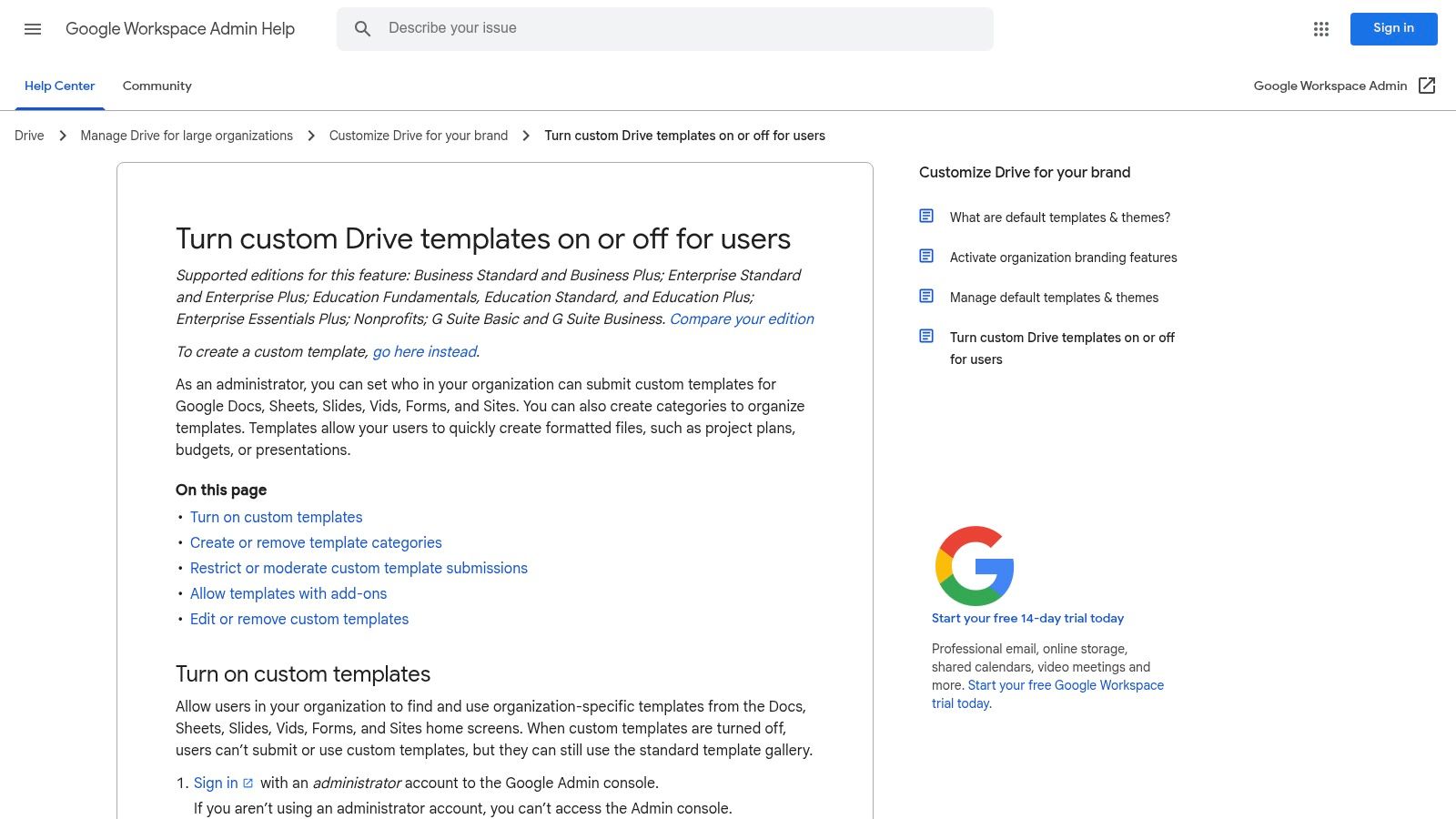
Because it operates within a standard word processor, customization is straightforward, and users can easily share their work for real-time collaboration and feedback. The platform’s lightweight nature means there are no complex editors to learn. However, this simplicity is also a limitation; it lacks the guided content suggestions, AI-powered writing assistance, and advanced design elements found in dedicated resume-building software. Users must rely on their own writing and formatting skills.
Key Features & Assessment
| Feature | Rating & Notes |
|---|---|
| Ease of Use | ★★★★★ As simple as using a standard word processor. No learning curve. |
| Templates | ★★☆☆☆ Limited selection of basic, functional templates. Lacks creative variety. |
| ATS Friendliness | ★★★★★ The simple, text-based, single-column templates are ideal for ATS scanners. |
| Free Plan | ★★★★★ 100% free. No paywalls, subscriptions, or hidden costs to create or download. |
Best For: Job seekers who need a simple, fast, and highly ATS-friendly resume without any cost or learning curve, and who are confident in their own writing abilities.
Website: https://docs.google.com/document/u/0/
6. Resume.com (by Indeed) — 100% Free Resume Builder
Backed by the job search giant Indeed, Resume.com offers a straightforward and genuinely free experience for creating a professional resume. This easy resume maker free tool is designed for speed and simplicity, stripping away complex features in favor of a clean, guided process. Its biggest advantage is the complete absence of a paywall; users can build, edit, and download an unlimited number of resumes as PDF or TXT files without ever being asked for payment.
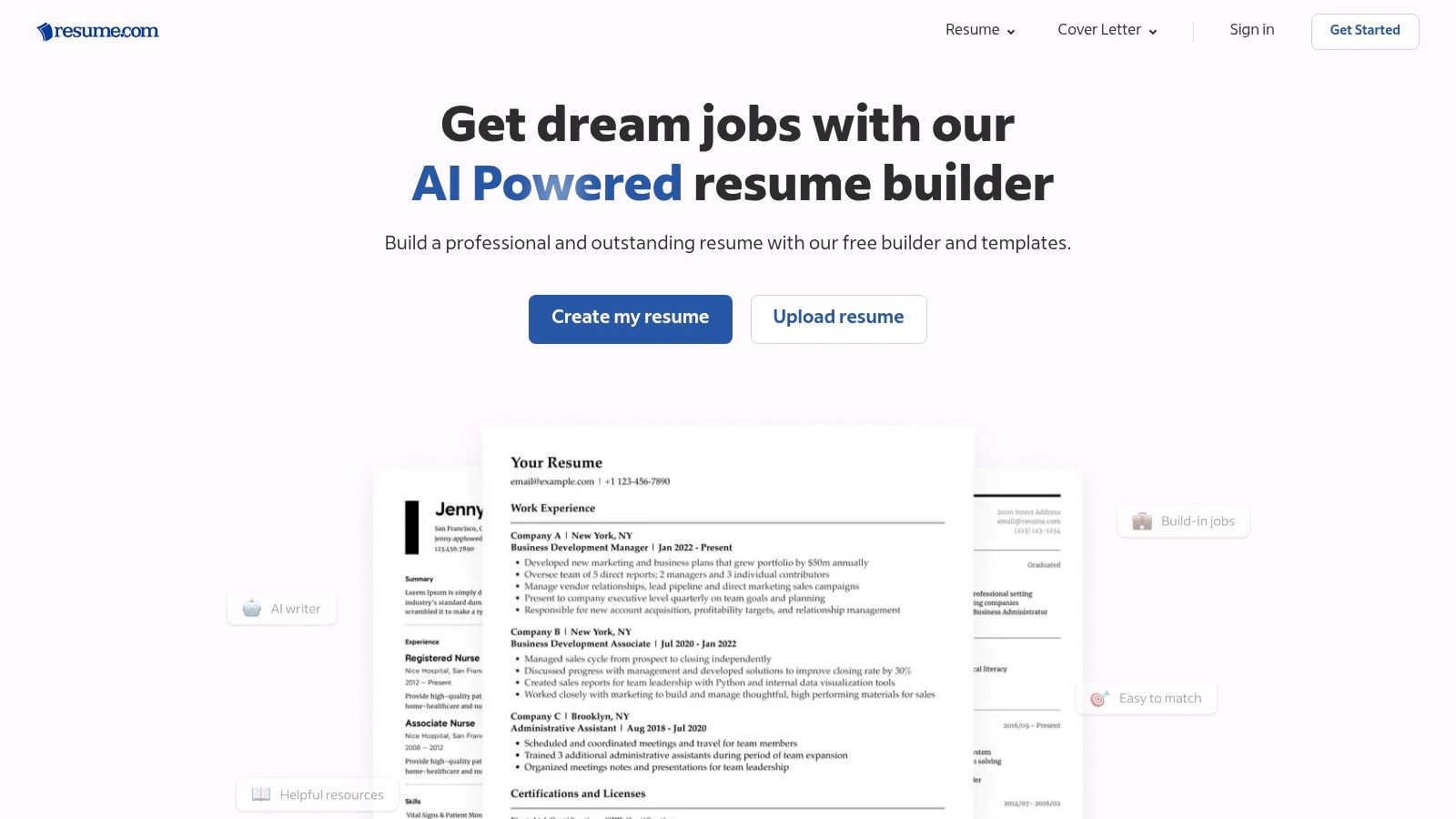
The platform provides a selection of clean, ATS-friendly templates that are simple to populate. While it lacks the advanced customization or AI writing assistants of paid competitors, it excels at its core promise. A practical tip is to enhance your content by strategically including the right terms for your target role. You can learn more about optimizing your resume with keywords to make your document more effective, even with a basic template.
Key Features & Assessment
| Feature | Rating & Notes |
|---|---|
| Ease of Use | ★★★★★ A highly intuitive, step-by-step process makes it perfect for beginners. |
| Templates | ★★★☆☆ The selection is limited and basic, but templates are professional and ATS-friendly. |
| ATS Friendliness | ★★★★★ Clean, single-column layouts are optimized for scannability by applicant tracking systems. |
| Free Plan | ★★★★★ 100% free with no hidden fees, upsells, or limitations on downloads (PDF or TXT). |
Best For: Job seekers who need a simple, professional, and ATS-compliant resume quickly and without any cost or subscription commitment.
Website: https://www.resume.com/
7. Teal — Free ATS-Friendly Resume Builder with Exports
Teal offers a comprehensive job-search platform where its resume builder is a standout free feature. This easy resume maker free tool is designed for the modern job seeker, integrating resume creation directly with a job application tracker. Its free plan is notably generous, providing unlimited resumes, keyword matching tools to tailor your application to specific job descriptions, and, most importantly, free PDF and DOCX exports without watermarks.
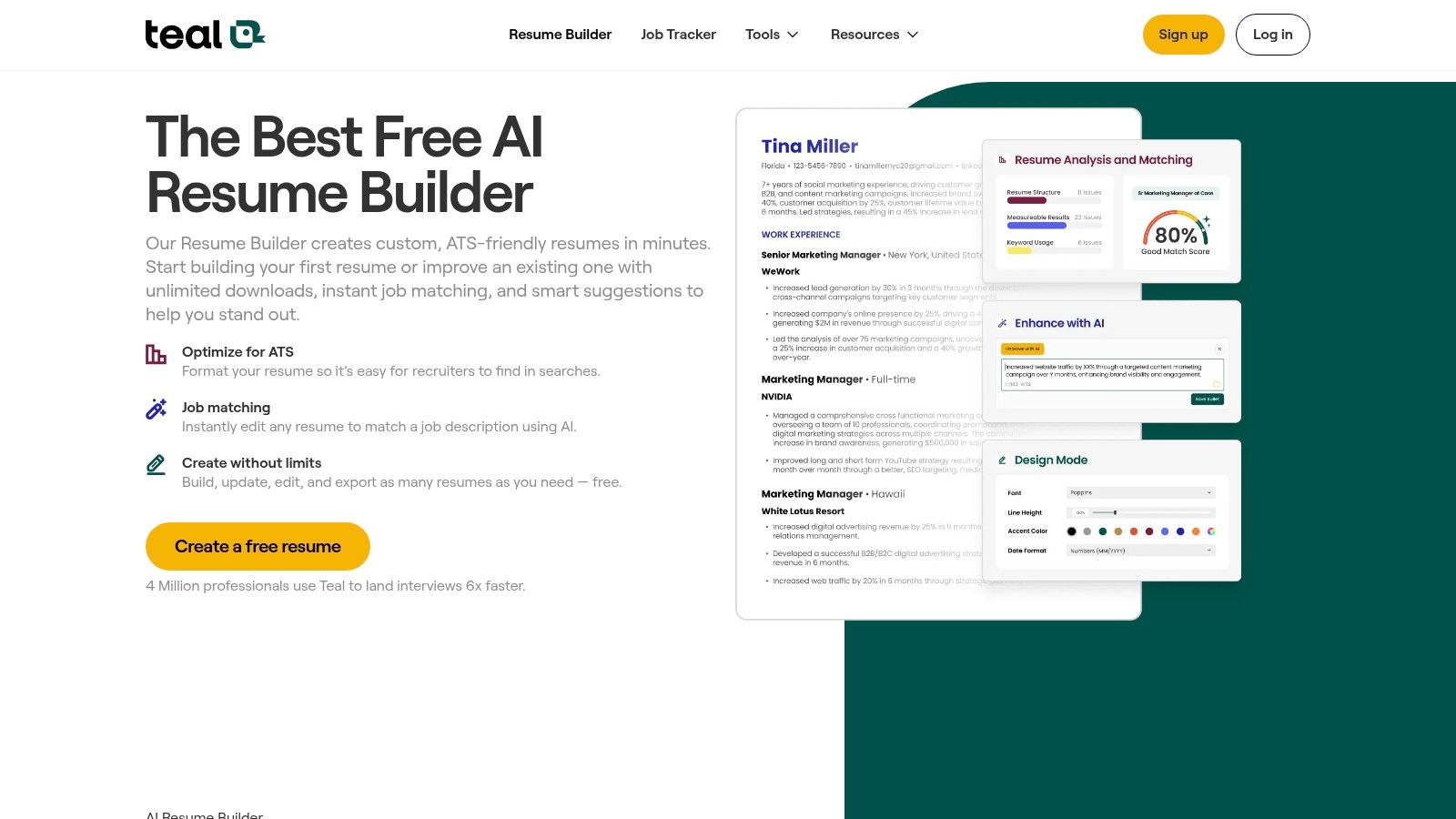
The platform focuses heavily on optimizing resumes for applicant tracking systems. It guides users to create clean, scannable documents and even offers basic AI suggestions on the free tier. While you must create an account, the value provided in its free-forever builder is substantial. Advanced AI writing assistance and in-depth analytics are reserved for the paid Teal+ subscription, but the core tools are more than sufficient for crafting a professional, ATS-ready resume.
Key Features & Assessment
| Feature | Rating & Notes |
|---|---|
| Ease of Use | ★★★★☆ The interface is clean, but the integration with job tracking adds a slight learning curve. |
| Templates | ★★★☆☆ Templates are functional and ATS-focused, but lack the creative flair of design-oriented builders. |
| ATS Friendliness | ★★★★★ This is Teal's core strength. The tool is built to help you pass the initial ATS scan. |
| Free Plan | ★★★★★ A powerful free plan with unlimited resumes and crucial DOCX/PDF export options included. |
Best For: Job seekers who want to manage their entire application process in one place and prioritize creating highly optimized, ATS-friendly resumes.
Website: https://www.tealhq.com/tools/resume-builder
8. FlowCV — Freemium, Easy, Minimalist Builder
FlowCV appeals to users seeking a clean, minimalist design with a highly intuitive editing experience. This easy resume maker free platform guides you through each section, ensuring all essential information is included logically. Its core strength is its focus on producing modern, professional resumes that are explicitly designed to be ATS-friendly, prioritizing content and legibility over complex graphics.
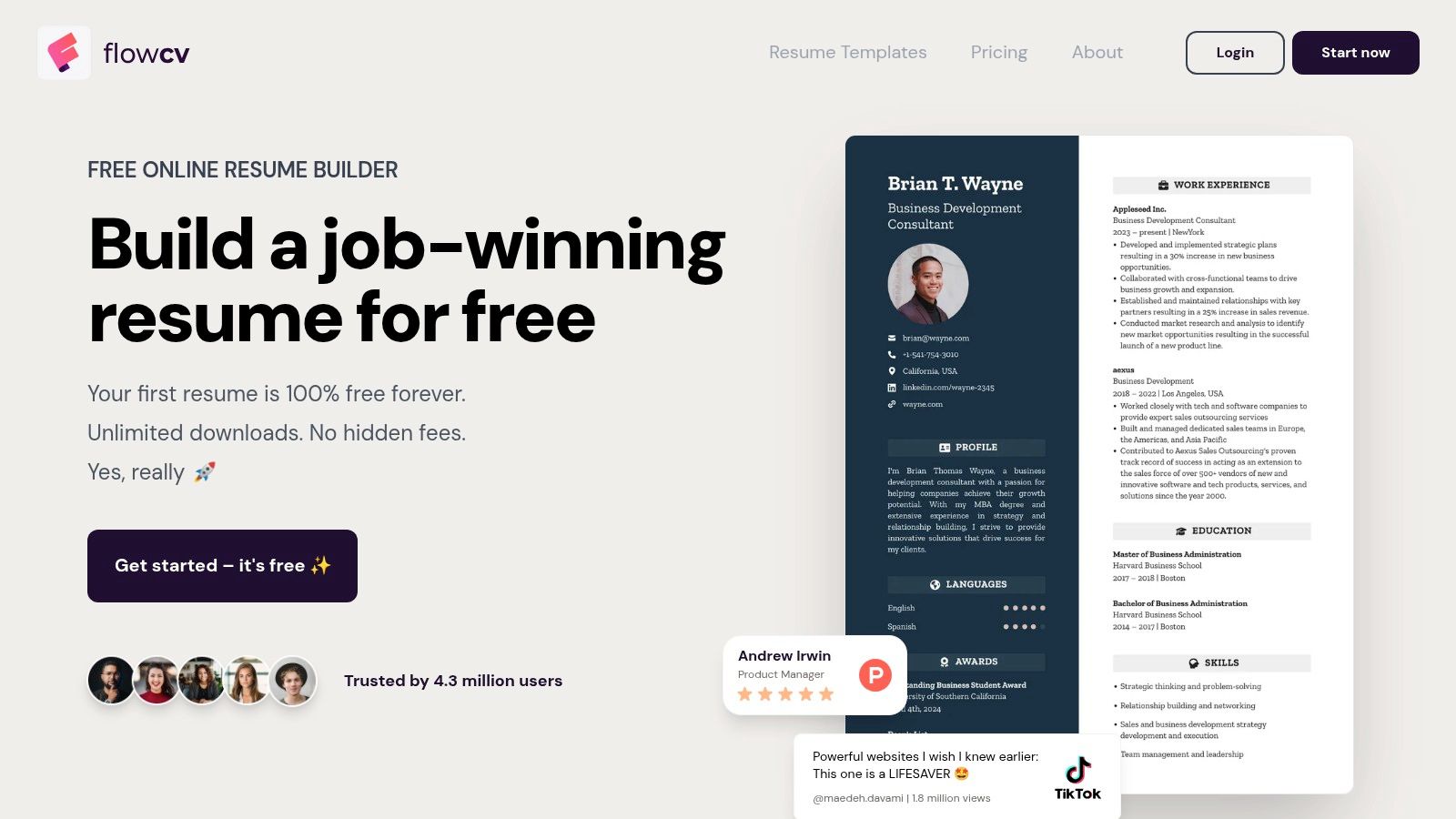
The platform offers a generous free plan that includes core building features and at least one polished PDF download without a watermark. You can even upload an existing resume to reformat it. While the free version is robust, advanced customization, additional templates, and more downloads are locked behind a premium subscription. The straightforward process makes it easy to produce a high-quality document; you can get more expert advice on how to make my resume better to complement the tool.
Key Features & Assessment
| Feature | Rating & Notes |
|---|---|
| Ease of Use | ★★★★★ The guided, section-by-section editor is extremely user-friendly and efficient. |
| Templates | ★★★☆☆ Good selection of clean, modern designs, but variety is limited compared to more design-focused tools. |
| ATS Friendliness | ★★★★★ Excellent. Templates are specifically built with single-column, scanner-friendly layouts. |
| Free Plan | ★★★★☆ A very functional free tier with at least one PDF download, but more features require upgrading. |
Best For: Job seekers in corporate or technical fields who need a professional, ATS-compliant resume without the hassle of complex design tools.
Website: https://flowcv.io/
9. Standard Resume — Free Basic Plan (PDF downloads)
Standard Resume takes a minimalist, recruiter-friendly approach, prioritizing readability and ATS compatibility above all else. This easy resume maker free platform is designed for professionals who want a clean, classic document without distracting design elements. Its strength is its simplicity; users can quickly import their LinkedIn profile to populate their resume and then export it as a professional-looking PDF or share it via a live web link, all on the free plan.
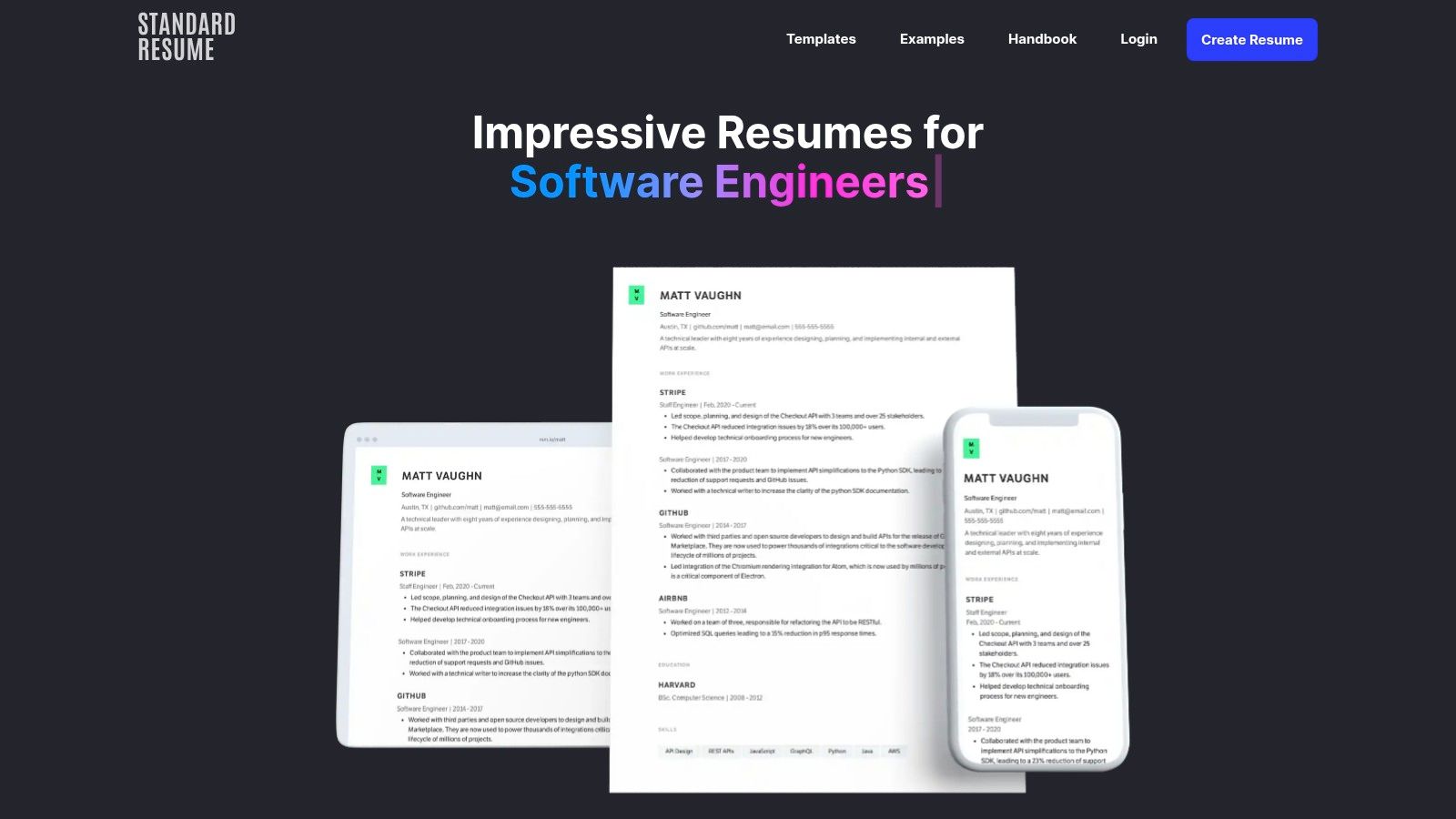
The platform focuses on strong typography and single-column layouts that are proven to perform well with automated screening systems. While it intentionally avoids flashy or overly creative templates, the resulting resumes look modern and are incredibly easy for hiring managers to scan. Advanced features like AI-powered feedback and detailed analytics are reserved for the Pro subscription, but the core building and downloading tools are robustly free.
Key Features & Assessment
| Feature | Rating & Notes |
|---|---|
| Ease of Use | ★★★★★ The LinkedIn import and streamlined editor make building a resume exceptionally fast. |
| Templates | ★★★☆☆ Limited selection by design, focusing on clean, professional, and ATS-friendly layouts. |
| ATS Friendliness | ★★★★★ This is the platform's core strength. Resumes are structured for maximum scannability. |
| Free Plan | ★★★★☆ Generous free offering includes PDF downloads and a shareable web resume link without watermarks. |
Best For: Professionals in corporate, tech, or academic fields who need a clean, highly readable, and ATS-optimized resume without any design hassle.
Website: https://standardresume.co/
10. OpenResume — Free, Open-Source Resume Builder
OpenResume stands out as a completely free, open-source project prioritizing user privacy and ATS compatibility. This easy resume maker free tool operates entirely within your browser, meaning your personal data is never sent to a server. Its most unique feature is the integrated resume parser, which lets you see exactly how an Applicant Tracking System will interpret your document, helping you optimize for scannability. This makes it an invaluable resource for technically-minded job seekers or anyone concerned with data privacy.
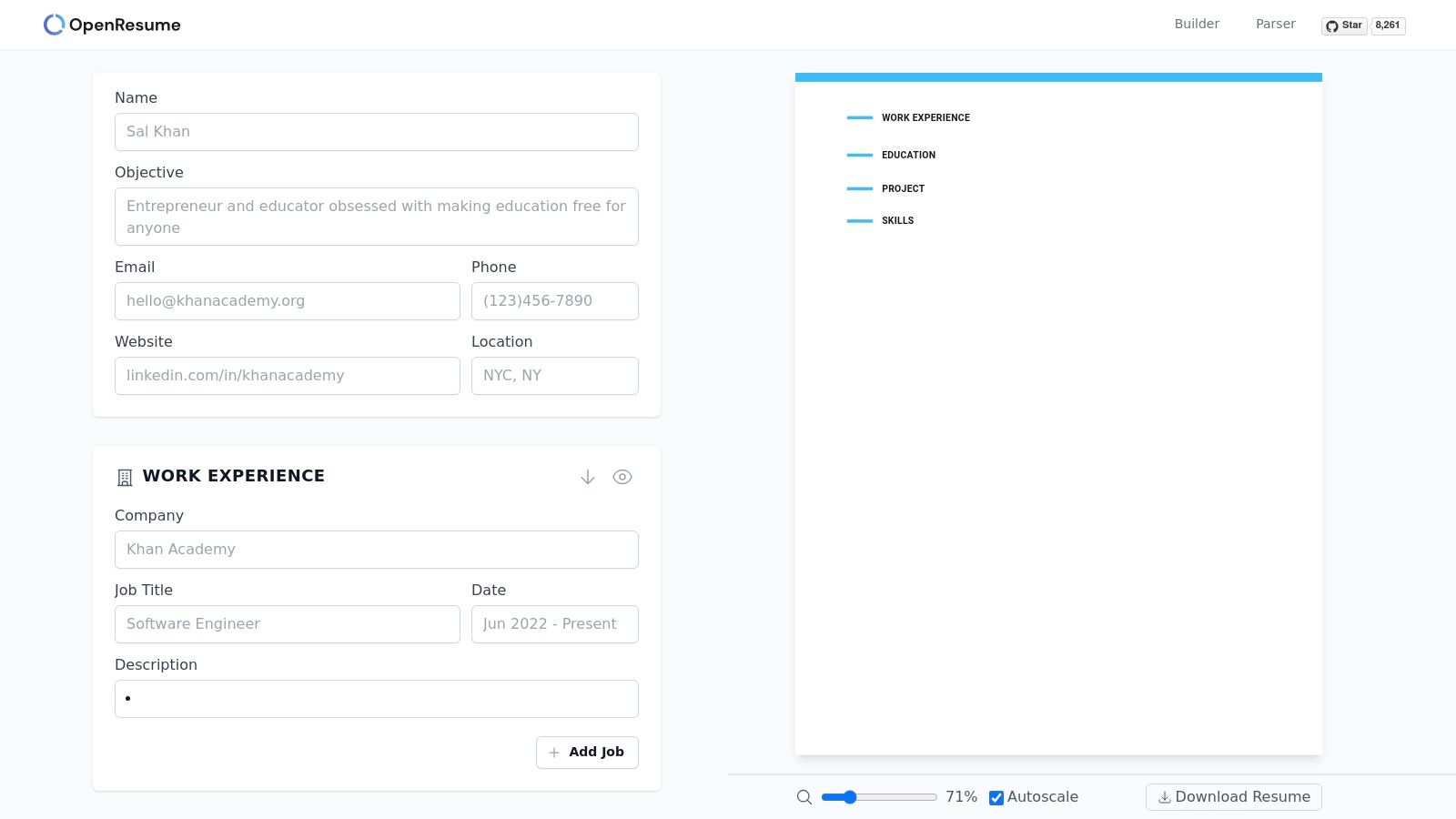
The platform offers clean, professional templates that are inherently ATS-friendly. While it lacks the vast design libraries and AI-powered content suggestions of commercial builders, its focus on functionality and transparency is a significant advantage. The interface is straightforward, allowing users to build a resume with standard sections and download the final PDF without any cost, sign-ups, or watermarks. It is a no-frills tool that delivers on its core promises of privacy and readability.
Key Features & Assessment
| Feature | Rating & Notes |
|---|---|
| Ease of Use | ★★★★☆ Simple, clean interface but offers less guidance than other tools. |
| Templates | ★★☆☆☆ Limited selection of clean, professional layouts. Design is not the main focus. |
| ATS Friendliness | ★★★★★ Excellent. The built-in ATS parser is its standout feature for validation. |
| Free Plan | ★★★★★ Truly free and open-source. No hidden costs, subscriptions, or data collection. |
Best For: Privacy-conscious individuals and those who want to test and ensure their resume is perfectly optimized for ATS scanners.
Website: https://www.open-resume.com/resume-builder
11. Hloom — Free Downloadable Word/Google Docs Resume Templates
Hloom offers a different approach by functioning as a library of downloadable templates rather than a web-based editor. It provides a vast collection of resume designs compatible with Microsoft Word and Google Docs. This platform is an excellent easy resume maker free resource for users who prefer the familiarity of editing their documents locally, giving them complete control over the final file without an online interface.
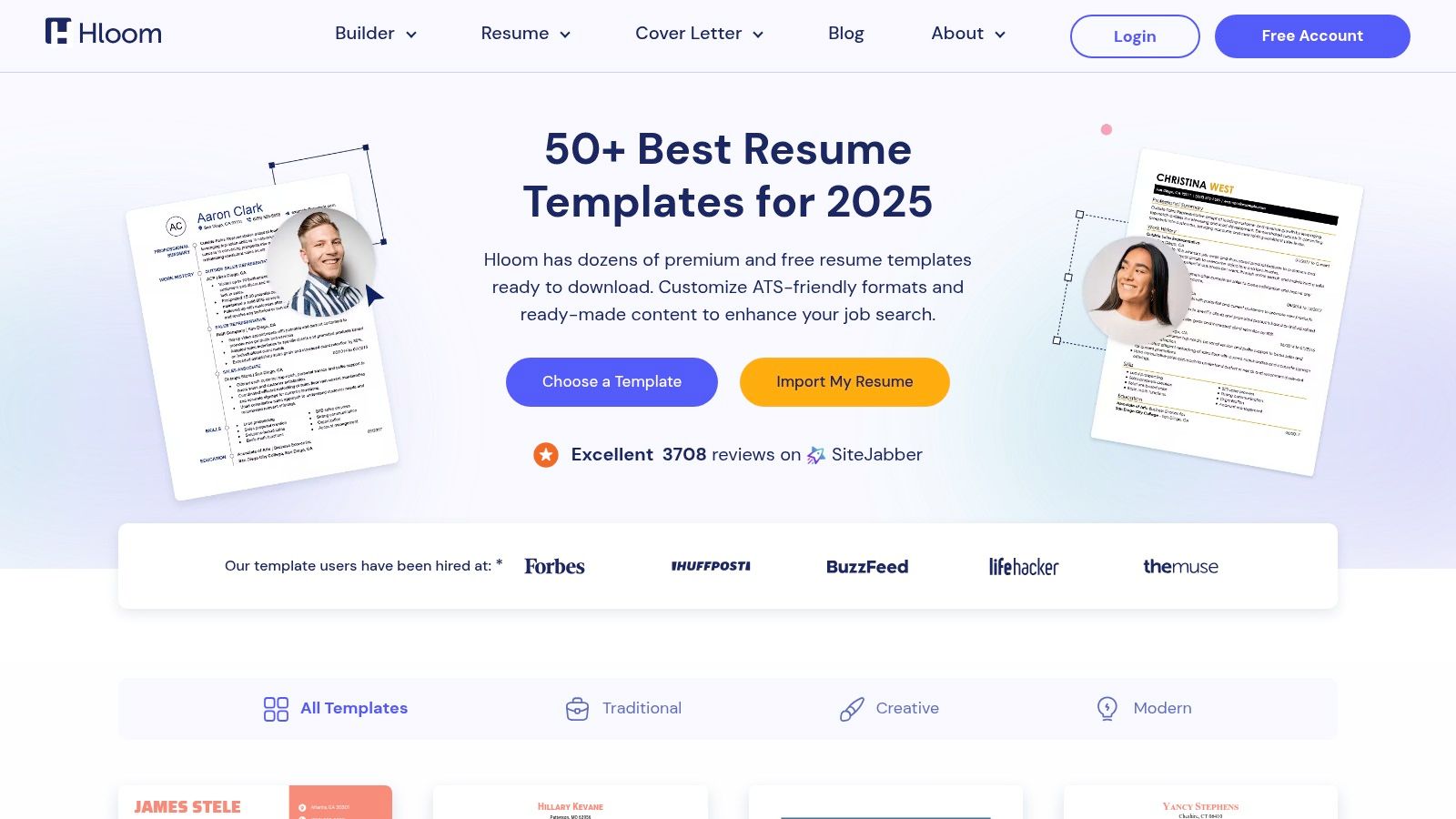
The primary advantage is its straightforwardness; users can browse templates, find a free one they like, and download it instantly. Hloom clearly labels which designs are free, avoiding the common bait-and-switch tactic seen on other sites. However, the lack of a guided builder means users are responsible for all formatting and content organization, which can be time-consuming for those less comfortable with Word or Docs.
Key Features & Assessment
| Feature | Rating & Notes |
|---|---|
| Ease of Use | ★★★☆☆ Simple to download, but requires manual editing in external software. |
| Templates | ★★★☆☆ A good library of conventional templates, though many are gated as premium. |
| ATS Friendliness | ★★★★☆ Many free templates are clean, single-column designs perfect for ATS scanners. |
| Free Plan | ★★★★☆ Truly free downloads for a good selection of templates without needing to sign up. |
Best For: Job seekers who are proficient with Microsoft Word or Google Docs and want a solid, ATS-friendly template to edit on their own computer.
Website: https://www.hloom.com/cv/templates
12. Resume.io — Freemium Builder (Free plan with limited export)
Resume.io offers a polished and intuitive resume-building experience, making it a popular choice for users who value guided content creation. This platform provides a feature-rich environment with pre-written phrases, AI-powered tips, and a complementary cover letter builder. It stands out by helping users overcome writer's block with professional examples tailored to various industries, making it more than just a template filler.
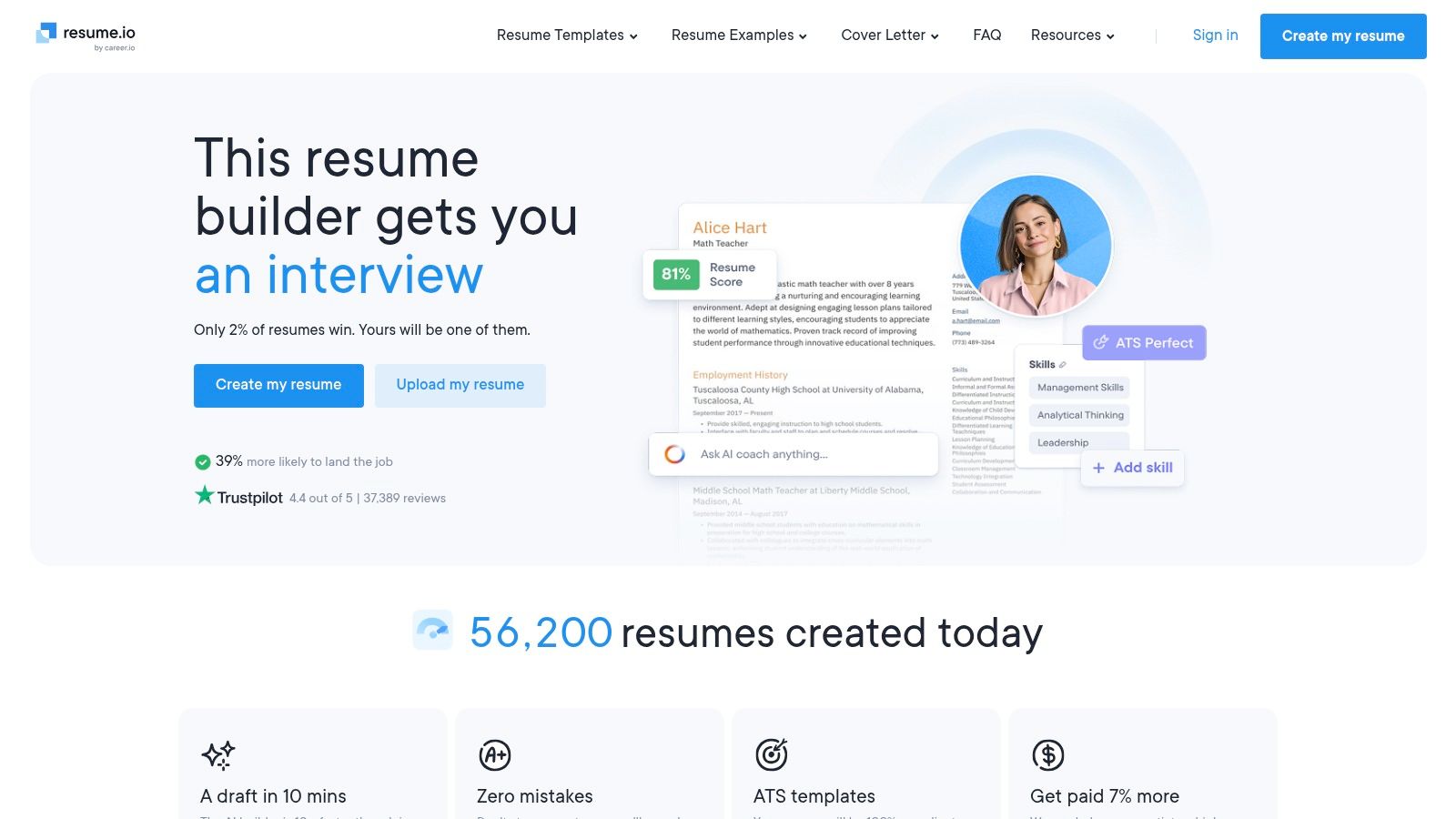
While the building process is smooth, the platform's free offering is limited. Users can create their resume and share a link or download it as a basic TXT file. A high-quality PDF or DOCX download requires a subscription or a trial, which often auto-renews. For those who need a truly easy resume maker free of charge for PDF exports, this limitation is a significant drawback.
Key Features & Assessment
| Feature | Rating & Notes |
|---|---|
| Ease of Use | ★★★★★ A clean, step-by-step process with helpful prompts and a user-friendly interface. |
| Templates | ★★★★☆ Over 30 professional and modern templates, but many are locked behind the paywall. |
| ATS Friendliness | ★★★★☆ Most templates are well-structured for ATS, but users should still choose cleaner designs. |
| Free Plan | ★★☆☆☆ The inability to download a professional PDF or DOCX file for free severely limits its utility. |
Best For: Job seekers who are willing to pay a small fee for a premium building experience and access to high-quality templates and content suggestions.
Website: https://resume.io/
12 Free Resume Makers: Quick Comparison
| Product | Core features ✨ | UX/Quality ★ | Pricing/Value 💰 | Target audience 👥 | USP 🏆 |
|---|---|---|---|---|---|
| Eztrackr — Resume Builder (AI, ATS‑optimized) 🏆 | AI tailoring, instant ATS score, Chrome save, kanban & analytics ✨ | ★★★★★ | 💰 Free signup; integrated workflow saves time | 👥 Recent grads, career changers, busy pros, recruiting teams | 🏆 AI + job‑tracking native integration; one‑click job linking |
| Adobe Express — Free Online Resume Maker | Drag‑drop editor, large template library, PDF export ✨ | ★★★★ | 💰 Free plan; premium assets paid | 👥 Designers, visual resume seekers | ✨ Polished templates & cross‑device editing |
| Canva — Free Resume/CV Maker | 1M+ templates, drag‑drop, AI helpers, sharing ✨ | ★★★★ | 💰 Free (Pro assets locked) | 👥 Non‑designers, creative roles | ✨ Massive template variety & fast results |
| Microsoft Create (Word) — Free Templates | Word templates, ATS‑friendly options, DOCX/PDF ✨ | ★★★★ | 💰 Free (Microsoft account recommended) | 👥 Traditional applicants, recruiters | ✨ Familiar Word format recruiters expect |
| Google Docs — Template Gallery (Free) | Clean templates, real‑time collaboration, PDF export ✨ | ★★★★ | 💰 Completely free | 👥 Collaborative teams, quick edits | ✨ Real‑time editing + ATS‑friendly layouts |
| Resume.com (by Indeed) — 100% Free Builder | Simple editor, cloud saves, free PDF/TXT downloads ✨ | ★★★ | 💰 100% free (no upsell) | 👥 Budget‑conscious users | ✨ Truly free exports with cloud access |
| Teal — Free ATS‑Friendly Resume Builder | Unlimited resumes (free), keyword match, basic AI ✨ | ★★★★ | 💰 Free core; Teal+ for advanced AI | 👥 Job trackers, optimization seekers | ✨ Resume + job‑tracking integration |
| FlowCV — Freemium Minimalist Builder | Guided sections, ATS‑friendly templates, cover letters ✨ | ★★★★ | 💰 Freemium (one free polished PDF) | 👥 Users wanting clean, professional output | ✨ Simple guided editor with polished defaults |
| Standard Resume — Free Basic Plan | Clean recruiter‑friendly layouts, LinkedIn import ✨ | ★★★★ | 💰 Free basic; Pro adds AI/branding | 👥 Recruiter‑focused applicants | ✨ Readability‑first templates & web share |
| OpenResume — Open‑Source Builder | Local parsing, ATS playground, privacy‑focused ✨ | ★★★ | 💰 Free & open‑source | 👥 Privacy‑minded users, developers | ✨ Local ATS parser to test readability |
| Hloom — Word/Google Docs Templates | Large library of downloadable Word/Docs templates ✨ | ★★★ | 💰 Free templates + premium options | 👥 Users who edit locally in Word/Docs | ✨ Wide catalog of conventional templates |
| Resume.io — Freemium Builder | 30+ templates, AI tips, cover letter builder ✨ | ★★★★ | 💰 Freemium (limited free export) | 👥 Users wanting guided writing help | ✨ Writing prompts + cover‑letter support |
Choosing Your Tool and Building a Winning Resume
Navigating the landscape of free resume builders can feel overwhelming, but as we've explored, the right tool is simply the one that aligns best with your immediate career goals and personal workflow. Your choice ultimately hinges on what you value most in the resume creation process. From powerful, integrated systems to simple, design-focused platforms, there is a perfect match for every type of job seeker.
Key Takeaways for Selecting Your Resume Maker
We have analyzed over a dozen options, each with distinct strengths. The most crucial takeaway is that a truly effective job search requires more than just a document; it requires a strategy. A modern, easy resume maker free of charge should not only help you list your experiences but also empower you to present them in a way that resonates with hiring managers and applicant tracking systems (ATS).
Remember these core principles when making your final decision:
- For Integrated Job Management: If you are managing multiple applications and want a seamless workflow from creation to tracking, a tool like Eztrackr is unparalleled. Its built-in ATS checker, AI enhancements, and job tracking features create a comprehensive ecosystem for your job hunt.
- For Creative and Visual Roles: When design is paramount and you need to showcase a creative portfolio, Canva and Adobe Express offer extensive template libraries and powerful visual editing tools that allow your personality to shine through.
- For Simplicity and Familiarity: If you prefer a straightforward, no-frills approach and are comfortable with traditional word processors, the free templates available in Google Docs and Microsoft Create are reliable, universally accepted, and easy to use.
- For Minimalist and Open-Source Options: For those who appreciate clean design and data privacy, tools like FlowCV and the open-source OpenResume provide excellent, minimalist builders without unnecessary clutter.
Your Actionable Next Steps
Regardless of which tool you select, the principles of a winning resume remain constant. Your next steps should be focused on implementation and optimization. First, finalize the tool that best fits your needs. Then, dedicate time to tailor every single resume you send out to match the specific requirements of the job description. Use strong action verbs to describe your accomplishments and, wherever possible, quantify your results with numbers, percentages, or concrete outcomes.
The goal is not just to build a resume, but to build your most powerful marketing document. An easy-to-use resume maker simply removes the technical and design barriers, allowing you to focus on what truly matters: your content. Use these tools to craft a compelling narrative that showcases your unique value and sets you up for success in your job search. This strategic approach will move you from being just another applicant to a standout candidate, one step closer to landing your dream job.
Ready to stop juggling spreadsheets and start streamlining your job search? Sign up for Eztrackr for free to access our powerful, AI-driven resume builder, ATS checker, and all-in-one job application tracker. Take control of your career journey today by visiting Eztrackr and building a resume that gets results.