The Ultimate List of ATS Systems: 12 Top Resources for 2026
Applicant Tracking Systems (ATS) are the backbone of modern recruitment, but the market is saturated with hundreds of options, creating a significant challenge for HR managers, recruiters, and even organized job seekers. Sifting through this vast landscape to find the right tool without getting lost in marketing jargon is a monumental task. How do you identify a system that aligns with your specific needs, whether you're a small business hiring your first employee, an enterprise firm optimizing a complex talent pipeline, or a solo job seeker trying to understand the technology that scans your resume?
This guide cuts through the noise. We have compiled the ultimate list of ATS systems resource hubs, providing a clear path to compare platforms based on verified user reviews, core feature sets, and transparent pricing models. Instead of reviewing individual platforms one by one, we are focusing on the most reputable aggregators and review sites that have already done the heavy lifting. This approach allows you to efficiently evaluate the market from a high level.
Each entry in our list includes a direct link, a brief description of what makes the resource valuable, and screenshots to give you a preview of its interface. Our goal is to equip you with the information needed to make an informed decision quickly. Choosing the right ATS is a critical component of your overall hiring strategy. For a broader understanding of the strategic landscape that an ATS operates within, consider this comprehensive roadmap to effective talent acquisition. Let’s dive into the resources that will help you find a system that truly works for you.
1. G2 – Applicant Tracking Systems (ATS)
G2 stands out not as an ATS itself, but as a crucial starting point for any company looking to compile a list of ATS systems for evaluation. It’s a comprehensive software review marketplace where you can compare hundreds of ATS vendors based on real, verified user feedback. Think of it as the ultimate meta-resource for your research phase.
The platform’s strength lies in its real-time "G2 Grid" for Applicant Tracking Systems, which plots vendors based on market presence and user satisfaction. This visual tool helps you instantly identify leaders, high performers, and niche solutions that might otherwise be missed. The ability to filter reviews by company size, industry, and user role provides granular insights relevant to your specific needs, cutting through generic marketing claims to reveal how a system performs in a real-world context.
Key Features & How to Use Them
- Verified User Reviews: G2’s review verification process is robust, ensuring feedback comes from actual users. Pro Tip: Don't just read the 5-star reviews. Scrutinize the 3- and 4-star reviews for balanced, honest assessments of a platform's limitations.
- Side-by-Side Comparisons: Use the comparison tool to select up to four vendors and see a detailed feature-by-feature matrix. This is invaluable for creating a shortlist and identifying non-negotiable feature gaps early on.
- Segment Filters: Filter the entire category by business size (Small Business, Mid-Market, Enterprise) to immediately narrow your search to relevant providers.
Pros:
- Extensive, up-to-date vendor coverage
- Strong review authenticity and detailed, segmentable feedback
- Excellent comparison tools for detailed analysis
Cons:
- Sponsored listings can appear prominently, requiring careful navigation
- Pricing information is often vague ("contact sales"), especially for enterprise tools
Website: https://www.g2.com/categories/applicant-tracking-systems-ats
2. Capterra – Applicant Tracking Software
Similar to G2, Capterra operates as a massive B2B software directory, making it another essential research hub for anyone building a list of ATS systems. As part of the Gartner Digital Markets family, it offers a catalog of over 600 ATS solutions, complemented by practical buyer's guides and pricing research that help demystify the selection process. It excels at deep catalog browsing and initial cost analysis.
Capterra's main advantage is its highly functional filtering system. Users can narrow the extensive list by deployment type (cloud vs. on-premise), pricing model, and a checklist of specific features like resume parsing or candidate scoring. This allows businesses to quickly eliminate irrelevant options and focus only on platforms that meet their core operational and budgetary requirements, making the initial research phase much more efficient.
Key Features & How to Use Them
- Extensive Filter Set: Use the robust filters to narrow your search by pricing tier, features (e.g., "interview scheduling"), and deployment. This is the fastest way to get from 600+ options to a manageable shortlist of 5-10 relevant vendors.
- Buyers Guides & Pricing Research: Before diving into reviews, read their buyers' guides. They provide a solid primer on what to expect in terms of cost and features, setting realistic expectations for your search. Pro Tip: Check their "Recent Pricing" reports for ballpark figures before you engage with sales teams.
- Direct Vendor Links: Capterra provides direct links to vendor websites for demos or free trials, streamlining the process of moving from research to hands-on evaluation.
Pros:
- Deep catalog of vendors with extensive filtering options
- Practical guides on ATS costs and essential features
- Well-maintained U.S. market coverage and review moderation
Cons:
- Sponsored listings can rank higher than organic results, requiring careful review
- Some listings have limited or vendor-provided pricing data, which may be incomplete
Website: https://www.capterra.com/applicant-tracking-software/
3. GetApp – Applicant Tracking Software
GetApp, a sister site to Capterra, serves as another excellent discovery platform for anyone building a list of ATS systems. It specializes in helping buyers, particularly Small to Mid-Sized Businesses (SMBs), quickly screen software options by making key details like starting prices and user review counts immediately visible. Its clean, card-based layout makes it easy to scan and identify promising solutions at a glance.
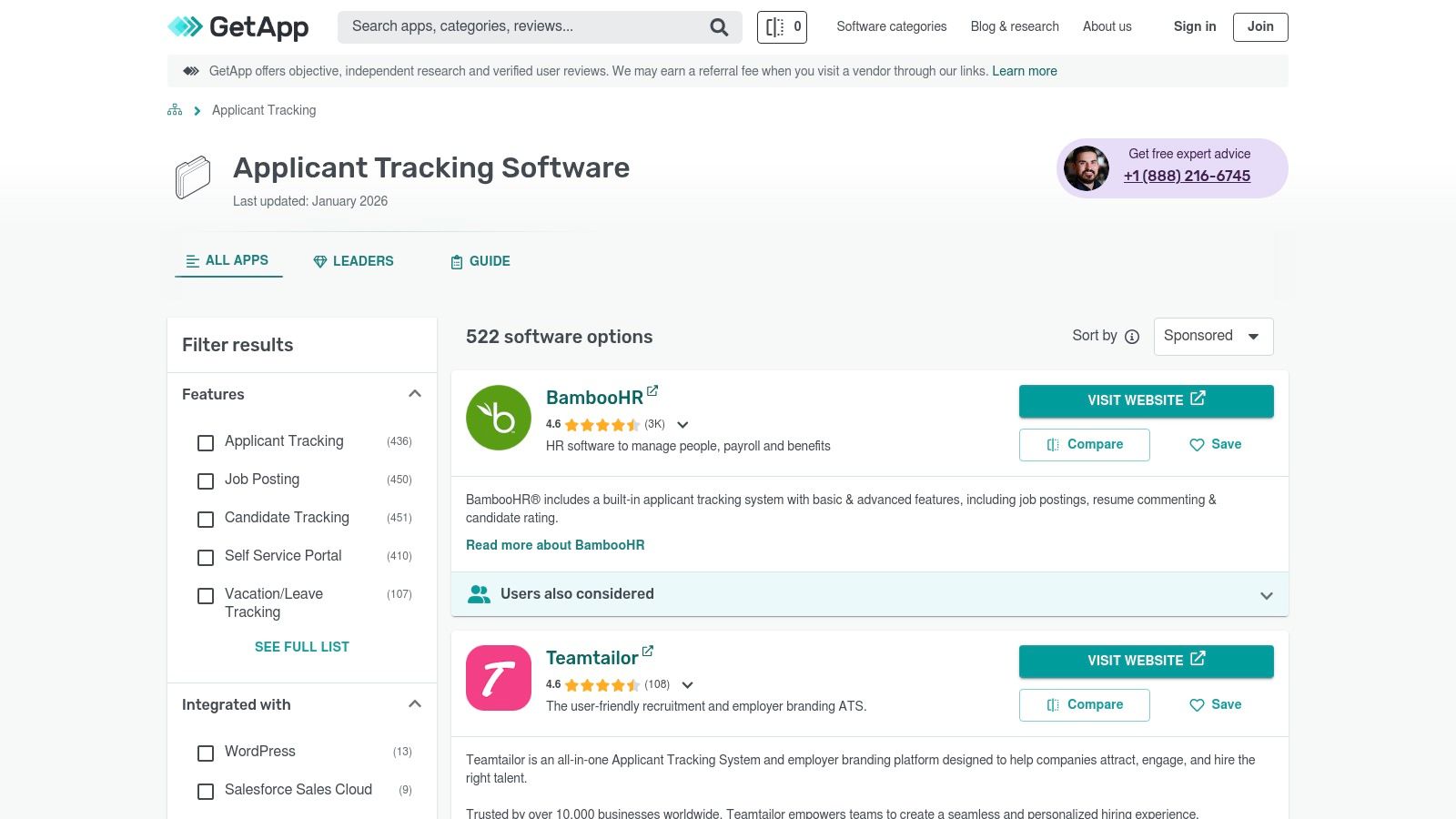
The platform’s real value for SMBs lies in its focus on transparent pricing and curated sublists. You can quickly find categories like "Free Applicant Tracking Software" or filter by specific features, which simplifies the initial research phase. GetApp helps you move from a broad search to a functional shortlist by presenting the most crucial decision-making information upfront, allowing you to link directly to vendor trials or demos.
Key Features & How to Use Them
- Curated “Top Rated” ATS Lists: GetApp regularly updates its "Category Leaders" and other curated lists based on user ratings and market data. Pro Tip: Use these recency-stamped lists to identify currently trending or newly popular tools that might be a better fit for a modern workflow than long-established legacy systems.
- Visible Pricing & Review Counts: Key metrics are displayed directly on the search results page. This allows for rapid elimination of tools that are outside your budget or lack sufficient social proof, saving significant time.
- Comparison and Save Tools: As you browse, you can add interesting vendors to a "saved" list or select multiple to compare them side-by-side on a detailed feature grid, much like other comparison sites.
Pros:
- Recency-stamped lists are useful for fast screening and trend-spotting
- Excellent for SMBs seeking transparent, upfront pricing information
- Clean, user-friendly interface makes browsing easy
Cons:
- Many enterprise-level suites list pricing as “on request,” limiting transparency for larger buyers
- Sponsored placements are integrated into organic results and can be hard to distinguish
Website: https://www.getapp.com/hr-employee-management-software/applicant-tracking/
4. Software Advice – ATS Category
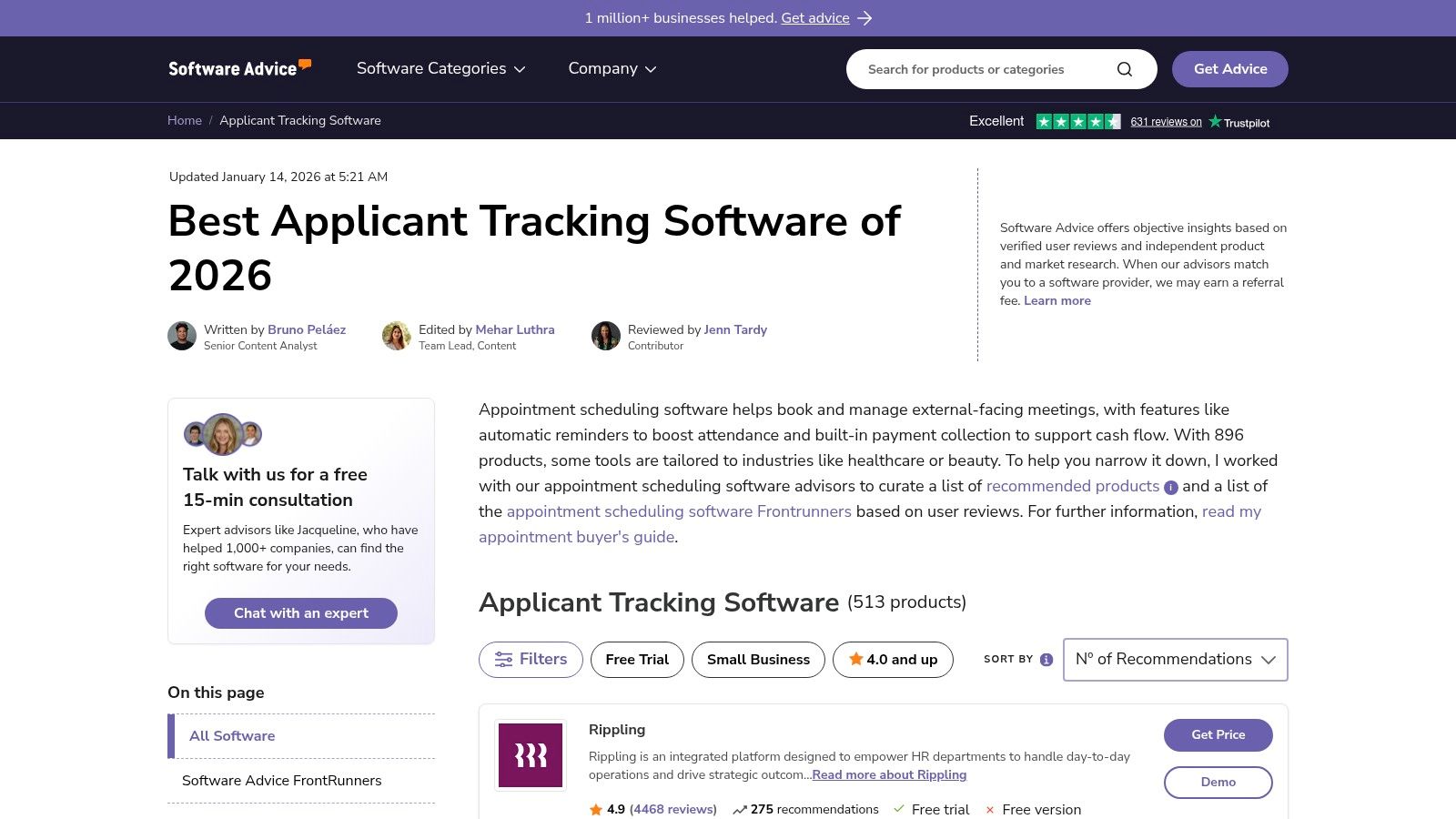
Software Advice, part of the Gartner Digital Markets network, serves as a guided resource for businesses compiling their list of ATS systems, particularly those new to the procurement process. It functions less like an open marketplace and more like a consultative service, combining detailed software profiles with a free concierge matching service to help you find vendors tailored to your specific operational needs.
The platform excels in demystifying the selection process for first-time buyers. It provides extensive articles on pricing models, key features, and implementation strategies, equipping teams with the knowledge needed to make an informed decision. Its "FrontRunners" reports offer a data-driven view of top-performing products based on user ratings, making it easier to identify market-validated solutions.
Key Features & How to Use Them
- Side-by-Side Comparisons: The comparison tool highlights key product scoring metrics and includes screenshots of the user interface. Pro Tip: Use this feature to get a visual feel for a platform’s usability before committing to a demo.
- Concierge Matching Service: You can speak with a software advisor who will listen to your requirements and provide a custom shortlist of vendors. This is ideal for teams who are short on time or overwhelmed by the number of options available.
- Educational Content: Leverage their library of articles on ATS pricing and selection criteria to build your internal business case and understand the total cost of ownership beyond just the license fee.
Pros:
- Excellent guided selection process for first-time buyers
- Clear "best for" designations and starting price information when available
- Free, personalized advice from software experts
Cons:
- Many vendors require you to submit a "get price" request for quotes
- Prominent prompts to sign up for personalized advice can feel intrusive
Website: https://www.softwareadvice.com/hr/applicant-tracking-software-comparison/
5. TrustRadius – Applicant Tracking Systems
While similar to G2, TrustRadius carves out its niche by emphasizing in-depth, narrative-style reviews. It serves as another essential resource for building a list of ATS systems by focusing on the qualitative experience of using a platform, moving beyond simple star ratings to capture the nuances of implementation, customer support, and real-world use cases. It’s an ideal platform for digging into the "why" behind user scores.
TrustRadius stands out with its structured pros and cons, which are pulled directly from detailed user reviews. This format helps you quickly grasp the most praised and criticized aspects of a system. The platform also provides valuable buying guides and educational content, offering context on what specific applicant tracking system features truly matter for different business needs, helping you make a more informed decision.
Key Features & How to Use Them
- Structured Pros/Cons: Every product page features a curated list of pros and cons sourced from reviewers. Pro Tip: Use this section to quickly identify recurring themes and potential deal-breakers that might not be obvious from marketing materials.
- Vendor Comparisons: The platform suggests alternatives directly on product pages, making it easy to discover and compare similar tools without starting your search from scratch.
- Use-Case Insights: Reviewers are prompted to describe their specific use case, giving you powerful context. Pay attention to reviews from companies of a similar size and industry to your own for the most relevant insights.
Pros:
- Balanced, narrative-style reviews offer deep qualitative insights
- Excellent for understanding implementation realities and long-term usability
- Structured format makes it easy to scan key takeaways
Cons:
- Fewer vendors show public pricing details
- Filtering options for small businesses can be less extensive than competitors
Website: https://www.trustradius.com/categories/applicant-tracking-system-ats
6. SourceForge – Best Applicant Tracking Systems
SourceForge offers a unique angle for those compiling a list of ATS systems, particularly for tech-savvy businesses or those on a tight budget. Unlike platforms focused solely on mainstream SaaS products, SourceForge is a software directory that prominently features both commercial and open-source solutions. This makes it an invaluable resource for discovering lesser-known, low-cost, or even self-hosted ATS alternatives that are often overlooked on other review sites.
The platform excels at providing upfront information, often listing starting prices and deployment models (like cloud-based vs. on-premise) directly in its search results. This transparency is a significant advantage for organizations that need to quickly filter by cost and technical requirements. It is an excellent discovery tool for finding niche solutions, from standalone ATS platforms to full HRIS suites that include an applicant tracking module, catering to a wide spectrum of technical and financial needs.
Key Features & How to Use Them
- Open-Source & Self-Hosted Filters: SourceForge is one of the few directories where you can specifically seek out open-source ATS options. Pro Tip: Use this filter to find systems you can host on your own servers, offering greater control over data and customization, which is ideal for companies with specific security protocols.
- Upfront Pricing Information: Many listings include a "Starts at" price or indicate if a free version is available. This allows for quick budget-based shortlisting without having to contact sales for every potential vendor.
- Deployment Model Details: The platform clearly indicates whether a system is web-based, installed on Windows/Mac, or self-hosted. This is crucial for IT departments to assess compatibility and resource requirements early in the evaluation process.
Pros:
- Excellent resource for finding affordable and open-source ATS tools
- Often provides starting prices and freemium indicators upfront
- Includes a diverse mix of standalone ATS and integrated HRIS suites
Cons:
- The quality and depth of information can vary significantly between listings
- Some software listed may not be U.S.-centric, requiring extra diligence on support and compliance
Website: https://sourceforge.net/software/applicant-tracking/
7. Crozdesk – Applicant Tracking (ATS)
Similar to G2, Crozdesk operates as a software comparison platform rather than a direct ATS provider, making it an excellent research hub for anyone creating a list of ATS systems. It differentiates itself with a highly visual and data-driven approach, using algorithmic rankings and AI-powered recommendations to help businesses navigate the crowded market.
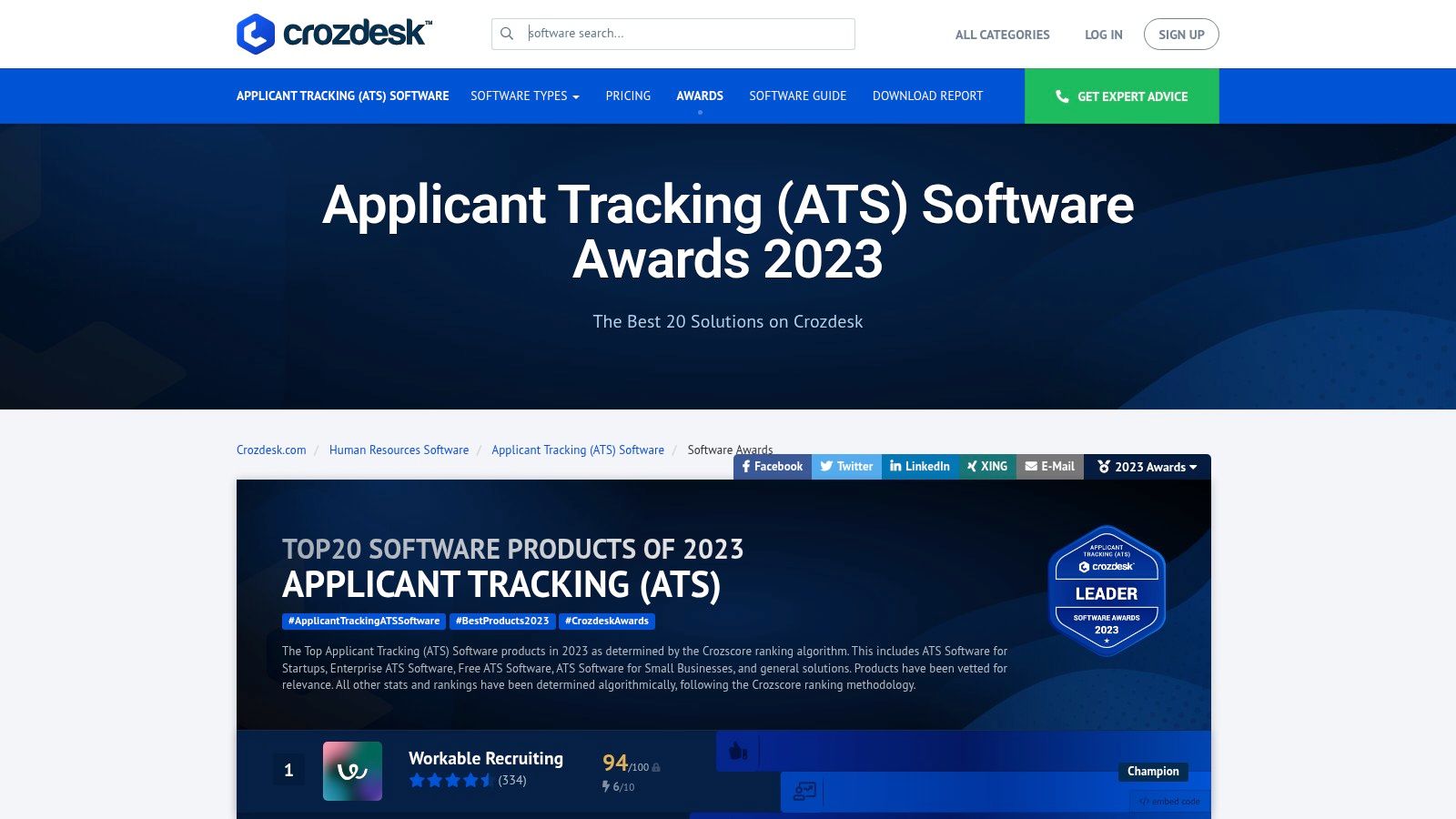
The platform’s signature feature is its "Software Market Radar," a quadrant-style visualization that plots vendors based on factors like market position and user satisfaction. This provides a clear, at-a-glance understanding of who the established leaders, contenders, and emerging players are. This visual aid, combined with downloadable buyer guides, equips decision-makers with the context needed to structure vendor demos and internal requirement discussions effectively.
Key Features & How to Use Them
- Market Radar Visualization: Use this visual tool to get a quick snapshot of the vendor landscape. It’s perfect for identifying both well-established leaders and innovative "Challengers" that might offer more competitive pricing or niche features.
- Top 20 Lists & Buyer Reports: These curated lists and downloadable guides offer a deeper dive into top-performing systems. Pro Tip: Download the buyer's guide before scheduling demos; it provides a structured framework of questions to ask potential vendors.
- AI-Driven Recommendations: Input your specific feature requirements, company size, and budget, and Crozdesk’s recommendation engine will generate a tailored shortlist of suitable ATS solutions, saving significant research time.
Pros:
- Excellent visual snapshot of market leaders vs. challengers
- Helpful buyer guides for structuring demos and RFPs
- AI-powered tool simplifies the shortlisting process
Cons:
- Some awards or reports may not be updated to the current year
- Access to buyer guides and in-depth reports requires form submission
Website: https://crozdesk.com/human-resources/applicant-tracking-ats-software/top-list
8. SelectSoftware Reviews – Best ATS Buyer Guide
SelectSoftware Reviews offers a distinct, editorial approach to building your list of ATS systems. Instead of relying solely on crowd-sourced reviews, it functions as a hands-on buyer's guide, providing opinionated, in-depth analysis from an HR tech expert perspective. It’s an ideal resource for buyers who want curated recommendations and actionable advice rather than just a directory.
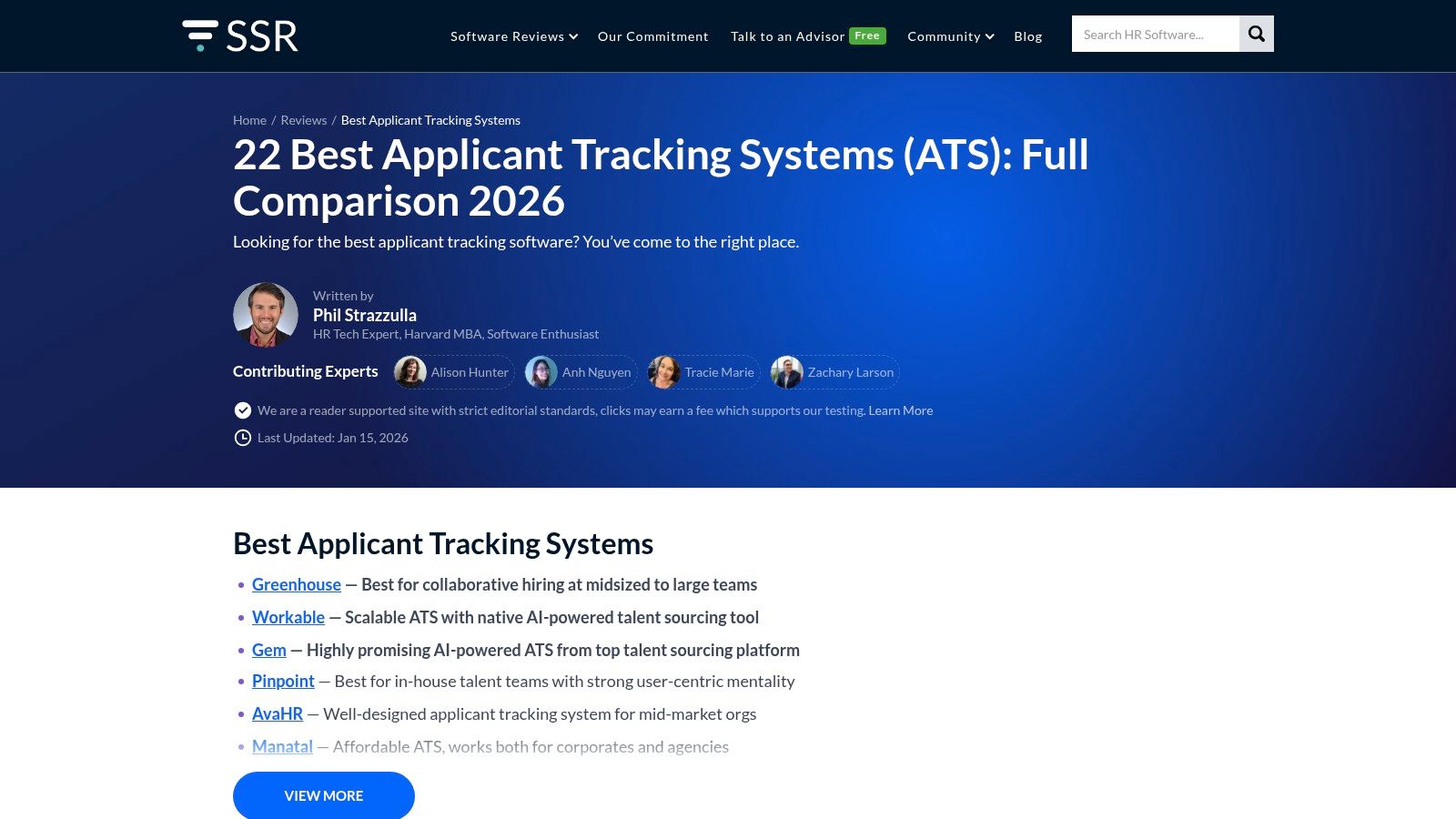
The site excels at cutting through the noise by categorizing vendors with specific “best for” use cases, such as "Best for Staffing Agencies" or "Best for Small Business." This focused approach, combined with practical implementation checklists and pricing guidance, helps you move from research to decision-making more efficiently. It translates complex vendor landscapes into clear, strategic choices tailored to specific business needs.
Key Features & How to Use Them
- Hands-On Vendor Analysis: The guides are built on expert analysis, not just user scores. Pro Tip: Use their head-to-head comparisons for a direct, feature-level breakdown between your top two or three contenders to pinpoint the decisive differences.
- "Best For" Use Cases: The content is structured around specific needs (e.g., industry, company size). This allows you to quickly identify a shortlist of vendors that are already vetted for your particular context, saving significant research time.
- Implementation and Budgeting Guides: Beyond vendor selection, the site provides checklists and articles on how to budget for, implement, and get ROI from your new ATS. This is crucial for first-time buyers who need guidance on the entire procurement process.
Pros:
- Actionable, opinionated insights that go beyond generic reviews
- Focus on practical use cases and implementation helps decision-making
- Frequently updated with a strong focus on the U.S. buyer market
Cons:
- Covers fewer total products compared to massive directories like G2
- Featured or sponsored vendors may receive more prominent placement
Website: https://www.selectsoftwarereviews.com/buyer-guide/applicant-tracking-systems
9. SelectHub – Top Applicant Tracking Systems
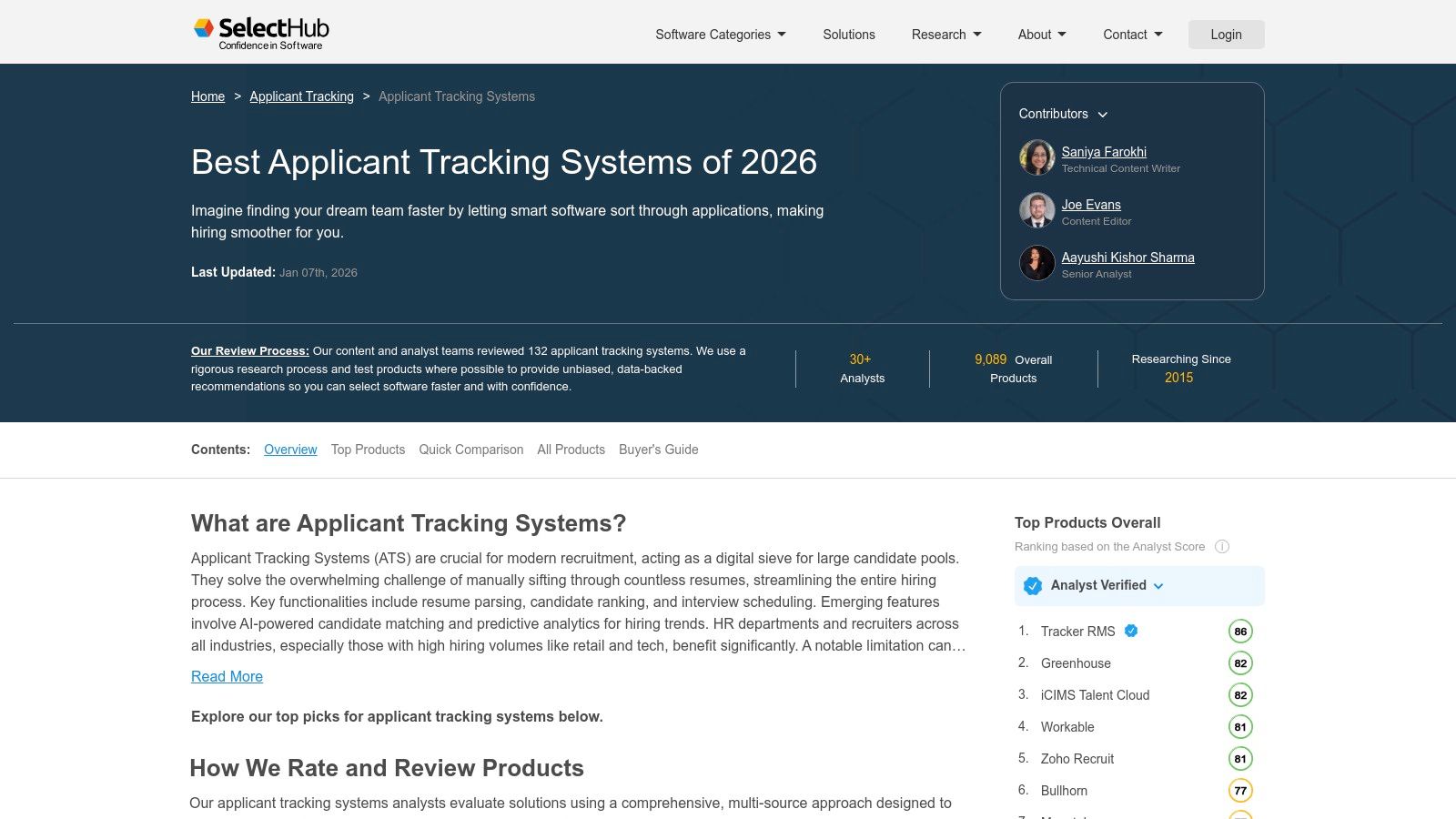
SelectHub caters to buyers who need a more structured and analytical approach to software procurement. Rather than just a review aggregator, it functions as a guided evaluation platform, helping teams build a documented business case for their chosen ATS. This makes it an essential resource for companies with formal RFI/RFP processes or those needing to justify their purchasing decisions to stakeholders.
The platform distinguishes itself with analyst-verified scorecards and detailed capability rankings. Instead of relying solely on user sentiment, SelectHub provides data-driven comparisons that allow you to filter and rank systems based on specific functionalities like AI-driven sourcing, mobile recruiting capabilities, or integration depth. This is particularly useful for teams that have already defined their technical requirements and need to find a system that precisely matches them.
Key Features & How to Use Them
- Analyst Scorecards and Shortlist Tools: Use these tools to create a data-backed shortlist. The scorecards give you a pre-vetted starting point, while the platform allows you to document your choices and collaborate with your team directly within a comparison workspace.
- Capability-Specific Rankings: Before you even start looking at vendors, identify your most critical needs (e.g., onboarding, automation). Use SelectHub’s filters to see which ATS solutions lead the pack in those specific areas, saving significant research time.
- Comparison Workspaces & Demo Requests: Move beyond simple lists by creating a project workspace to manage your evaluation. You can invite team members, assign tasks, and request demos from your shortlisted vendors all in one place.
Pros:
- Excellent for structured procurement, RFIs, and RFPs
- Breaks down system strengths by specific capability area
- Provides data-driven analyst reports alongside user reviews
Cons:
- Requires signup to access deeper reports and comparison tools
- Smaller corpus of user reviews compared to G2 or Capterra
Website: https://www.selecthub.com/c/applicant-tracking-systems/
10. TechTarget | SearchHRSoftware – Top ATS Lists/Guides
TechTarget’s SearchHRSoftware channel functions less as a direct marketplace and more as an expert editorial resource. For companies building a list of ATS systems, especially in the mid-market to enterprise space, it provides curated guides and in-depth articles that go beyond surface-level feature lists. It is an excellent source for understanding the strategic implications of choosing one ATS over another.
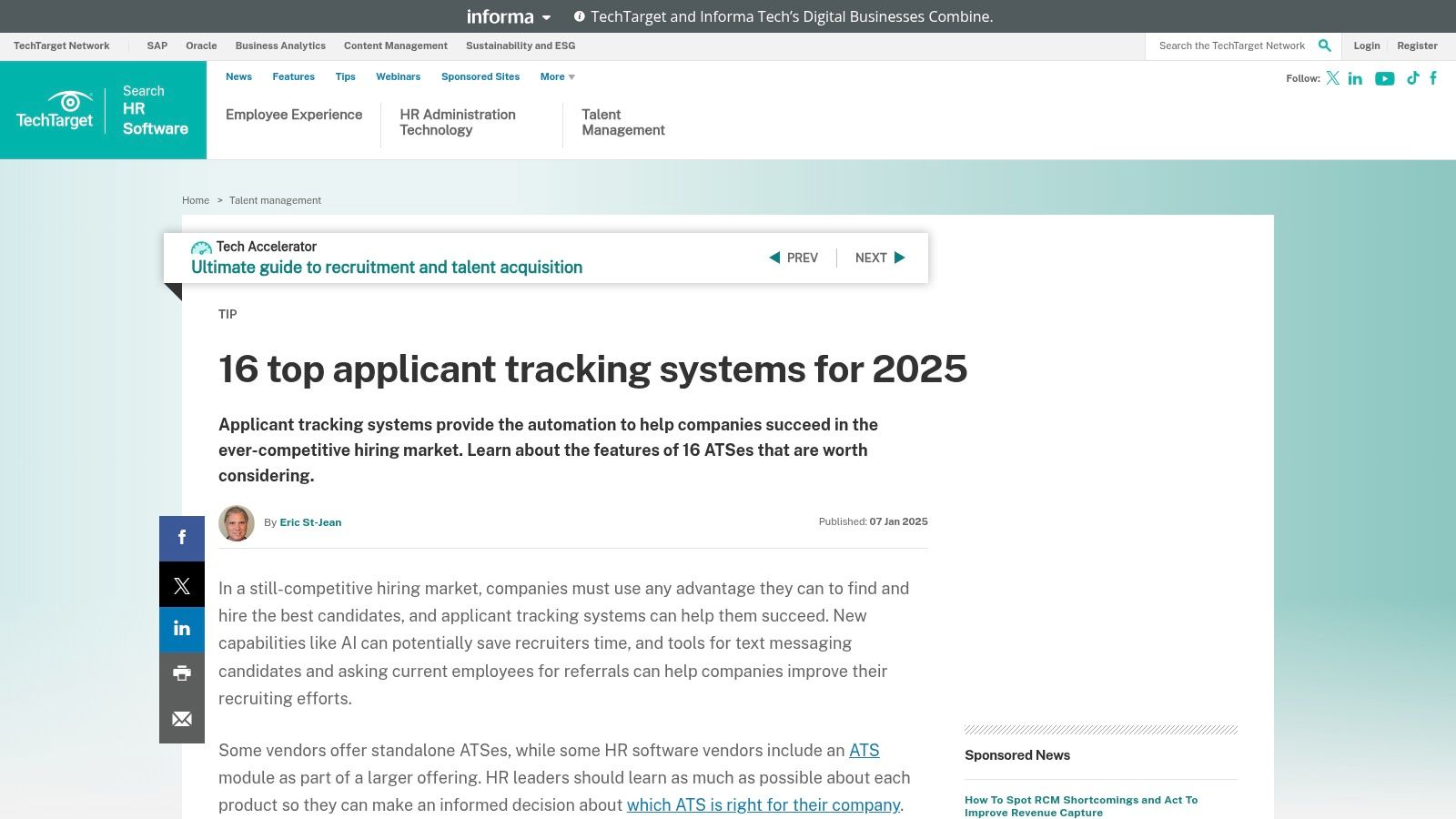
The platform excels at dissecting complex topics and explaining key differentiators that are critical for larger organizations. Instead of just listing features, its articles explain the practical impact of advanced capabilities like integrated Candidate Relationship Management (CRM), robust analytics for DEI (Diversity, Equity, and Inclusion) tracking, and seamless API integrations. This context helps decision-makers move from a simple feature comparison to a more strategic evaluation of how a system will align with broader business goals.
Key Features & How to Use Them
- Editorial Write-Ups: These articles provide nuanced analysis with clearly stated pros, cons, and often the ownership context of a vendor (e.g., if it was recently acquired). Pro Tip: Use these guides to prepare questions for vendor demos, focusing on the potential limitations or enterprise-specific challenges highlighted in the analysis.
- Enterprise-Grade Insights: The content specifically addresses topics like DEI, CRM functionality, and advanced analytics. Use these sections to validate whether a potential ATS can support your company's strategic HR initiatives, not just its basic recruiting workflow.
- Curated Long-Lists: The lists serve as a well-vetted starting point. Rather than sifting through hundreds of options, your team can use TechTarget's curated selections to kickstart internal discussions about which systems best fit your company’s scale and complexity.
Pros:
- Excellent perspective for mid-market and enterprise buyers
- Explains complex differentiators with practical examples
- Provides strategic context beyond basic feature checklists
Cons:
- Not an e-commerce platform; you must click out to vendors for demos
- Coverage is limited to a curated set of systems, not the entire market
Website: https://www.techtarget.com/searchhrsoftware/tip/Top-16-applicant-tracking-systems
11. Forbes Advisor – Best Applicant Tracking Systems
Similar to G2, Forbes Advisor provides another essential research hub for anyone building a list of ATS systems. It offers editorially curated rankings of top platforms, broken down into easily digestible “best for” categories like "Best for Small Business" or "Best for Ease of Use." This approach provides a quick, high-level orientation for buyers who are just beginning their search and need to benchmark key players.
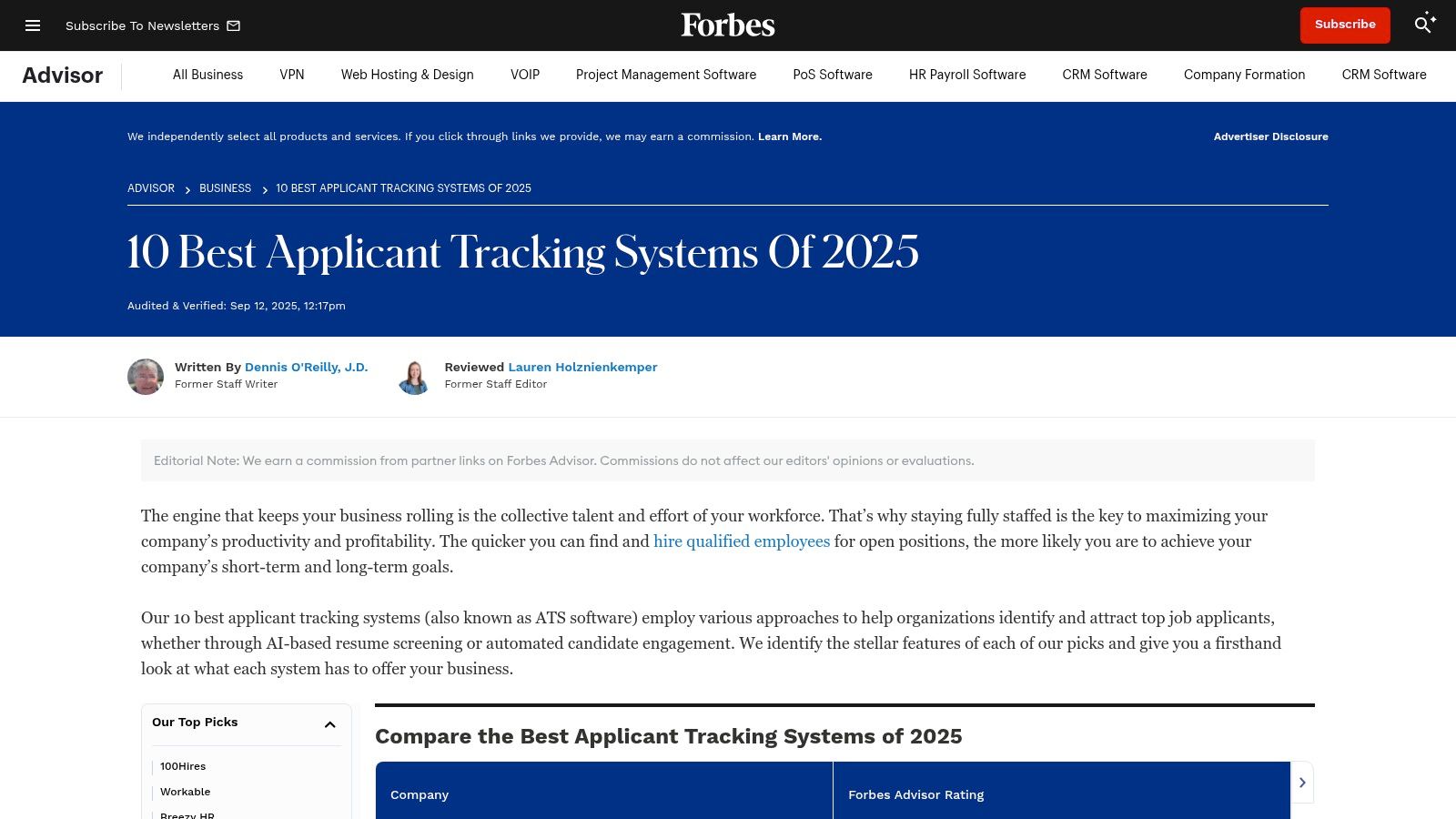
The platform’s real value lies in its transparent scoring rubrics and pricing snippets. Each reviewed ATS is scored on criteria like cost, general features, support, and ease of use, giving you a standardized way to compare options. Forbes Advisor excels at demystifying complex software with plain-English summaries, making it particularly useful for non-technical stakeholders who need to quickly grasp what each system offers without getting lost in jargon. If you're a job seeker trying to understand the landscape from the other side, a job application tracking system designed for individuals can offer complementary benefits.
Key Features & How to Use Them
- Scoring Rubrics: Pay close attention to the scoring breakdown for each vendor. A low score in "Customer Support" might be a red flag, while a high score in "Ease of Use" could be a major selling point for your team.
- Starting Price Snippets: Use the provided pricing notes to get a ballpark idea of budget requirements. This is a great way to quickly eliminate vendors that are clearly outside your price range before you even engage with a sales team.
- "Best For" Categories: Start with the category that most closely matches your business profile. This curated approach helps you focus on the most relevant options first, saving significant research time.
Pros:
- Quick way to benchmark costs and shortlist top-tier options
- Accessible, plain-English summaries for non-technical buyers
- Clear and transparent scoring methodology
Cons:
- Limited vendor count; the list is not exhaustive
- Editorial picks are subjective and may change year-to-year
Website: https://www.forbes.com/advisor/business/best-applicant-tracking-systems/
12. Gartner Peer Insights – Talent Acquisition (Recruiting) Suites
Where G2 excels for broad market feedback, Gartner Peer Insights provides a more focused lens for enterprise-level buyers compiling their list of ats systems. It isn't just a review site; it's a strategic procurement tool that frames peer feedback within the context of Gartner's renowned industry research, such as the Magic Quadrant for Talent Acquisition Suites. This makes it invaluable for large organizations where risk assessment and long-term vendor viability are paramount.
The platform is designed for C-suite leaders, IT decision-makers, and HR executives who need to justify significant software investments. Its strength is in connecting real-world user experiences with high-level market analysis, providing validation for enterprise procurement teams. You can filter reviews by company revenue, industry, and deployment region, ensuring the feedback aligns with the complexities of a large-scale implementation.
Key Features & How to Use Them
- Peer Reviews from Enterprise Users: The reviews here are sourced from users at large corporations, offering insights into scalability, integration, and vendor support at an enterprise level. Pro Tip: Look for the "Voice of the Customer" (VoC) report, which synthesizes peer feedback into an actionable market perspective.
- Willingness-to-Recommend Metrics: This metric is a powerful indicator of overall satisfaction and product loyalty, cutting through feature-level noise to give a clear signal on a vendor's performance.
- Integration with Gartner Research: Peer Insights complements Gartner's expert analysis. Use the reviews to validate the vendor positioning you see in a Magic Quadrant or Critical Capabilities report, creating a 360-degree view.
Pros:
- Strong signal for large-organization buyers needing suite-level context
- Excellent for risk assessment and validating procurement decisions
- Directly connects user feedback to expert industry research
Cons:
- Heavier focus on enterprise suites versus standalone SMB ATS
- Some content and the full depth of Gartner research are gated or require a paid subscription
Website: https://www.gartner.com/reviews/market/talent-acquisition-recruiting-suites
Top 12 ATS Review Sites Comparison
| Source | Core features ✨ | Quality / Trust ★ | Pricing / Value 💰 | Target audience 👥 | Unique selling point 🏆 |
|---|---|---|---|---|---|
| G2 – Applicant Tracking Systems (ATS) | Real-time rankings, side-by-side comparisons, verified reviews ✨ | ★★★★★ Verified reviews & segment filters | 💰 Free to browse; many vendors “contact sales” | 👥 Broad buyers / procurement teams | 🏆 Live rankings + widest vendor coverage |
| Capterra – Applicant Tracking Software | Extensive filters (pricing/deployment/features), buyers guides ✨ | ★★★★ Strong moderation; U.S.-centric | 💰 Pricing ranges & tiers shown (varies) | 👥 Buyers researching pricing & options | 🏆 Deep catalog + practical pricing primers |
| GetApp – Applicant Tracking Software | Top-rated lists, starting prices, save/compare tools ✨ | ★★★★ Recency-stamped lists & review counts | 💰 Starting prices visible for many tools | 👥 SMBs & quick screeners | 🏆 Fast screening with price transparency |
| Software Advice – ATS Category | Side-by-side scoring, pricing model articles, concierge ✨ | ★★★★ Guided comparisons & “best for” badges | 💰 Starting price callouts; some “get price” | 👥 First-time buyers & small HR teams | 🏆 Concierge matching + buyer education |
| TrustRadius – Applicant Tracking Systems | Structured pros/cons, alternatives, educational content ✨ | ★★★★ Narrative, in-depth user insights | 💰 Few public prices; strong qualitative value | 👥 Implementers & technical buyers | 🏆 Real-world implementation detail |
| SourceForge – Best Applicant Tracking Systems | Filterable list, open-source & hosting types ✨ | ★★★ Mixed listing depth; discovery-focused | 💰 Starting prices & freemium indicators | 👥 Cost-conscious buyers & self-hosters | 🏆 Good for open-source / low-cost finds |
| Crozdesk – Applicant Tracking (ATS) | Market Radar, Top 20 lists, AI recommendations ✨ | ★★★ Algorithmic rankings & snapshots | 💰 Reports/info may require form submission | 👥 Buyers prepping RFPs / analysts | 🏆 Market radar + AI-driven vendor match |
| SelectSoftware Reviews – Best ATS Buyer Guide | Hands-on vendor analysis, implementation checklists ✨ | ★★★ Opinionated editorial & frequent updates | 💰 Pricing guidance & budgeting tips | 👥 Buyers wanting actionable advice | 🏆 Practical, hands-on buyer guidance |
| SelectHub – Top Applicant Tracking Systems | Analyst scorecards, capability filters, RFI tools ✨ | ★★★★ Analyst-verified scoring & scorecards | 💰 Deeper reports require signup | 👥 Procurement teams & enterprise RFPs | 🏆 Structured procurement & capability breakdowns |
| TechTarget | Editorial write-ups, enterprise differentiators, curated long-lists ✨ | ★★★★ Enterprise-grade editorial insight | 💰 Editorial — click out to vendor pricing | 👥 Mid-market & enterprise buyers | 🏆 Explains enterprise differentiators (DEI/analytics) |
| Forbes Advisor – Best ATS | Editorial rankings, scoring rubrics, starting-price notes ✨ | ★★★★ Accessible scoring & summaries | 💰 Starting-price snippets for top picks | 👥 Non-technical buyers & benchmarkers | 🏆 Clear “best for” categories for shortlists |
| Gartner Peer Insights – Talent Acquisition Suites | Peer reviews, industry/size filters, Gartner links ✨ | ★★★★★ Enterprise peer reviews & VoC metrics | 💰 Reviews free; full Gartner research often gated | 👥 Enterprise buyers & risk assessors | 🏆 Gartner-backed peer validation & research context |
Beyond the ATS: Optimizing Your Job Search Strategy
Navigating the modern job market requires more than just a polished resume; it demands a strategic approach to the very systems that govern the hiring process. Throughout this article, we've explored an extensive list of ATS systems, from comprehensive review platforms like G2 and Capterra to expert-guided resources like Forbes Advisor and Gartner Peer Insights. Each resource provides a window into the world of talent acquisition software, revealing the features, functionalities, and workflows that recruiters and hiring managers use daily to sort through thousands of applications.
The primary takeaway is that while these systems vary in complexity and target user, from small businesses using tools like Breezy HR to enterprises relying on giants like Taleo or Workday, their core function remains the same: to streamline and automate the candidate filtering process. For a job seeker, this means your application is not just being read by a human; it's being parsed, scored, and ranked by an algorithm first. This realization should fundamentally shift how you approach your job search.
Turning Knowledge into Action
Understanding the landscape of applicant tracking systems is your first strategic advantage. You now know that customization, keyword optimization, and clean formatting are not just best practices; they are essential requirements for passing the initial digital gatekeepers. The key is to move from passive knowledge to active implementation. This involves treating each application as a unique project, requiring careful alignment with the specific job description.
Your strategy should now incorporate several critical steps:
- Systematic Customization: For every application, meticulously tailor your resume and cover letter. Identify the core skills, qualifications, and keywords from the job posting and ensure they are prominently and naturally integrated into your documents.
- Format for Parsability: Avoid complex formatting elements like tables, columns, images, and non-standard fonts that can confuse ATS parsers. A clean, chronological format is often the safest and most effective choice.
- Strategic Keyword Integration: Think like a recruiter. What terms would they use to search for a candidate like you? Incorporate these industry-specific and role-specific keywords throughout your resume, especially in your summary, skills, and experience sections. Preparing your application requires a deep dive into how these systems operate; for instance, by understanding ATS filter rules, you can significantly improve your chances of being seen by a human reviewer.
The Job Seeker's Toolkit: Beyond the Recruiter's ATS
While this list of ATS systems focuses on the tools companies use, the most successful job seekers build their own technology stack to manage the process from their end. An ATS is designed for employers to manage candidates, not for candidates to manage their applications. Relying on spreadsheets, notes, or your inbox to track dozens of applications can quickly lead to disorganization, missed follow-ups, and a lack of insight into what’s working.
This is where a personal job application tracker becomes a non-negotiable asset. A dedicated platform like Eztrackr is designed specifically for the job seeker's workflow. It allows you to:
- Visualize Your Pipeline: Use a Kanban board to move applications through stages like "Applied," "Interviewing," and "Offer," giving you a clear, at-a-glance view of your entire job search.
- Centralize Your Data: Store every version of your resume, each tailored cover letter, and notes from every interview in one organized location. This prevents confusion and ensures you have all the necessary context for follow-ups.
- Analyze Your Performance: Track metrics like application-to-interview rates. By analyzing this data, you can identify which strategies are most effective and double down on what works, refining your approach over time.
Ultimately, mastering your job search in an ATS-dominated world is a two-part equation. First, you must understand the systems you're up against and prepare your application materials to succeed within them. Second, you must equip yourself with the right tools to manage your own efforts with the same level of organization and efficiency as the companies you're applying to. By combining this knowledge with a powerful personal management system, you transform the job search from a reactive, often frustrating process into a proactive, data-driven campaign, placing you firmly in control of your career journey.
Ready to take control of your job search and navigate the ATS landscape like a pro? Eztrackr is the all-in-one platform built for ambitious job seekers, helping you organize applications, generate AI-powered materials, and analyze your success. Stop juggling spreadsheets and start landing interviews by trying Eztrackr today.